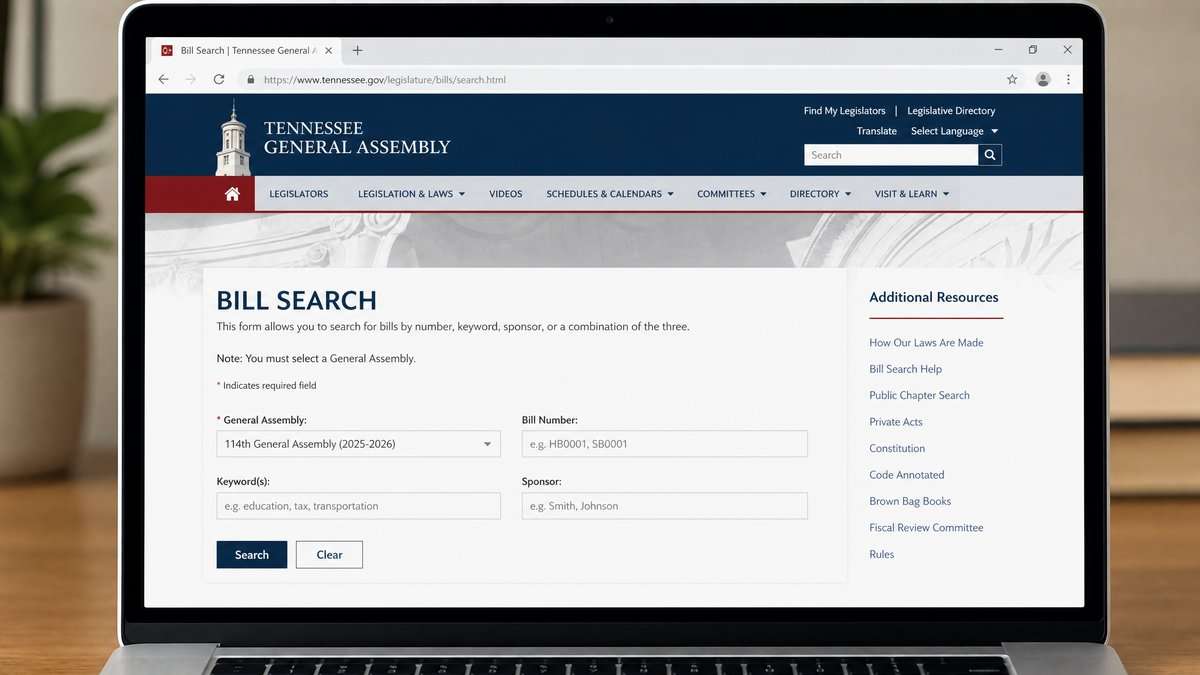
When the Tennessee General Assembly is in recess, it can feel like legislative activity has paused. The public record, however, remains available. You can still find bills, read what actions have been recorded, and prepare for the next convening using the state’s official online tools. This guide explains how to use Tennessee bill tracking official records to understand where a bill stands during a recess and what to look for on the state’s websites.
What a legislative recess means for public records
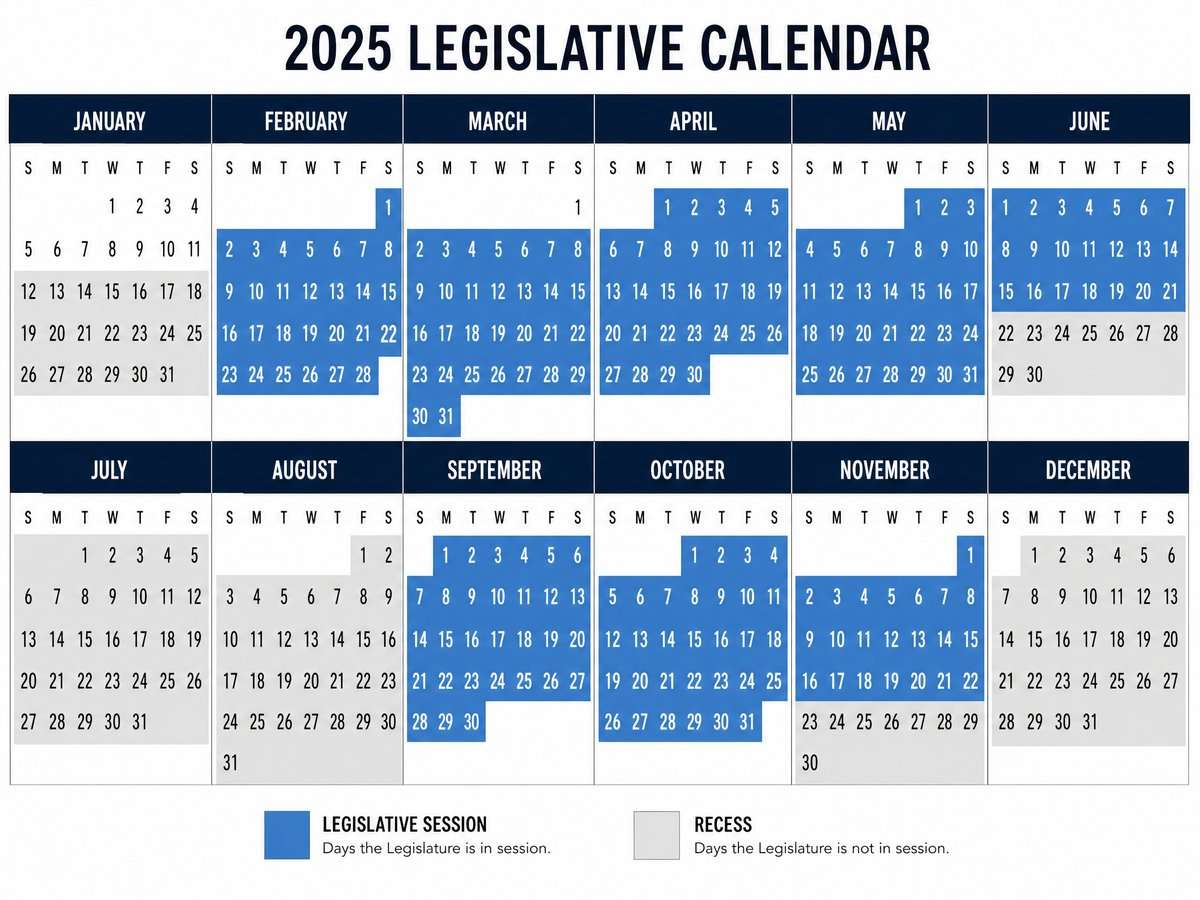
A recess is a period when the legislature is not meeting for floor sessions and most committee work. While new actions are less frequent, the status of bills and their histories remain part of the official record. During a recess you can review what has already been filed, how far a proposal progressed, and what the last recorded action was before the break. That gives you a reliable snapshot to return to when the General Assembly resumes.
Start at the official Tennessee General Assembly portal
The state’s central entry point for legislative information is the Tennessee General Assembly’s official website. As a point-in-time note, site layouts and menus can change, but the homepage remains the gateway to bill information and session resources. Begin here to orient yourself and navigate to search tools and session materials: Tennessee General Assembly official homepage.
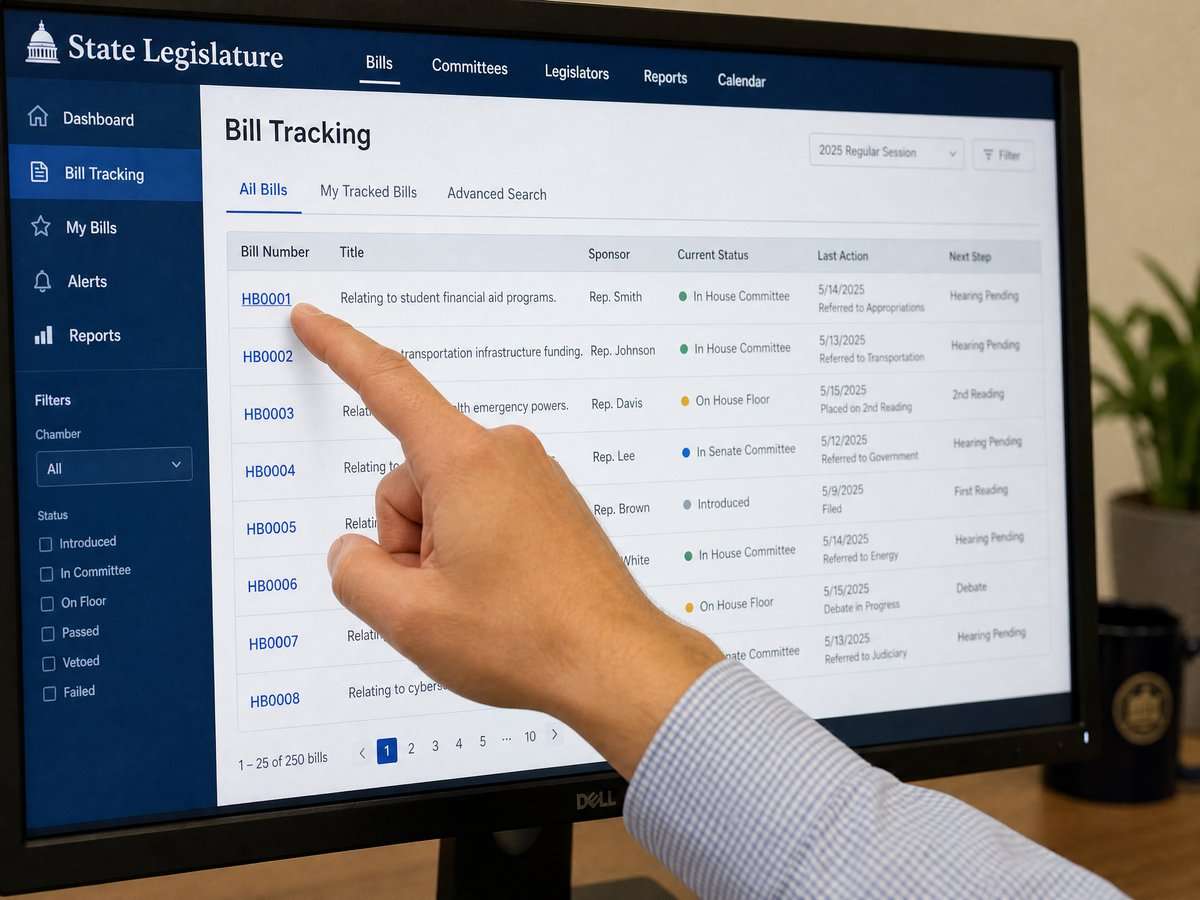
From the homepage, look for links or menus that reference bills, legislation, or search functions. If the homepage layout has changed since your last visit, use the main navigation to locate bill search features or session archives. Because the site is the official host for legislative records, it is the best available place to confirm a bill’s text, status, and recorded actions.
Use Advanced Bill Search to find a bill
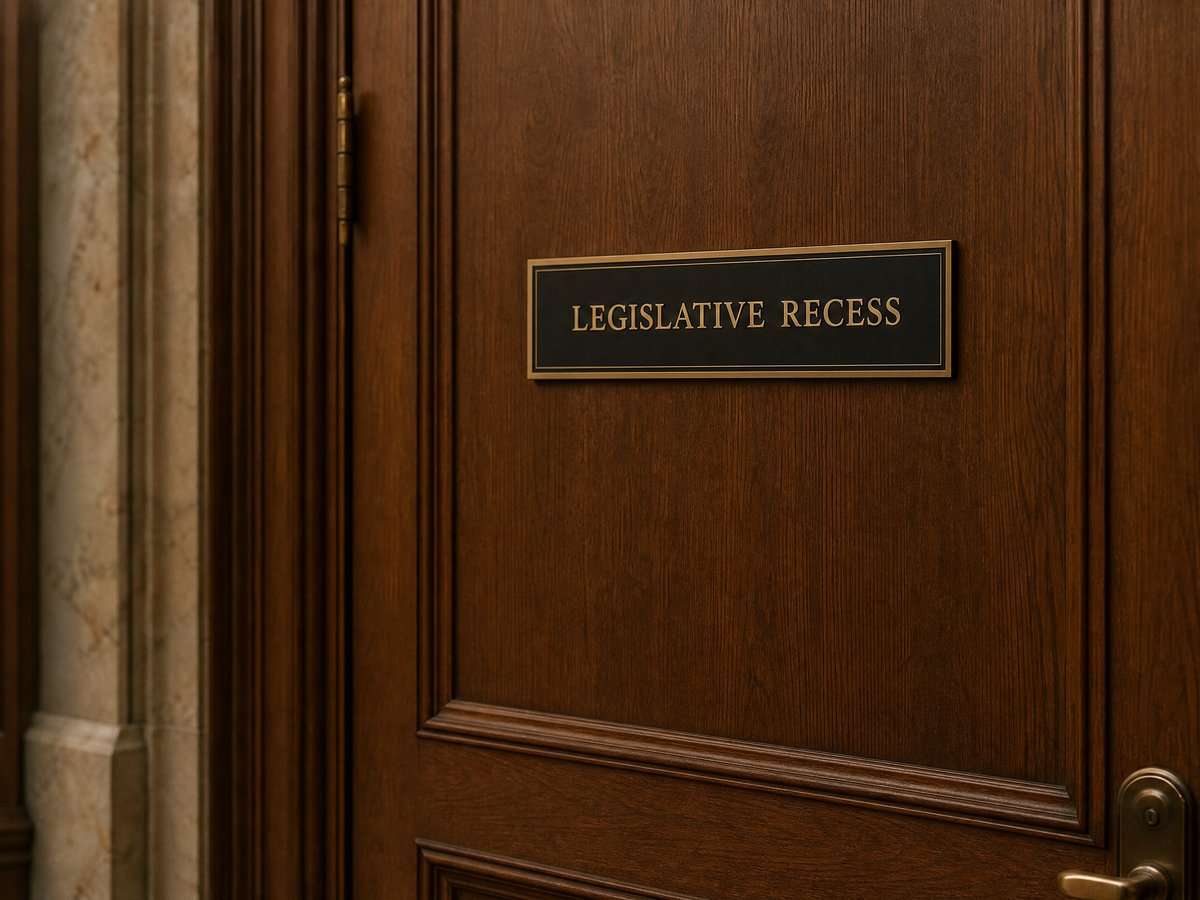
Tennessee provides an advanced search page that lets you look up bills from the current General Assembly and archived assemblies. This is useful during recesses because you can retrieve bill pages and read their recorded histories even when no new actions are being posted. Access it here: Tennessee Advanced Bill Search for current and archived sessions.
Basic steps on the Advanced Bill Search page
- Open the search page and select the assembly or session you want to review, if that option is presented. The page covers the 114th General Assembly and archived sessions.
- Enter a bill number if you know it, or use a keyword that appears in the bill’s caption or subject. You can also try sponsor names or other fields shown on the page.
- Apply any filters that are available (for example, chamber or session year, if listed), then run your search to display matching bills.
- Click the specific bill in the results to open its dedicated bill page, which will display the official record for that proposal.
If you are unfamiliar with bill numbering, note that Tennessee uses different prefixes for proposals originating in each chamber. When in doubt, use a keyword search on the same page to surface likely matches and then confirm you have the correct bill by checking the bill caption and sponsor information on the bill’s page.
Read the bill page like a public record
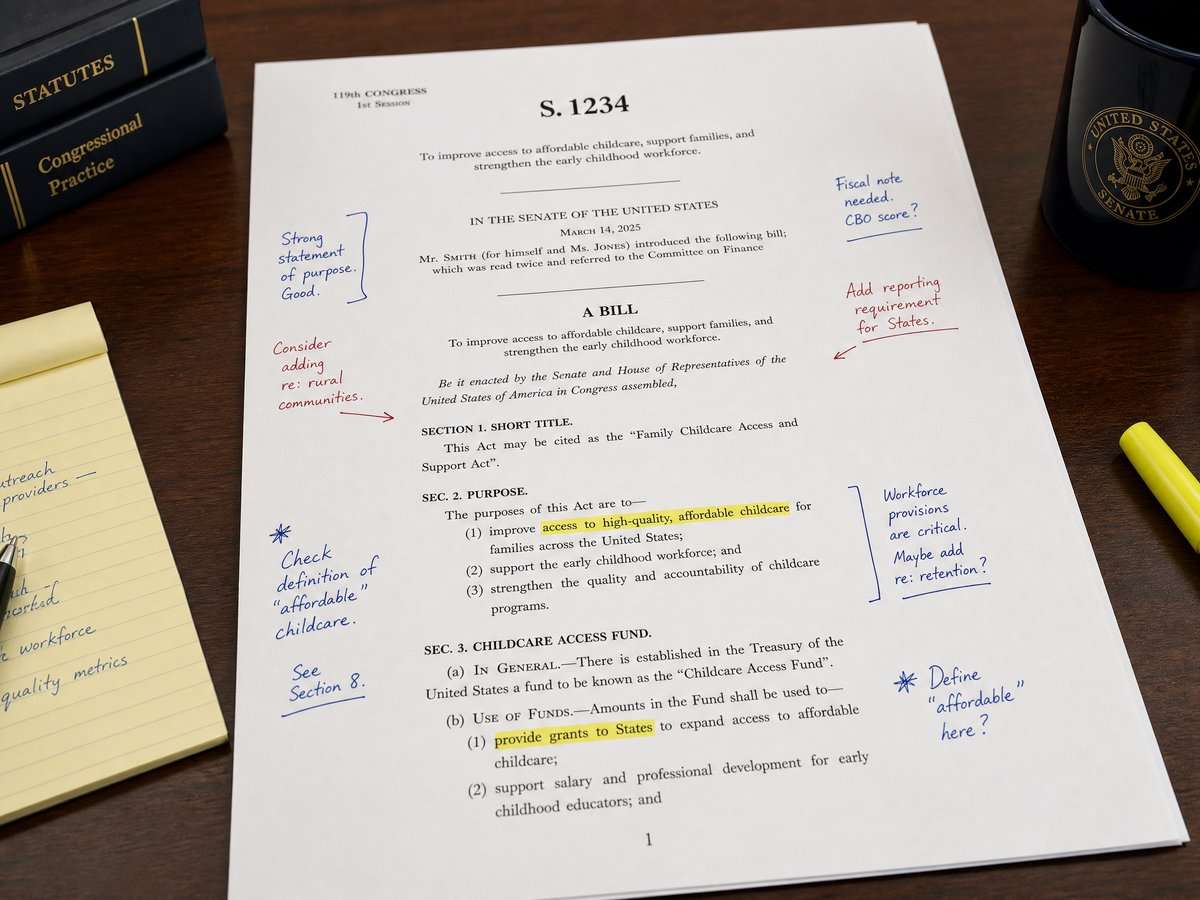
Each bill page on the official site is a public record of the bill’s content and what the legislature has recorded about it. While page layouts can vary over time, bill pages commonly present several types of information:
Download the video transcript (PDF).
- Identification and caption: The bill number and a brief description or caption of the bill’s subject.
- Sponsor information: Names of the legislators who sponsored or co-sponsored the bill.
- Text or versions: Links to the bill text, sometimes in more than one version, reflecting filed or amended language.
- Actions or history: A chronological list of dated steps that have been officially recorded for the bill.
During a recess, the most telling field is usually the last recorded action and its date. That entry indicates where the official process paused. Keep track of that last action so you can quickly see what has changed when you check back.
Map the process through the record trail
Even without live floor sessions, the official bill page can help you understand where a bill stands in the broader process. Tennessee’s legislative process involves multiple stages reflected in the record trail, including introduction, referral to committees, consideration by each chamber, and final steps related to enactment. You do not need insider knowledge to follow this path; the record entries on the bill page provide the structure. When reading, focus on:
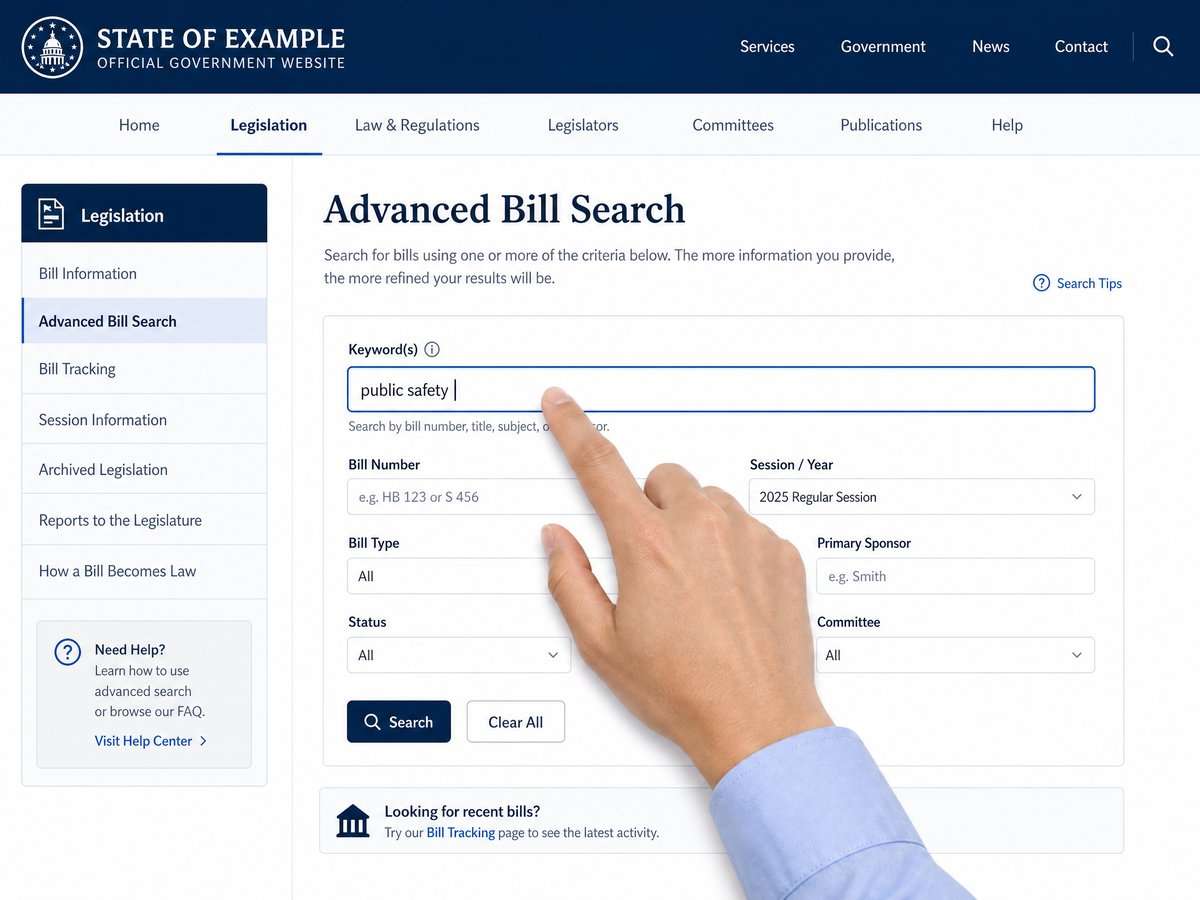
- Sequence: Entries are typically in chronological order. Read from the first recorded action forward to see the path taken.
- Chamber context: Entries may indicate whether an action occurred in the House or Senate. This helps you place the step within the overall bicameral process.
- Noted transitions: Look for entries that indicate movement between committees or between chambers, as these often mark major procedural milestones.
- Final disposition cues: Near the end of a bill’s record, look for entries that signal completion steps, such as transmission to the executive branch or notations showing that the proposal concluded the session without further action. The exact phrasing can vary; rely on how the entry is labeled on the page you are viewing.
Because you are working from official records, use the language as it appears on the page instead of trying to translate it into informal terms. If an action label is unfamiliar, note it and check back later; additional entries posted when the General Assembly reconvenes may clarify what happened next.
Practical tracking during a recess
Even if the pace of postings is slower during a recess, you can set yourself up to track a bill efficiently:
- Bookmark the bill page: Save the URL of each bill you care about. Every official update to that bill’s record will appear on the same page.
- Save the official text: If the page provides links to bill text, download the current version so you have a reference copy for comparison when a new version appears.
- Record the last action and date: Keep a short note with the most recent recorded step and its date. This lets you quickly verify whether anything has changed when you return.
- Schedule periodic check-ins: During long recesses, pick a cadence (for example, monthly) to revisit the bill page. When the Assembly returns, check more frequently while agendas and actions are being posted.
- Use consistent searches: If you track several related proposals, build a standard keyword query on the search page and rerun it each time. Start here: Advanced Bill Search on the official website.
Finding archived bills and prior sessions
Context matters. If a bill topic appears regularly, it can help to review how similar proposals fared in previous assemblies. Tennessee’s advanced search page includes access to archived sessions, allowing you to see earlier text and recorded actions for prior bills. Use the session or assembly selector, if offered, to navigate across years: Tennessee Advanced Bill Search for archived material.
When comparing bills across years, read the captions carefully and confirm you are looking at the correct chamber and session. Bills that sound similar can pursue different approaches; the official text and the recorded actions on each bill page are your anchors for accurate comparison.
Tips for reading official bill texts and actions
- Prefer original sources: When in doubt, go back to the official pages on the state’s site. Begin at the homepage and work inward to the specific bill page referenced above.
- Distinguish summaries from text: A caption or summary helps with orientation, but the officially posted bill text controls what the proposal would change.
- Note version changes: If the page shows more than one version, compare the titles, dates, and any listed identifiers so you know which document you are reading.
- Track by dates: Dates on action entries are crucial. They provide the timeline of recorded steps, which is especially helpful when no new actions are posted during recess.
- Use consistent terminology: When you take notes, copy the wording of action labels as they appear on the page. This reduces confusion later and makes it easier to search.
Plan your next steps when the Assembly reconvenes
During recess, your goal is to get oriented: identify the bill pages, note the last recorded actions, and collect the current texts. When the General Assembly returns, you can continue tracking by revisiting the same official pages for updates. If the site’s menus or labels look different at that time, start at the homepage and follow the most current navigation to bills and search tools: Official Tennessee General Assembly home portal.
If the website looks different from these descriptions
Public websites evolve. As a point-in-time statement, the links in this guide point to the state’s official portals for legislative information. Page design, labels, and navigation can change without notice. If you see a different layout, look for similarly named links to bills, legislation, or search tools on the official homepage, or use the advanced search link referenced above.
Why official records matter for transparency
Official bill pages are primary sources: they present the state’s record of what has been filed and what actions have been recorded. Using them helps avoid confusion from unofficial summaries or social media posts. During a legislative recess, the record may not change often, but the information that is posted remains authoritative for that point in time. By bookmarking the bill page, saving the current text, and noting the last recorded action, you can pick up right where you left off when the Assembly returns to active business.
Sources
- Tennessee General Assembly official portal
- Tennessee Advanced Bill Search (current and archived assemblies)
This article provides general information, not legal advice. Court rules, records, and legal consequences depend on the facts, the forum, and current law; consult a qualified lawyer for advice about a specific situation.
General-information disclaimer: This article is provided for journalism and general information only. It is not legal advice and does not create an attorney-client relationship.
Leave a Reply