Stop Legal Harassment

Court access · Free expression · Accountability

Tag: access to justice

  • Open courts and public confidence: separating access rules from access experiences

    Open courts and public confidence: separating access rules from access experiences

    Open courts and public confidence are closely linked. People evaluate courts not only by what the rules say about transparency, but also by what they experience when they try to observe a hearing or review a case file. In Tennessee, the judiciary publishes guidance and rules that explain how access is supposed to work. Understanding those official sources helps separate the legal framework for access from logistics that can shape a person’s day at the courthouse. That distinction helps connect the theme of Tennessee open courts public confidence to what people actually encounter.

    What “open” means in practice

    In Tennessee, openness is implemented through published procedures. For in-court observation and any recording, the judiciary provides a public explanation of how news coverage requests are handled and what limits may apply. The Tennessee Courts’ page on media attendance and recording describes expectations for decorum, the process for seeking permission to photograph or capture audio/video, and the trial judge’s authority to manage coverage in a specific case (official Tennessee guidance on media attendance and recording). For court records, a centralized Supreme Court Rules index points readers to the rules that govern access to judicial records and the procedures that apply in trial and appellate courts (Tennessee Supreme Court Rules index for access to judicial records).

    Proceedings: attending and recording

    Observing a court session and recording it are not the same thing. Cameras and recording generally must be requested and approved under the court’s rules; the presiding judge decides requests in light of the needs of the case and the administration of justice. The statewide guidance also addresses practical expectations—such as maintaining decorum and following placement or equipment directions—that support order and fairness in the courtroom (statewide media coverage guidance on requests and decorum). These principles reflect a balance: the public’s interest in seeing how courts work, and the court’s responsibility to ensure proceedings are fair, dignified, and efficient.


    Download the video transcript (PDF).

    Records: reading what the court actually decided

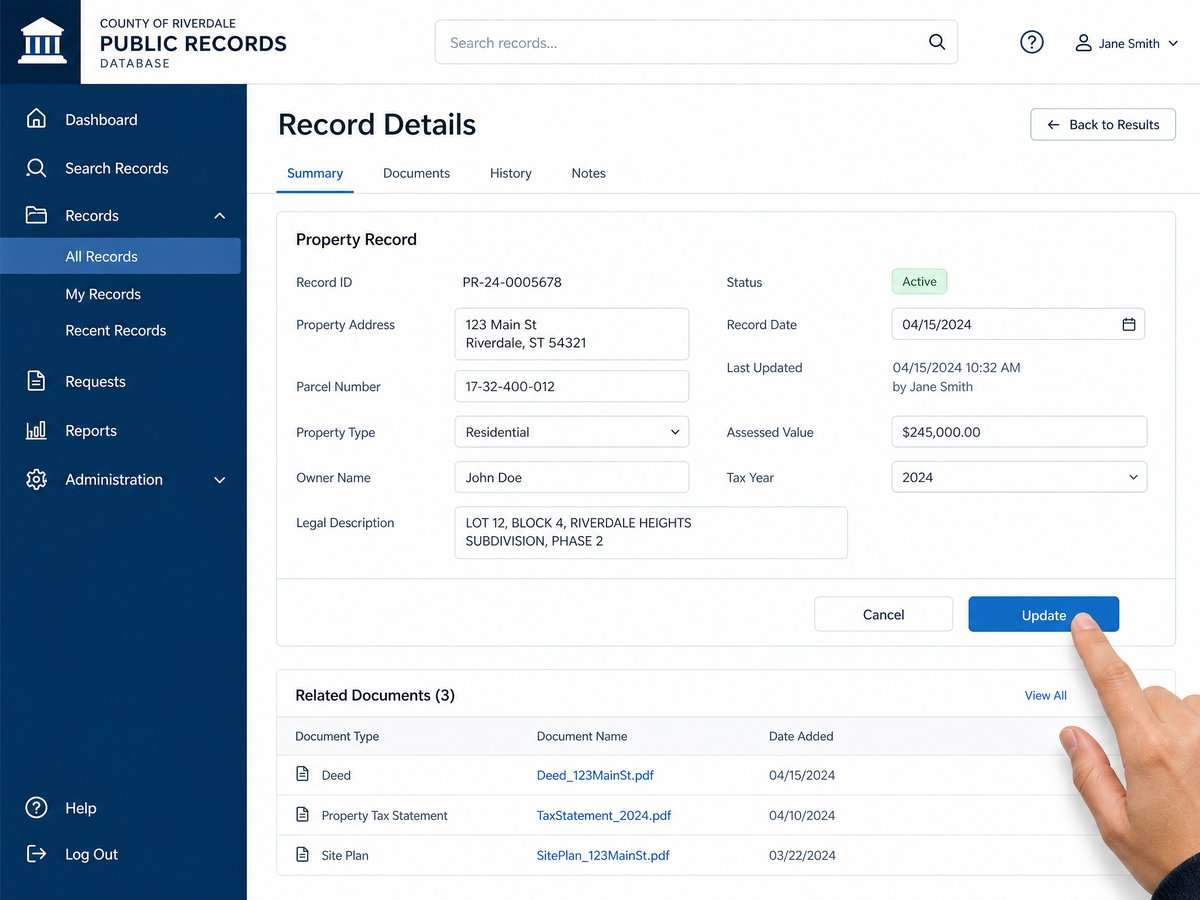
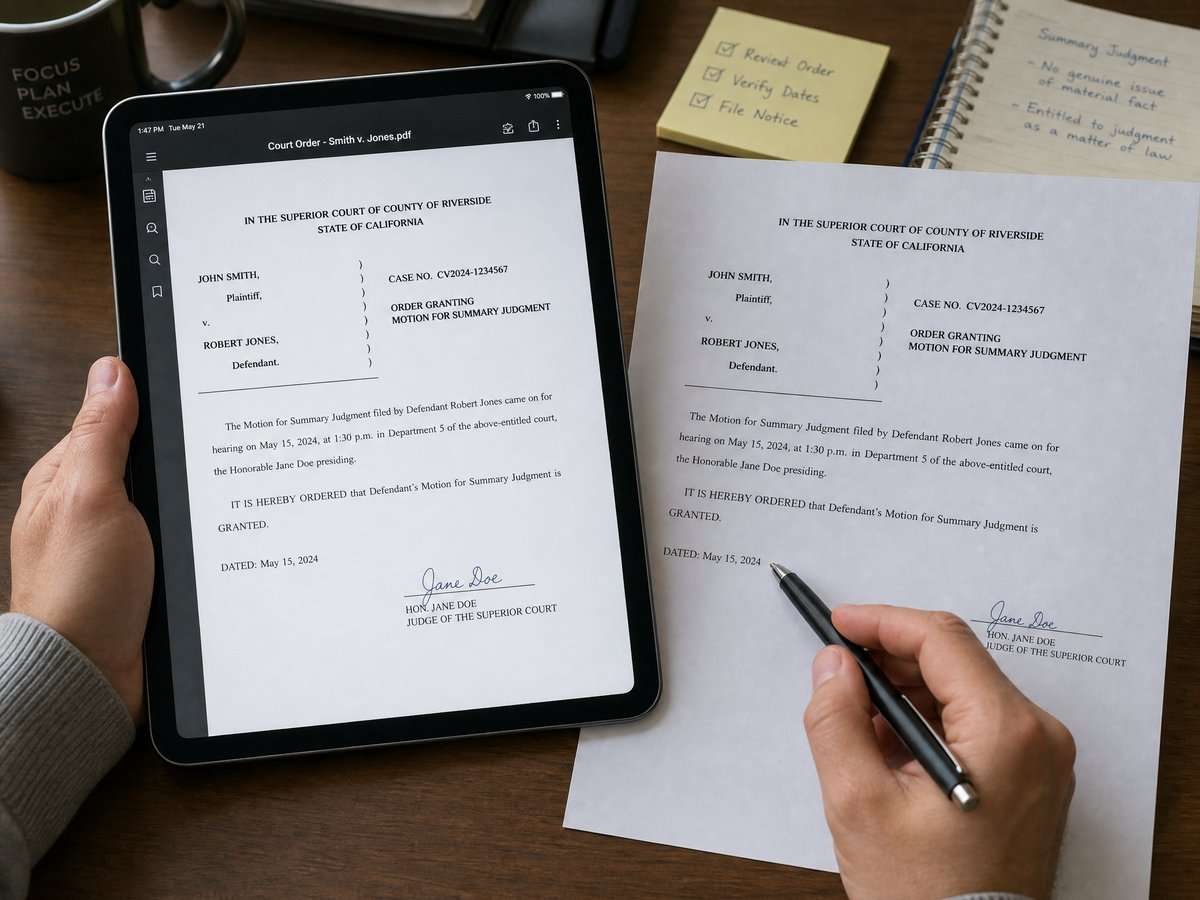
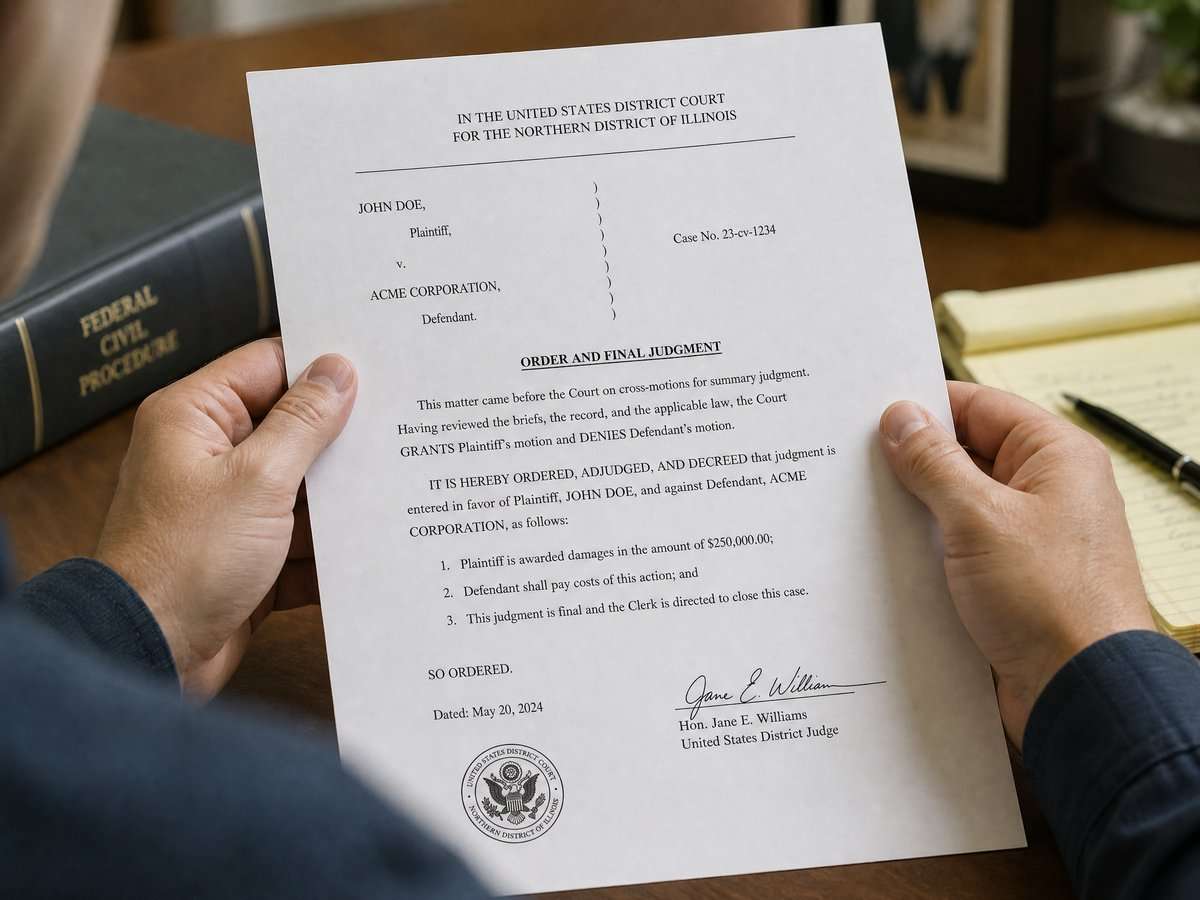
    Transparency also depends on records access. The Supreme Court Rules index provides a roadmap to rules that govern judicial records, including where to find the operative procedures and recognized exceptions (official index of court rules on records access). When you review a file, it helps to separate categories of documents: a complaint or motion is a filing by a party that states allegations or requests; it is not a judicial finding. An order or judgment is the court’s decision on a question presented; it reflects what a judge actually ruled. Dockets and minute entries help trace when events occurred. Keeping these distinctions in mind can reduce confusion about what the court has—or has not—decided.
    Why judicial control supports trust

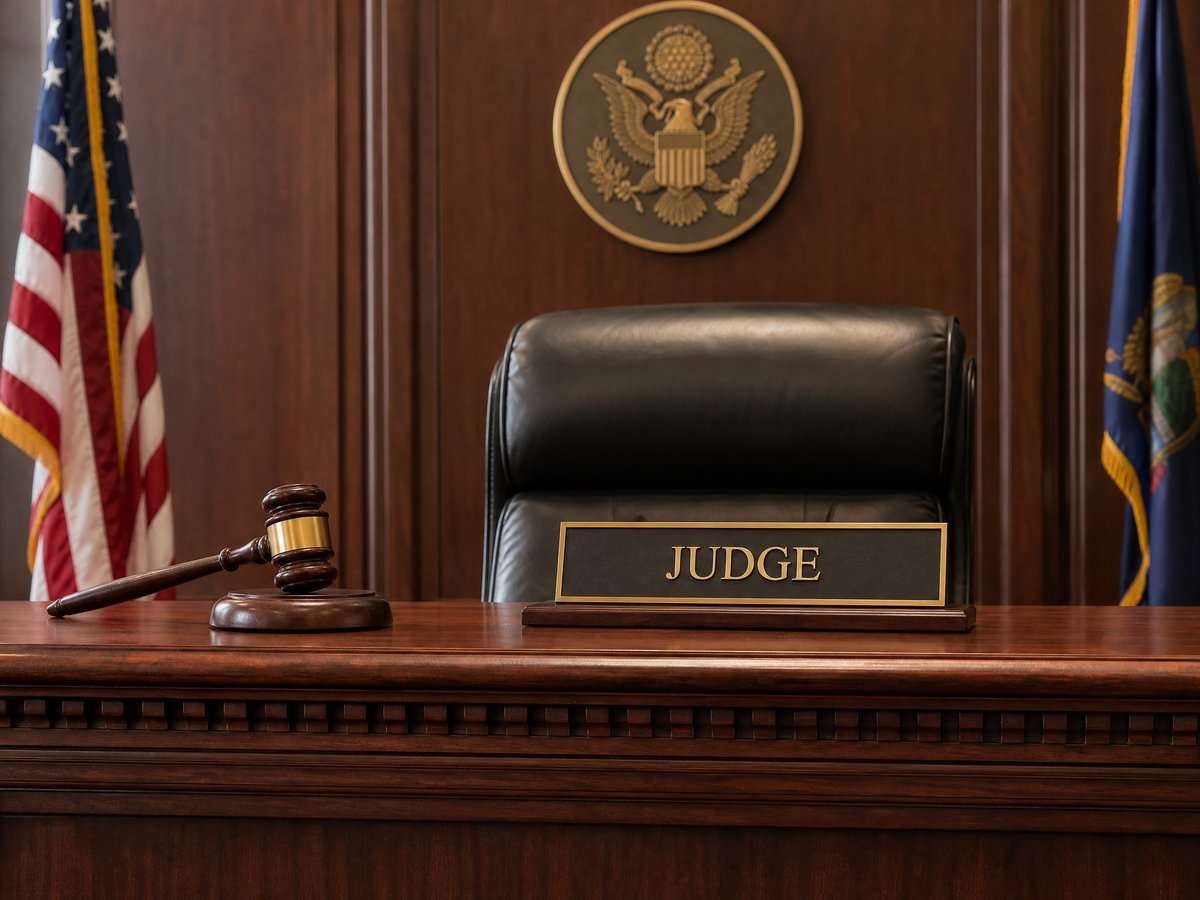
    Public confidence depends on both visibility and fairness. The judiciary’s media-coverage guidance explains that judges have authority to manage recording and coverage to protect the integrity of proceedings and the rights of participants. That authority includes setting conditions on equipment and placement, and limiting recording when necessary under the rules (guidance describing judicial discretion for coverage). Clear, publicly available standards help observers understand that case-by-case decisions flow from written, statewide rules rather than ad hoc preferences.
    Access rules versus access experiences

    Even when rules are clear, real access can feel different because of ordinary logistics. Courthouse screening, full dockets, space constraints, and the need to avoid disruptions can affect where members of the public sit, how long they wait, or whether recording is feasible on a given day. Those circumstances do not change the rules, but they can color a person’s experience of “openness.” Planning ahead—arriving early, understanding that schedules can shift, and confirming whether equipment is allowed—can make the experience more consistent with expectations.

    Putting the official sources to work

    The best way to align expectations with reality is to start from the official sources and plan around them. Before attending a proceeding or seeking to record it, review the statewide guidance on news coverage and its conditions so you know how to make a request and what constraints may apply (Tennessee Courts guidance for media attendance and recording). When you need records, begin at the Supreme Court Rules index to locate the governing rules and understand any procedures and exceptions that may apply (Tennessee Supreme Court Rules index for judicial records access).

    Building and maintaining public confidence

    Open courts are not just a slogan; they are a set of operating commitments reflected in written rules and public-facing procedures. The availability of statewide guidance on recording, and a consolidated index of rules about records, equips the public and press to engage with the courts in ways that respect both transparency and other legal interests. It also gives judges and court staff shared reference points for decisions that inevitably must account for the facts and needs of individual cases. Separating rules from experiences helps set reasonable expectations. A crowded calendar or a denied recording request does not necessarily signal “closed courts” if the outcome follows the written framework. Conversely, knowing the official procedures can make it easier to ask informed questions through appropriate channels. Over time, repeated use of the published guidance and rules can make access more predictable—and predictability is a cornerstone of public trust.

    Sources

    This article provides general information, not legal advice. Court rules, records, and legal consequences depend on the facts, the forum, and current law; consult a qualified lawyer for advice about a specific situation.


    General-information disclaimer: This article is provided for journalism and general information only. It is not legal advice and does not create an attorney-client relationship.
  • How to follow a Tennessee bill through official records during a legislative recess

    How to follow a Tennessee bill through official records during a legislative recess

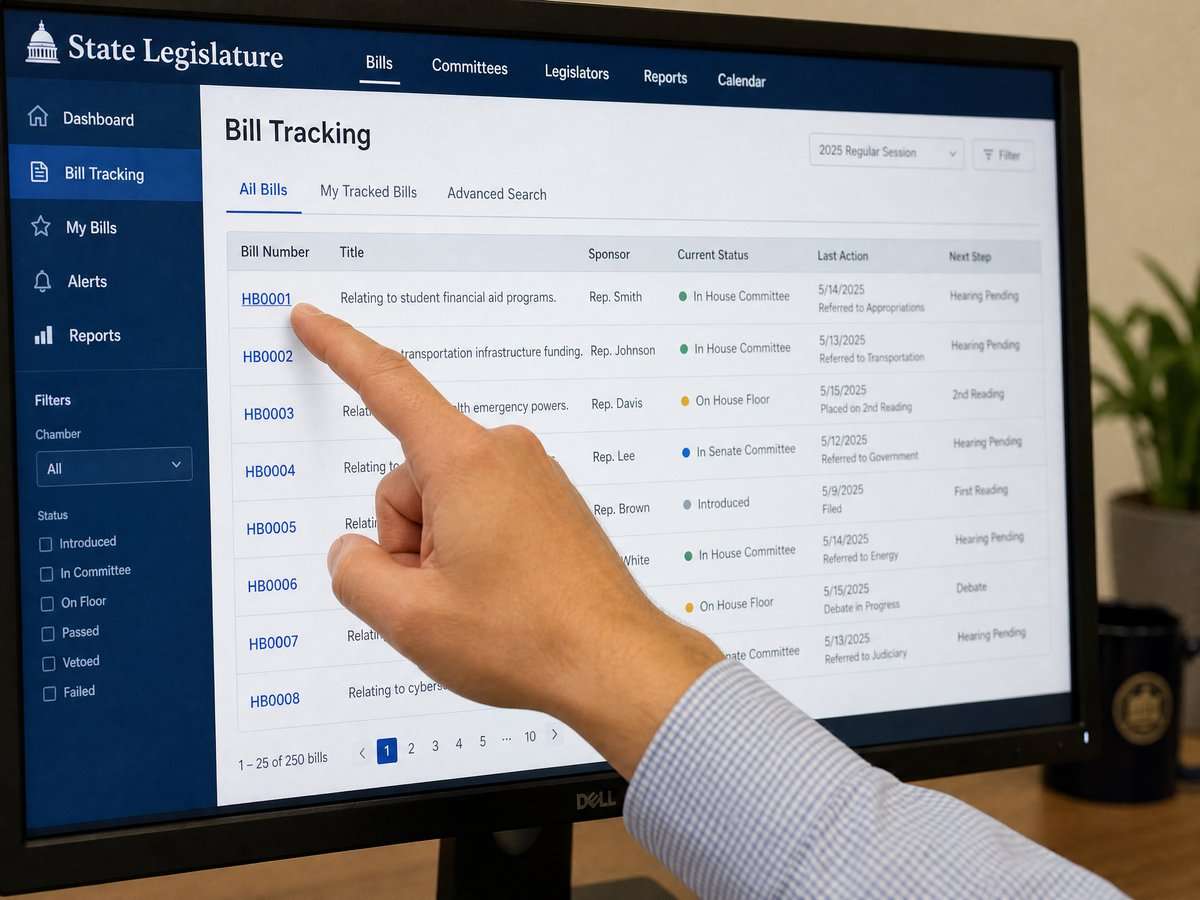
    When the Tennessee General Assembly is in recess, it can feel like legislative activity has paused. The public record, however, remains available. You can still find bills, read what actions have been recorded, and prepare for the next convening using the state’s official online tools. This guide explains how to use Tennessee bill tracking official records to understand where a bill stands during a recess and what to look for on the state’s websites.

    What a legislative recess means for public records

    A recess is a period when the legislature is not meeting for floor sessions and most committee work. While new actions are less frequent, the status of bills and their histories remain part of the official record. During a recess you can review what has already been filed, how far a proposal progressed, and what the last recorded action was before the break. That gives you a reliable snapshot to return to when the General Assembly resumes.

    Start at the official Tennessee General Assembly portal

    The state’s central entry point for legislative information is the Tennessee General Assembly’s official website. As a point-in-time note, site layouts and menus can change, but the homepage remains the gateway to bill information and session resources. Begin here to orient yourself and navigate to search tools and session materials: Tennessee General Assembly official homepage.

    From the homepage, look for links or menus that reference bills, legislation, or search functions. If the homepage layout has changed since your last visit, use the main navigation to locate bill search features or session archives. Because the site is the official host for legislative records, it is the best available place to confirm a bill’s text, status, and recorded actions.

    Use Advanced Bill Search to find a bill

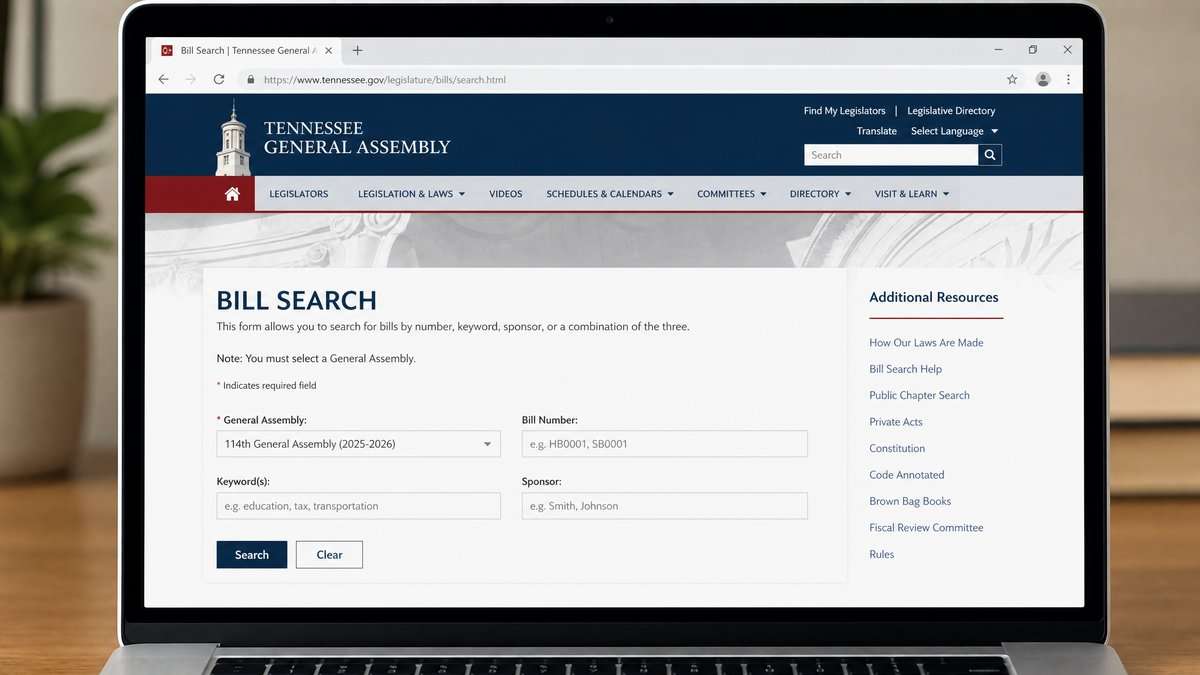
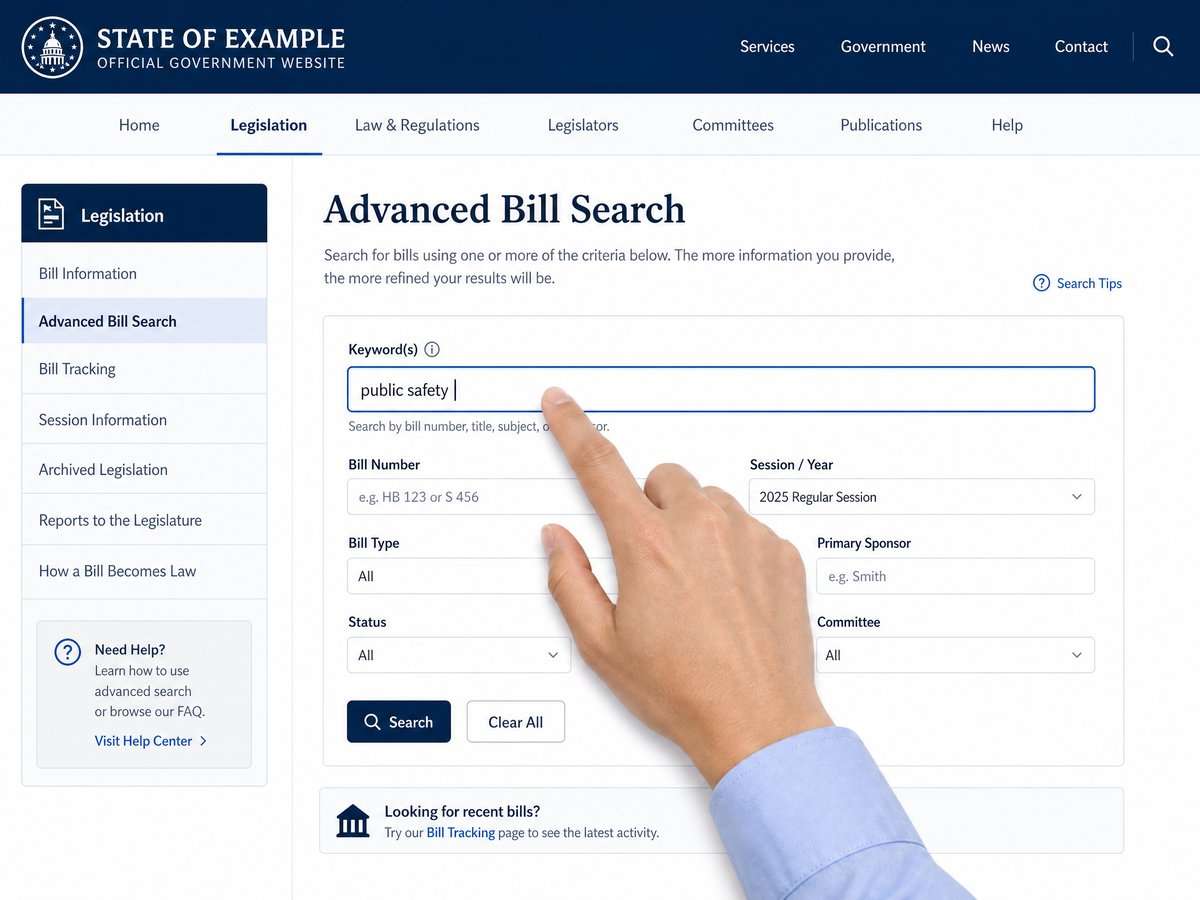
    Tennessee provides an advanced search page that lets you look up bills from the current General Assembly and archived assemblies. This is useful during recesses because you can retrieve bill pages and read their recorded histories even when no new actions are being posted. Access it here: Tennessee Advanced Bill Search for current and archived sessions.

    Basic steps on the Advanced Bill Search page

    1. Open the search page and select the assembly or session you want to review, if that option is presented. The page covers the 114th General Assembly and archived sessions.
    2. Enter a bill number if you know it, or use a keyword that appears in the bill’s caption or subject. You can also try sponsor names or other fields shown on the page.
    3. Apply any filters that are available (for example, chamber or session year, if listed), then run your search to display matching bills.
    4. Click the specific bill in the results to open its dedicated bill page, which will display the official record for that proposal.

    If you are unfamiliar with bill numbering, note that Tennessee uses different prefixes for proposals originating in each chamber. When in doubt, use a keyword search on the same page to surface likely matches and then confirm you have the correct bill by checking the bill caption and sponsor information on the bill’s page.

    Read the bill page like a public record

    Each bill page on the official site is a public record of the bill’s content and what the legislature has recorded about it. While page layouts can vary over time, bill pages commonly present several types of information:


    Download the video transcript (PDF).

    • Identification and caption: The bill number and a brief description or caption of the bill’s subject.
    • Sponsor information: Names of the legislators who sponsored or co-sponsored the bill.
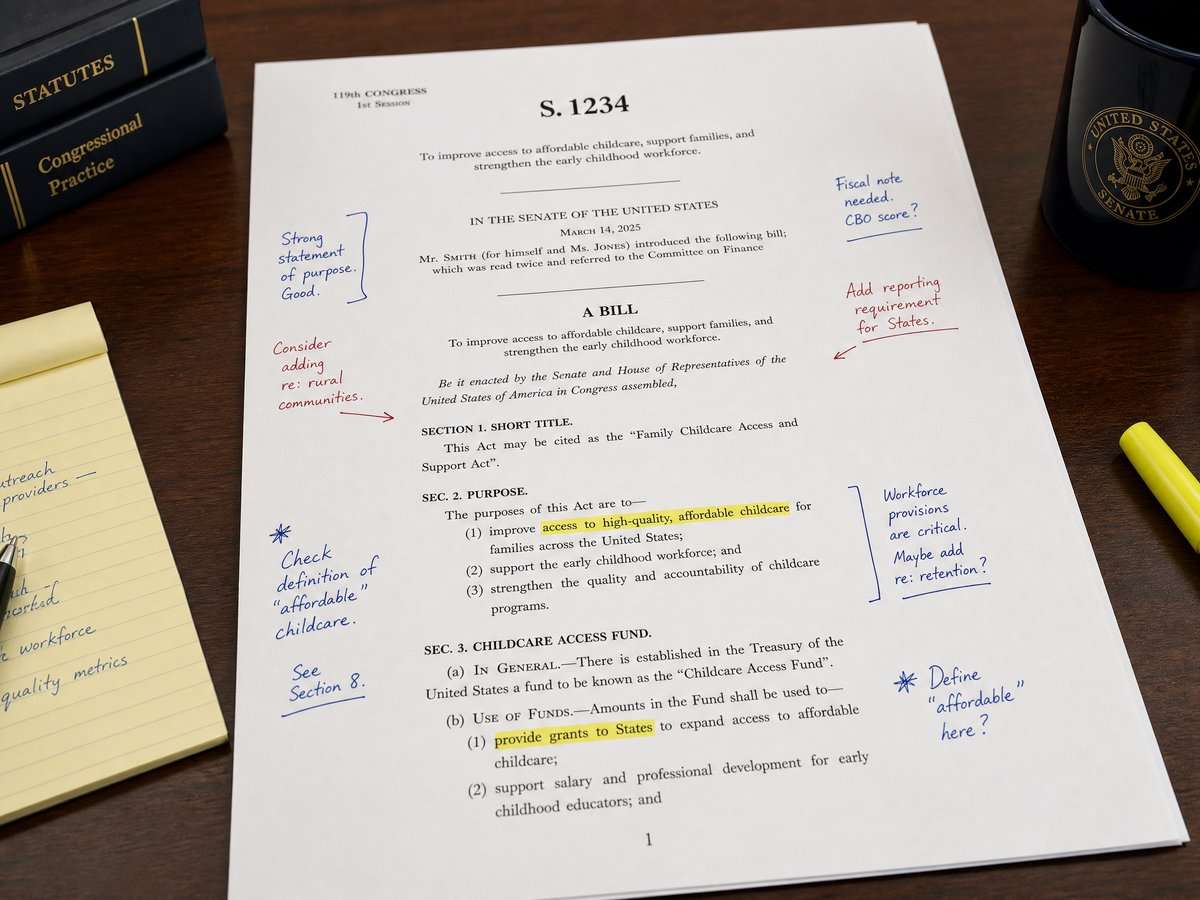
    • Text or versions: Links to the bill text, sometimes in more than one version, reflecting filed or amended language.
    • Actions or history: A chronological list of dated steps that have been officially recorded for the bill.

    During a recess, the most telling field is usually the last recorded action and its date. That entry indicates where the official process paused. Keep track of that last action so you can quickly see what has changed when you check back.

    Map the process through the record trail

    Even without live floor sessions, the official bill page can help you understand where a bill stands in the broader process. Tennessee’s legislative process involves multiple stages reflected in the record trail, including introduction, referral to committees, consideration by each chamber, and final steps related to enactment. You do not need insider knowledge to follow this path; the record entries on the bill page provide the structure. When reading, focus on:

    • Sequence: Entries are typically in chronological order. Read from the first recorded action forward to see the path taken.
    • Chamber context: Entries may indicate whether an action occurred in the House or Senate. This helps you place the step within the overall bicameral process.
    • Noted transitions: Look for entries that indicate movement between committees or between chambers, as these often mark major procedural milestones.
    • Final disposition cues: Near the end of a bill’s record, look for entries that signal completion steps, such as transmission to the executive branch or notations showing that the proposal concluded the session without further action. The exact phrasing can vary; rely on how the entry is labeled on the page you are viewing.

    Because you are working from official records, use the language as it appears on the page instead of trying to translate it into informal terms. If an action label is unfamiliar, note it and check back later; additional entries posted when the General Assembly reconvenes may clarify what happened next.

    Practical tracking during a recess

    Even if the pace of postings is slower during a recess, you can set yourself up to track a bill efficiently:

    • Bookmark the bill page: Save the URL of each bill you care about. Every official update to that bill’s record will appear on the same page.
    • Save the official text: If the page provides links to bill text, download the current version so you have a reference copy for comparison when a new version appears.
    • Record the last action and date: Keep a short note with the most recent recorded step and its date. This lets you quickly verify whether anything has changed when you return.
    • Schedule periodic check-ins: During long recesses, pick a cadence (for example, monthly) to revisit the bill page. When the Assembly returns, check more frequently while agendas and actions are being posted.
    • Use consistent searches: If you track several related proposals, build a standard keyword query on the search page and rerun it each time. Start here: Advanced Bill Search on the official website.

    Finding archived bills and prior sessions

    Context matters. If a bill topic appears regularly, it can help to review how similar proposals fared in previous assemblies. Tennessee’s advanced search page includes access to archived sessions, allowing you to see earlier text and recorded actions for prior bills. Use the session or assembly selector, if offered, to navigate across years: Tennessee Advanced Bill Search for archived material.

    When comparing bills across years, read the captions carefully and confirm you are looking at the correct chamber and session. Bills that sound similar can pursue different approaches; the official text and the recorded actions on each bill page are your anchors for accurate comparison.

    Tips for reading official bill texts and actions

    • Prefer original sources: When in doubt, go back to the official pages on the state’s site. Begin at the homepage and work inward to the specific bill page referenced above.
    • Distinguish summaries from text: A caption or summary helps with orientation, but the officially posted bill text controls what the proposal would change.
    • Note version changes: If the page shows more than one version, compare the titles, dates, and any listed identifiers so you know which document you are reading.
    • Track by dates: Dates on action entries are crucial. They provide the timeline of recorded steps, which is especially helpful when no new actions are posted during recess.
    • Use consistent terminology: When you take notes, copy the wording of action labels as they appear on the page. This reduces confusion later and makes it easier to search.

    Plan your next steps when the Assembly reconvenes

    During recess, your goal is to get oriented: identify the bill pages, note the last recorded actions, and collect the current texts. When the General Assembly returns, you can continue tracking by revisiting the same official pages for updates. If the site’s menus or labels look different at that time, start at the homepage and follow the most current navigation to bills and search tools: Official Tennessee General Assembly home portal.

    If the website looks different from these descriptions

    Public websites evolve. As a point-in-time statement, the links in this guide point to the state’s official portals for legislative information. Page design, labels, and navigation can change without notice. If you see a different layout, look for similarly named links to bills, legislation, or search tools on the official homepage, or use the advanced search link referenced above.

    Why official records matter for transparency

    Official bill pages are primary sources: they present the state’s record of what has been filed and what actions have been recorded. Using them helps avoid confusion from unofficial summaries or social media posts. During a legislative recess, the record may not change often, but the information that is posted remains authoritative for that point in time. By bookmarking the bill page, saving the current text, and noting the last recorded action, you can pick up right where you left off when the Assembly returns to active business.

    Sources

    This article provides general information, not legal advice. Court rules, records, and legal consequences depend on the facts, the forum, and current law; consult a qualified lawyer for advice about a specific situation.


    General-information disclaimer: This article is provided for journalism and general information only. It is not legal advice and does not create an attorney-client relationship.
  • Corrections, updates, and public calendars: a verification protocol for Tennessee court-access reporting

    Corrections, updates, and public calendars: a verification protocol for Tennessee court-access reporting

    Accountability reporting on courts often intersects with policy debates, oversight inquiries, and statutory changes that originate in the Tennessee legislature. To prevent avoidable errors, newsrooms need a repeatable, document-first approach to Tennessee public hearing calendar verification and to handling corrections and updates when the record shifts. This guide outlines a practical, evidence-led protocol anchored in the state’s official calendars and publication of enacted laws.

    Authoritative sources in Tennessee

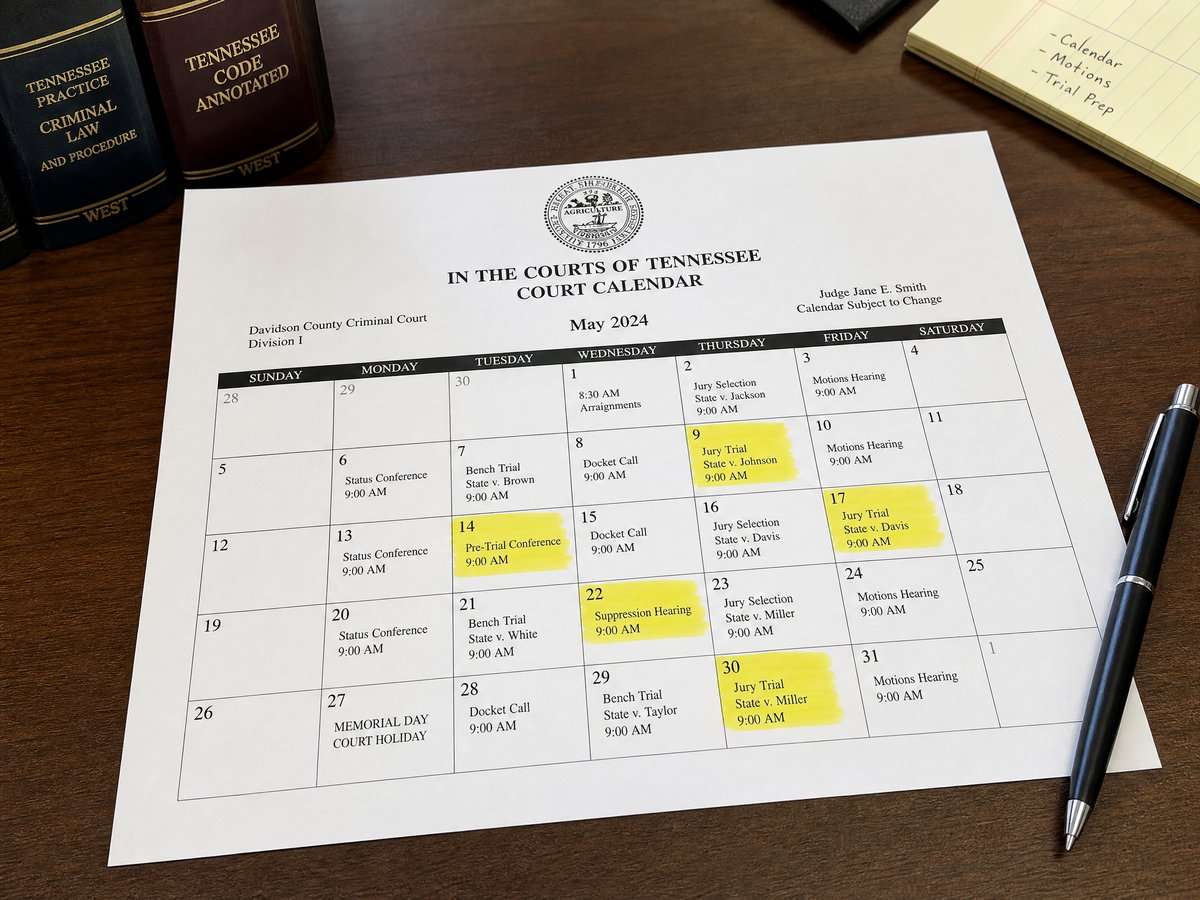
    For scheduling and institutional context, the Tennessee General Assembly official portal is the main entry point to legislative resources. Committee and floor calendars are posted on the Legislative Schedules and Calendars interface, where date, chamber, and committee details are listed. For enacted texts and formal outcomes, the Tennessee Secretary of State acts and resolutions page publishes official acts and resolutions after the legislative process concludes.

    Step-by-step verification workflow

    1) Locate and capture the schedule entry

    Begin at the legislative schedules interface. Identify the relevant date, chamber, and committee. Note the time, room or location, and any agenda label shown. Record a capture: date-stamp your notes and save a screenshot or PDF of the specific schedule view for your editorial archive. This ensures your reporting is traceable to what was publicly posted at the time you checked.


    Download the video transcript (PDF).

    2) Check for status notes and updates

    Treat the schedule as dynamic. Look for notations that indicate postponements, cancellations, or recess periods. During recess, the schedule may display limited or no listings. If the page later reflects a change, update your internal notes and retain both the original and updated captures to preserve a transparent trail.

    3) Cross-reference the portal structure

    Use the General Assembly’s portal to confirm committee names, chambers, and navigation paths that align with the schedule entry you found. This helps prevent mismatching similarly named committees or outdated committee labels that can appear in third-party summaries.

    4) Distinguish proposals from enacted law

    Calendar entries reflect legislative activity, not final outcomes. When a story requires the current law’s text or confirmation that a measure became law, consult the Secretary of State’s acts and resolutions page, which is the publication venue for enacted acts and resolutions. In copy, avoid conflating a bill’s movement on a calendar with enactment; an act is what the state publishes after completion of the legislative process.

    5) Use precise, document-based language

    In published copy, attribute schedule details to the legislature’s posted calendar and enacted text to the Secretary of State’s published acts and resolutions. Avoid implying that a meeting occurred merely because it appeared on a calendar; say it was “listed” or “posted.” If you later verify that the meeting took place through appropriate coverage standards, update your wording accordingly.

    6) Maintain an internal update log

    Create a simple log that records the URL consulted, the date and time accessed, the specific calendar line items relevant to your story, and any subsequent changes you observed. Link each log entry to your captured schedule view and, when applicable, to the Secretary of State publication for enacted outcomes. This internal documentation supports transparent corrections and helps editors audit source trails quickly.

    Publishing updates and corrections

    When a schedule changes or a posting is corrected, update your article with clear, neutral language. For example: “Update: The committee hearing previously listed for [date] is no longer shown on the legislature’s public calendar as of [time/date of verification].” Retain your verification log internally so the newsroom can demonstrate what was posted and when it was checked. If a measure discussed in the story is later enacted, add a line that cites and links to the published act or resolution so readers can consult the official text.

    Common pitfalls to avoid

    • Treating a scheduled item as an accomplished event. A listing is confirmation that it was posted, not that the hearing occurred.
    • Quoting or paraphrasing unofficial summaries as law. Use the Secretary of State’s published acts and resolutions to verify enacted language after the legislative process concludes.
    • Missing a late change on the calendar. Before publication and again before distribution (e.g., newsletters or social posts), re-check the official schedules interface.
    • Overgeneralizing beyond Tennessee sources. Keep references and links Tennessee-specific by citing the official state sites described above.

    Pre-publication checklist

    • Source: Link to the exact page on the official schedules interface for any referenced hearing or meeting.
    • Timestamp: Note when you last verified the calendar entry and whether the page showed any status notes.
    • Language: Attribute scheduling details to the General Assembly’s calendar; attribute enacted law to the Secretary of State’s publications.
    • Context: Clarify whether a hearing is posted, postponed, or not currently listed, based on what the public schedule shows.
    • Follow-through: If your story mentions potential legal changes, plan a post-enactment update that links to the published act or resolution.
    • Archive: Save captures of all consulted pages on the General Assembly portal and the Secretary of State site to preserve a verifiable record.

    Why this matters for court-access reporting

    Courts operate under statutes and rules that evolve. For beat reporters, accurately reflecting when, where, and how policy discussions are scheduled ensures that readers understand the process shaping the legal environment. A disciplined Tennessee public hearing calendar verification routine, paired with careful updates and corrections, supports fair coverage and strengthens public trust.

    Sources

    This article provides general information, not legal advice. Court rules, records, and legal consequences depend on the facts, the forum, and current law; consult a qualified lawyer for advice about a specific situation.


    General-information disclaimer: This article is provided for journalism and general information only. It is not legal advice and does not create an attorney-client relationship.
  • Reporting allegations responsibly: Tennessee fair report public records—when an official record is a source, not a verdict

    Reporting allegations responsibly: Tennessee fair report public records—when an official record is a source, not a verdict

    Allegations are not findings, and a filing is not a verdict. In Tennessee, responsible reporting from official sources depends on knowing what qualifies as a public record and how the state’s fair report privilege works. This guide outlines baseline principles so journalists can attribute information accurately and avoid blurring the line between accusations and adjudicated facts.

    Public records are a starting point, not the last word

    Tennessee’s Public Records Act provides access to many government records and sets procedures for requesting, inspecting, and receiving copies. The Act also recognizes that some records are confidential by law, and it allows agencies to redact exempt information from otherwise public records. For definitions, procedures, and limits, consult the Tennessee Public Records Act FAQs from the Office of Open Records Counsel.

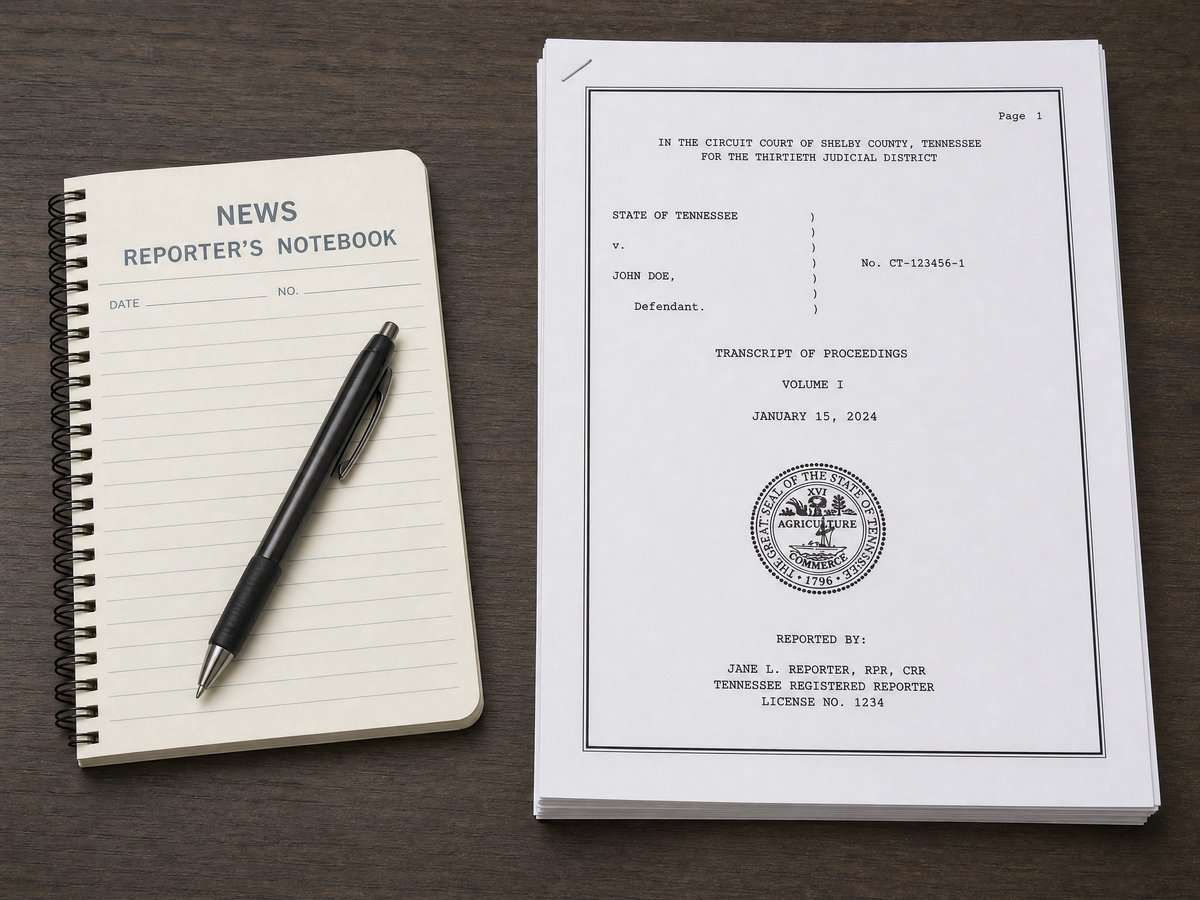
    When a newsroom uses public records as sources, treat each document as a specific type of statement from a specific forum. An incident report may summarize observations. A complaint sets out allegations. An affidavit is a sworn statement by its affiant. A court order or final judgment is the court’s ruling. These categories carry different legal weight and should be reflected in how a story frames its facts.

    The fair report privilege: protection for accurate accounts, with clear limits

    In Tennessee, the fair report privilege generally protects fair and accurate media reports about official proceedings and public records. The privilege shields the report of what the official source says; it is not an endorsement of the underlying allegations.

    The Tennessee Supreme Court has emphasized that reports based on nonpublic, unofficial interviews do not fall within the privilege. Coverage that relies on private conversations—rather than on public records or official proceedings—sits outside the privilege’s scope. See the Tennessee Supreme Court press release on nonpublic interviews and the fair report privilege.

    The Court has also clarified that allegations of malice do not defeat the privilege where it otherwise applies to a fair and accurate account of an official proceeding or public record. The inquiry centers on whether the report accurately reflects the official source. See the Tennessee Supreme Court press release explaining malice and the fair report privilege.

    These boundaries point to a practical approach: base coverage on public, official materials; attribute precisely; and summarize what those materials say with care. The privilege is not a substitute for close reading or clear labeling.

    Attribution that keeps allegations separate from findings

    Clear attribution helps readers understand what is alleged and what a court has decided. Editors can reinforce several conventions:


    Download the video transcript (PDF).

    • Name the document and forum. Phrases like “according to a complaint filed in [court]” or “a civil complaint alleges” distinguish accusations from rulings. For what is and is not a public record, see the Public Records Act FAQs maintained by the Office of Open Records Counsel.
    • Reserve “the court found” for actual orders or judgments. If the document is a motion, brief, or affidavit, attribute to the filing party or affiant rather than to the court.
    • Quote accurately and in context. When quoting from a filing, include enough context to preserve meaning. Signal omissions with ellipses and avoid implying that an allegation is a judicial finding.
    • Update the frame as the case progresses. When a court later issues an order or verdict, explain how the new decision relates to previously reported allegations.

    Reading court documents closely: practical cues

    Many misstatements stem from misidentifying the document in hand. A quick, consistent review can help:

    • Check the title and caption. A header usually identifies whether a document is a complaint, motion, affidavit, order, or judgment.
    • Look for file stamps and dates. Timing matters. Ask whether the document reflects the current posture or an earlier stage.
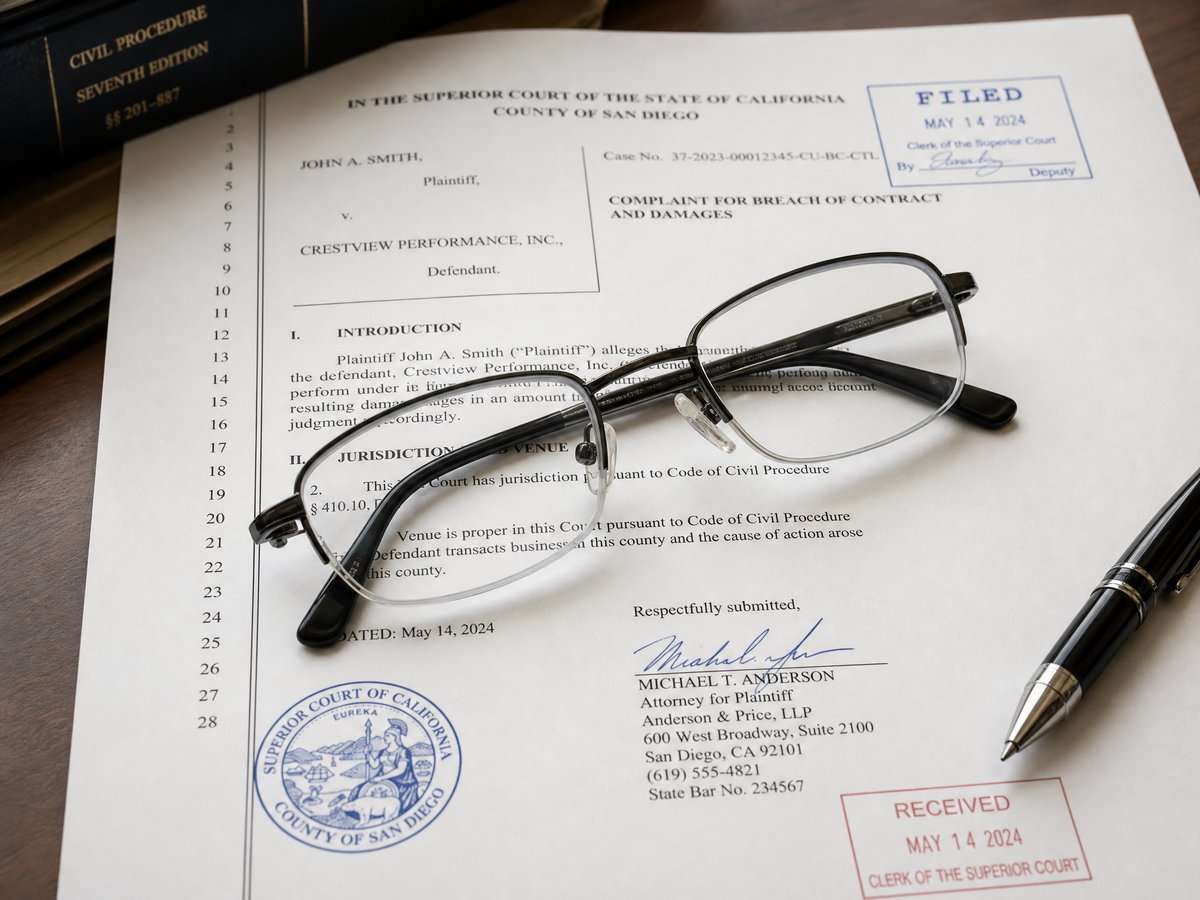
    • Scan the signature block and certificate. Is it signed by a party, lawyer, affiant, or judge? That helps you describe whose assertions you are relaying.
    • Compare against the docket. The docket’s sequence helps you place the document in context and see whether later orders supersede earlier allegations.
    • Note redactions and attachments. Redactions may reflect legal exemptions; attachments may contain the specific language you plan to quote.

    A concise checklist for editors

    • Identify the document type and confirm that it is a public record.
    • Attribute statements to the correct source: party, affiant, agency, or court.
    • Summarize fairly and accurately; avoid embellishment or implication.
    • Do not rely on nonpublic interviews as the basis for fair-report coverage; focus on public, official sources (see the Tennessee Supreme Court’s press release on nonpublic interviews).
    • Maintain clear language distinguishing allegations, charges, and findings.
    • Update stories as official actions occur, such as new orders, dismissals, or judgments.

    Access with care: requesting and handling public records

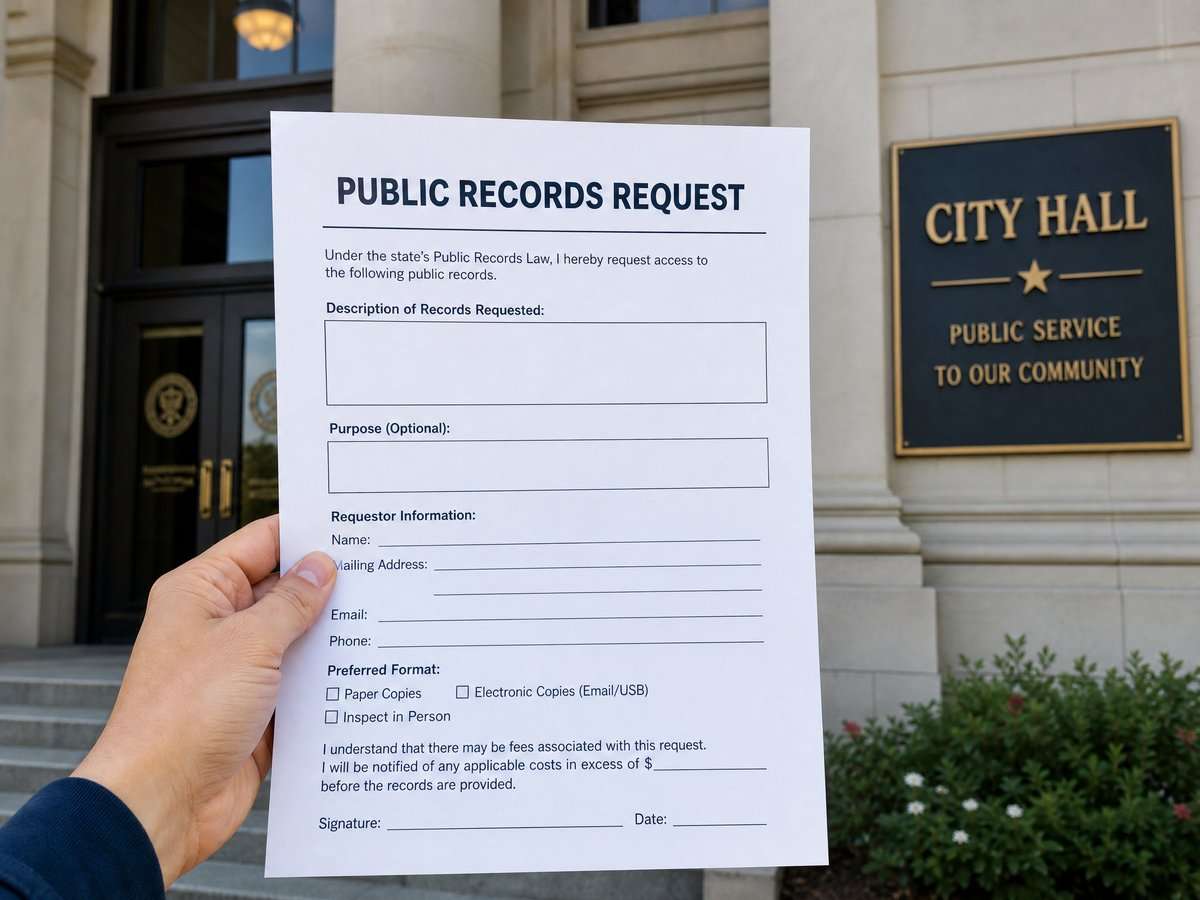
    Using official documents starts with obtaining them lawfully. In Tennessee, agencies maintain records according to their functions, and the Public Records Act establishes how people may request access. Agencies may provide inspection and, where applicable, copies; they may also charge allowable costs for duplication. Certain categories of information are confidential by statute and may be redacted. For process details and limitations, see the Tennessee Public Records Act FAQs hosted by the Office of Open Records Counsel.

    When you publish, consider linking to the public document or describing how it was obtained. If a record is partially redacted, tell readers that portions are withheld under an exemption. If an official denies access under a recognized exemption, explain that an exemption was cited and look for alternative official sources that can be reported accurately.

    Finally, keep the fair-report contours in view. The Tennessee Supreme Court has explained that the privilege is not defeated by allegations of malice where it otherwise applies to a fair and accurate account of an official source, and that nonpublic interviews fall outside its protection. Accessible overviews are available in the Court’s press materials on malice and the fair report privilege in Tennessee and on limits for nonpublic interviews under the privilege.

    Sources

    This article provides general information, not legal advice. Court rules, records, and legal consequences depend on the facts, the forum, and current law; consult a qualified lawyer for advice about a specific situation.


    General-information disclaimer: This article is provided for journalism and general information only. It is not legal advice and does not create an attorney-client relationship.
  • Understanding Tennessee motions and responses: a pleadings-reader’s guide

    Understanding Tennessee motions and responses: a pleadings-reader’s guide

    This neutral guide supports readers who are understanding Tennessee motions and responses in civil court files. When you open a civil court file in Tennessee, you will usually see two kinds of documents: pleadings and motions. Pleadings are the formal papers that state each side’s claims and defenses, such as a complaint and an answer. Motions are requests asking the court to take a specific action in the case. Understanding how to read both—and how they fit together—can help you follow what the court is being asked to decide and when.

    What is a motion, and how does it relate to the pleadings?

    A blurred legal motion document, illustrating the structure of a written request to the court.
    Written requests: a neutral illustration for civil motions.

    A motion is a written request for a court order. It might ask the court to reschedule a hearing, require a party to provide information, decide a legal issue, or resolve the case. Some motions rely only on the pleadings that have already been filed, while others attach supporting materials. Every written motion is a “paper” filed with the court, and under Tennessee civil rules, presenting any pleading, written motion, or other paper includes a certification about its content and purpose. Under Tennessee Rule 11.02 on court representations, an attorney or unrepresented party certifies, to the best of their knowledge, information, and belief formed after reasonable inquiry, that a filing is not presented for an improper purpose, that legal contentions are warranted by existing law or a nonfrivolous argument for change, that factual contentions have evidentiary support or will likely have support after discovery, and that denials are warranted on the evidence or a reasonable belief.

    Rule 12.03: Motions for judgment on the pleadings

    A law book open to a procedural rule, illustrating motions for judgment on the pleadings.
    Rule 12.03: a neutral illustration for motions based on pleadings.

    Among the many types of motions, one is specifically anchored to the pleadings themselves: a motion for judgment on the pleadings. Under Tennessee Rule 12.03 on judgment based on pleadings, a party may ask the court to enter judgment based only on the pleadings—without considering evidence—once the pleadings are closed and as long as doing so will not delay the trial. In practical terms, the motion tests whether, assuming the facts pleaded are true, the law entitles one side to judgment.

    The rule also addresses what happens if a party goes beyond the pleadings in such a motion. If matters outside the pleadings are presented to the court and not excluded, the text of Tennessee Rule 12.03 on conversion states the motion must be treated as one for summary judgment and disposed of as provided in Rule 56. That conversion changes the procedural framework, including what materials the court may consider, so courts and litigants pay close attention to whether a Rule 12.03 motion stays within the four corners of the pleadings.

    Reading a motion and its supporting papers

    Whether a motion is about scheduling, discovery, or a dispositive issue like judgment on the pleadings, you can build a basic reading habit:

    • Start with the caption and title. The caption identifies the court, parties, and case number; the title usually tells you what relief the motion seeks (for example, “Motion for Judgment on the Pleadings”).
    • Identify the requested relief. Most motions include a section that states exactly what order the filing party wants the court to enter.
    • Separate factual assertions from legal arguments. Motions may describe facts and also explain how rules apply. The Rule 11.02 certification applies to both the factual and legal contentions a signer presents to the court.
    • Check for attachments. Some motions include exhibits or other materials. A Rule 12.03 motion is designed to be decided on the pleadings; if outside materials are submitted and not excluded, the motion is treated as summary judgment under the rule’s text.
    • Look for any notice of hearing or scheduling information. Courts often set hearing dates or briefing schedules by order or notice in the case. Pay close attention to those case-specific documents.

    When can a Rule 12.03 motion be filed?

    The timing of a motion for judgment on the pleadings has two components in the rule’s text: pleadings must be closed, and the motion must be brought in time not to delay trial. “Closed” typically refers to the stage when a complaint and answer (and any other required responsive pleading) are on file. The “not to delay trial” requirement means that a late-filed motion may be denied if it would disrupt the schedule. The rule itself provides this timing framework; see Tennessee Rule 12.03 on motion timing.

    How responses fit into the process

    A response brief next to a motion, illustrating the exchange of arguments in court.
    Filing a response: a neutral illustration for answering a motion.

    When a motion is filed, the other side may file a written response. A response typically explains why the requested relief should be denied or proposes different relief. The court may set a briefing schedule by order, and in some courts local practices also inform how responses and replies proceed. Always read any scheduling order or notice in the case file for specific deadlines and hearing details.

    For a motion for judgment on the pleadings, the response often focuses on the pleadings themselves—what was alleged and admitted or denied—and on whether, taking those pleadings as they stand, the movant is entitled to judgment under the law. If the movant presents materials outside the pleadings and the court does not exclude those materials, Rule 12.03 says the motion is treated as one for summary judgment. That conversion may change what the responding party chooses to file, because the court can then consider matters beyond the pleadings as provided in Rule 56.

    Rule 11.02: What a signature on a motion or response represents

    A signature block on a legal document, illustrating the certification requirements under Rule 11.02.
    Rule 11.02 signatures: a neutral illustration for filing certifications.

    The signature block on a motion or response is not just a formality. Under Tennessee Rule 11.02 on court representations, signing and presenting a written motion, response, or other paper certifies, among other things, that the filing is not being presented for an improper purpose such as to harass or cause unnecessary delay; that legal arguments are warranted by existing law or a nonfrivolous argument for a change in the law; and that factual statements have evidentiary support or will likely have support after reasonable investigation or discovery. These representations apply to everyone who files—attorneys and self-represented litigants alike.

    For readers, Rule 11.02 provides a lens: when a motion cites a legal rule or asserts facts, the signer has certified that they made a reasonable inquiry and that the assertions meet the rule’s standards. If a response challenges the motion’s factual assertions or legal arguments, it is likewise made under the same certification. This does not guarantee that the court will agree with a party’s position, but it frames what filings are expected to contain.

    Practical tips for reading motions and responses

    • Follow the structure. Many motions begin with a short introduction and a request for relief, then describe the background, and finish with legal argument and a conclusion. Responses often mirror that structure.
    • Track defined terms and parties. Motions often refer to parties by role (“Plaintiff,” “Defendant”) or by a shortened name. Keep a running list so you know who is who.
    • Focus on the requested order. The “prayer for relief” or concluding paragraph usually states exactly what the filer wants the court to do.
    • Note whether the motion depends on the pleadings. If it is a Rule 12.03 motion, the court’s analysis centers on the pleadings. Adding outside materials can trigger the conversion described in the rule.
    • Watch for case-specific orders. Hearing notices and scheduling orders control when responses and replies are due and when the court will consider the motion.
    Short editorial visual: civil filings and signature blocks.

    Download the video transcript (TXT).

    Understanding the limits of what a motion can decide

    A judge's bench, symbolizing the limits of what a court can decide on a motion.
    Judicial limits: a neutral illustration for motion decisions.

    Not all motions ask the court to end a case. Some request interim relief—such as guidance on discovery—while others ask for a final decision on claims or defenses. A motion for judgment on the pleadings is a request for judgment based on the pleadings alone. If a motion seeks judgment and relies on materials beyond the pleadings, Rule 12.03 explains that, if the court does not exclude those materials, the motion will be treated as one for summary judgment under Rule 56. That distinction matters when you read the papers: Is the court being asked to rule based only on what the parties have formally pleaded, or to consider material outside the pleadings?

    What to expect in the docket

    In the docket, a motion may appear as a single entry or as a package that includes a memorandum of law and attachments. A response may likewise include a memorandum and attachments. You may also see notices setting a hearing date. The court’s order will usually appear after the motion and response entries. Each case can proceed differently depending on the court’s directions.

    Why the details matter

    Words like “granted,” “denied,” “without prejudice,” “with prejudice,” and “deferred” carry different meanings when used in orders resolving motions. Reading closely for the relief requested and the rule invoked helps you understand the significance of an order. If the motion invokes Rule 12.03, the court’s order will reflect a decision on judgment based on the pleadings (unless the motion was converted under the rule). If a filing references Rule 11.02, it is usually to emphasize the filer’s certification obligations.

    Key takeaways

    • Motions ask for court action; responses present the opposing view. Both are governed by standards about accuracy and purpose under Rule 11.02.
    • Rule 12.03 motions are based on the pleadings. They can be made after pleadings close and must not delay trial; introducing outside materials can convert the motion under the rule.
    • Deadlines and hearing dates are case-specific. Look for scheduling orders and notices; these tell you when the court will consider a motion and when responses are due.

    Sources

    This article provides general information, not legal advice. Court rules, records, and legal consequences depend on the facts, the forum, and current law; consult a qualified lawyer for advice about a specific situation.


    General-information disclaimer: This article is provided for journalism and general information only. It is not legal advice and does not create an attorney-client relationship.
  • Tennessee courtroom media coverage: public attendance, camera requests, and Rule 30

    Tennessee courtroom media coverage: public attendance, camera requests, and Rule 30

    This neutral guide outlines Tennessee courtroom media coverage rules for readers seeking public-information context. Reporters, documentarians, and members of the public often want to see how justice is administered in real time. In Tennessee, courtroom access and camera use are guided by statewide rules and the presiding judge. The Tennessee judiciary maintains an official page that explains public attendance and how media can request permission to record under Supreme Court Rule 30. For a single, authoritative overview, see the Tennessee Courts media coverage guidance page at Tennessee Courts media coverage guidance page. This guide summarizes key points for planning coverage and reinforces that court-specific directions always control in the room.

    Public attendance: the starting point for access

    An open wooden door leading into an empty courtroom, symbolizing public access.
    Open courts: a neutral illustration for public attendance basics.

    As a general matter, proceedings in open court are public events unless a law or order limits attendance. The judiciary’s media guidance emphasizes that the public, including journalists, may attend, and that any request to photograph, video, or record is a separate step subject to Rule 30 and the judge’s control of the courtroom. Even when a hearing is open, seats can be limited by space or security needs, and decorum rules apply to everyone in the gallery.

    Courts typically expect devices to be silent, movement to be minimal, and no disruptions during testimony or argument. If a judge or courtroom officer announces special instructions before a session begins—such as where people may sit, when equipment can be moved, or how to address the court—those instructions govern in that courtroom. If you are uncertain about any direction, ask the clerk, bailiff, or court coordinator before proceedings begin.

    Rule 30: the framework for cameras and recording

    A blurred rulebook and a microphone on a desk, illustrating the procedural framework for recording.
    The Rule 30 framework: balancing access and decorum.

    Tennessee Supreme Court Rule 30 supplies the statewide framework for cameras, audio recording, and other electronic coverage in courtrooms. According to the judiciary’s summary, the presiding judge decides whether to allow coverage and sets the conditions; permission is not automatic. Requests and any permissions are designed to preserve order and fairness, and equipment and operators must not interfere with the proceeding or with participants. For a concise explanation of how the framework works, consult the official Rule 30 media coverage information from the Tennessee Courts at official media coverage information from Tennessee Courts.

    Key ideas reflected in the guidance include judicial discretion, the requirement to seek approval in advance, and the possibility of conditions such as equipment placement, limits on operator movement, and coordination among outlets. The rule and other law may restrict coverage of particular proceedings or participants. Judges may pause, modify, or end coverage that violates conditions or disrupts the proceeding.

    How to request camera or audio coverage

    A pen resting on a blank formal request form, illustrating the administrative step of asking for camera access.
    Requesting access: a neutral illustration for the Rule 30 filing process.

    The Tennessee judiciary’s page outlines how to seek permission under Rule 30 and underscores that requests go to the court where the proceeding will occur. Procedures can vary by court level and case type, so always check the local clerk or coordinator in addition to the statewide guidance provided here: step-by-step coverage request details on the judiciary’s page.

    1. Identify the proceeding: Gather the case name or number, date, time, and courtroom so your request reaches the correct judge and staff.
    2. Submit your request in advance: Ask early enough for the court to review logistics and set any conditions. If a hearing is set on short notice, contact the court as soon as you can.
    3. Describe your setup: Be specific about cameras, microphones, and the number of operators. Courts use this information to manage placement and avoid disruption.
    4. Plan for pooling: Be prepared to coordinate with other outlets if the court limits the number of cameras or operators and requires a shared feed.
    5. Confirm on arrival: Check in with courtroom staff before setting up, and stay within any marked or described media areas.

    What judges may consider when ruling on a request

    A gavel and a blank media badge lanyard on a desk, symbolizing the court’s authority over press access.
    Judicial discretion: a neutral illustration for court rulings on media requests.

    While each courtroom is different, the statewide framework and the judiciary’s summary highlight themes that can influence whether and how coverage is permitted:

    • Fairness and order: Protecting the integrity of the proceeding is paramount. Judges can limit or condition coverage to prevent distractions or prejudice.
    • Privacy and safety interests: Rules or statutes can restrict coverage in matters involving sensitive evidence or vulnerable participants if required by law.
    • Space and logistics: The physical layout of a courtroom affects equipment placement, operator movement, and whether pooling is necessary.
    • Compliance history: A demonstrated ability to follow court directions and cooperate with other media can help facilitate ongoing access.

    Common limits and practices under Rule 30

    A video camera on a tripod positioned discreetly in an empty courtroom.
    Decorum and pooling: a neutral illustration for common camera limits.

    Because the emphasis is on minimizing disruption, permissions granted under the statewide framework frequently include practical limits. Courts may designate fixed camera positions, require that cables be secured, and restrict movement during testimony or argument. Judges may also limit the timing or scope of recording to ensure that proceedings continue efficiently and with appropriate decorum.

    Media organizations should anticipate the possibility of pooled coverage and work out a single plan for camera positions and audio routing before a session begins. If the court identifies categories of participants or exhibits that cannot be recorded, comply promptly and coordinate with court staff to avoid inadvertent coverage. When a judge announces new conditions during the day—such as narrowing where equipment may be placed—adjust immediately and confirm any questions before continuing.

    Practical tips for reporters and producers

    Short editorial visual: courtroom access, camera requests, and discreet media setup.

    Download the video transcript (TXT).

    • Do your homework: Review the statewide explanation in advance and bring a copy of your request so you can confirm what you proposed if questions arise. This guide outlines Tennessee courtroom media coverage rules, but the court’s directions control.
    • Arrive early: Build in time for security screening, check-in with the clerk or bailiff, and quiet setup within any marked media area.
    • Coordinate with colleagues: If multiple outlets plan to cover the same hearing, discuss pooling and signal paths in advance so the court is presented with a single workable plan.
    • Keep a low profile: Use quiet, non-flashing gear, secure cables, and avoid movement during testimony or argument unless the court approves and it can be done without distraction.
    • Listen for updates: If the judge announces new conditions or narrows the scope of coverage, adjust immediately and confirm any questions with court staff.

    Where to find authoritative guidance

    The Tennessee judiciary maintains a single page that gathers the key points about public attendance and media coverage under the statewide framework and points media to the correct process for permission. Start here and check back for updates: Tennessee Courts official media coverage guidance.

    Sources

    This article provides general information, not legal advice. Court rules, records, and legal consequences depend on the facts, the forum, and current law; consult a qualified lawyer for advice about a specific situation.


    General-information disclaimer: This article is provided for journalism and general information only. It is not legal advice and does not create an attorney-client relationship.
  • Legal Aid, Court Self-Help, and the Line Between Information and Legal Advice

    Legal Aid, Court Self-Help, and the Line Between Information and Legal Advice

    Legal Aid, Court Self-Help, and the Line Between Information and Legal Advice

    Navigating the legal system can be difficult without prior experience or representation. Tennessee legal-aid organizations and court self-help resources can help people locate information and understand basic procedures, but it is important to understand the limits of those services and the difference between general legal information and personalized legal advice.

    What Legal-Aid Organizations Do

    Legal-aid organizations provide free or low-cost civil legal assistance to people who meet their eligibility requirements. Programs commonly focus on matters that affect housing, family stability, consumer issues, benefits, employment, or safety. In Tennessee, Legal Aid of East Tennessee and the Legal Aid Society of Middle Tennessee and the Cumberlands are among the organizations that offer civil legal services in their service areas.

    Woman and man at a wooden table in a library; woman holds a manila folder open toward the man while a binder, papers, and pens sit on the table.
    Two people examine documents at a public help table, a visual reference for discussions about where information ends and legal advice begins.

    Eligibility and available representation vary by organization, income, location, case type, staffing, and funding. A person seeking assistance should contact the organization directly and explain the issue accurately. A legal-aid provider may offer representation, a referral, educational materials, or an explanation of available services; it may also be unable to accept a matter.

    What Court Self-Help Resources Provide

    The Tennessee courts’ Self-Help Center provides public resources designed to help people understand court processes, locate forms, and find general information. These resources can be useful for people who are representing themselves. They may explain where a case is filed, what a court form requests, or how to locate a court’s published rules.

    Blank forms and blue pamphlets in clear holders on a wood desk with a lamp, pen cup, touchscreen kiosk, and a blurred person at a counter.
    An information desk with pamphlets, forms and a touchscreen kiosk shows informational materials public venues make available to assist visitors.

    Self-help materials cannot decide what an individual should do in a particular case. Court employees and other non-lawyers generally cannot apply legal rules to a person’s private facts, recommend litigation strategy, predict an outcome, or tell someone which claim or defense to pursue. Those restrictions help preserve neutrality and guard against the unauthorized practice of law.

    Information Versus Advice

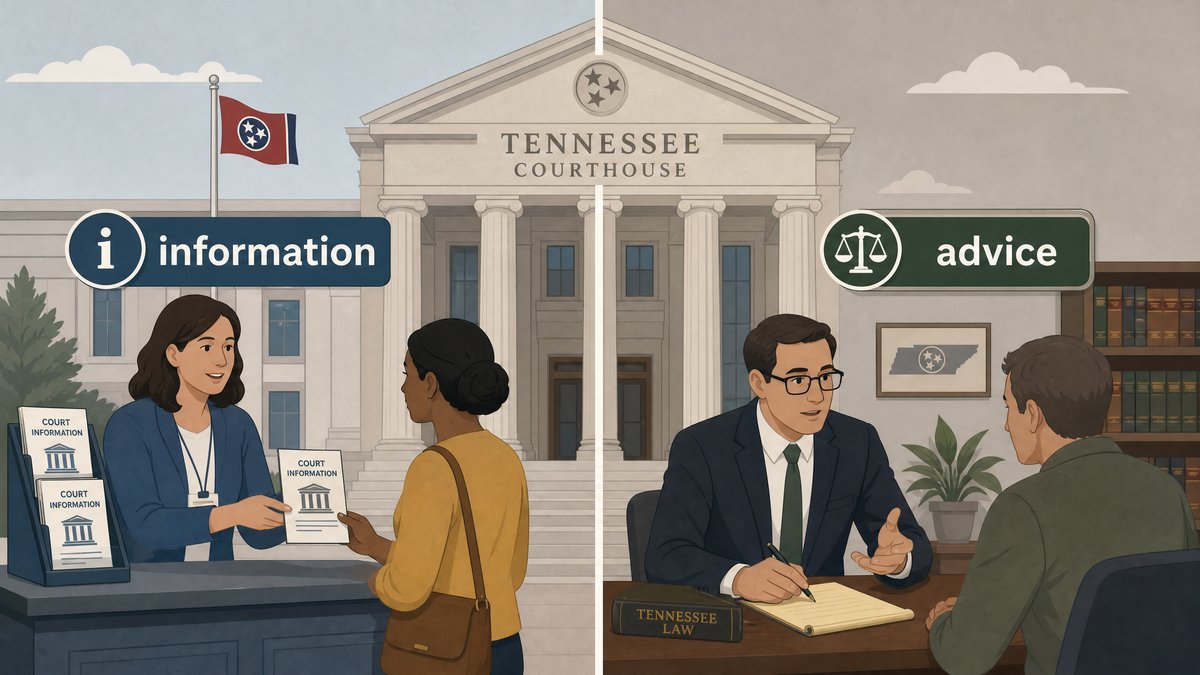
    Legal information is general and descriptive. It can include the text of a statute, a court rule, a filing deadline shown in a notice, a blank form, or an explanation of procedural terms. Legal advice applies law to a person’s specific circumstances and recommends a course of action. Advice may include evaluating the strength of a claim, deciding whether to sign an agreement, choosing a legal strategy, or interpreting how a rule affects a particular dispute.

    Woman at a wooden table filling out stacked, lined forms with a pen while another person sits blurred across the room near bookshelves.
    A person completes paper forms at a table while another sits across, illustrating the paperwork involved in court self-help and legal aid.

    The distinction matters. A reliable public resource can explain how to find a complaint or order, but it should not tell a reader how to litigate their individual case. Readers who need tailored advice should consult a licensed attorney or a qualified legal-aid provider.

    A Responsible Way to Use Public Resources

    • Start with the court or legal-aid organization’s official website.
    • Read the scope of any self-help material and note whether it applies to your court or case type.
    • Keep copies of documents and notices, but avoid relying on a generic article as a substitute for individualized counsel.
    • Ask a licensed lawyer or qualified legal-aid provider for advice about significant deadlines, rights, or strategy.

    Access-to-justice resources are valuable precisely because they provide accurate, neutral information. Using them with a clear understanding of their limits helps people make more informed choices while respecting the role of qualified legal counsel.

    Disclaimer

    This article provides general information and is not legal advice. It does not create an attorney-client relationship. People with questions about their own circumstances should consult a licensed attorney or an appropriate legal-aid provider.
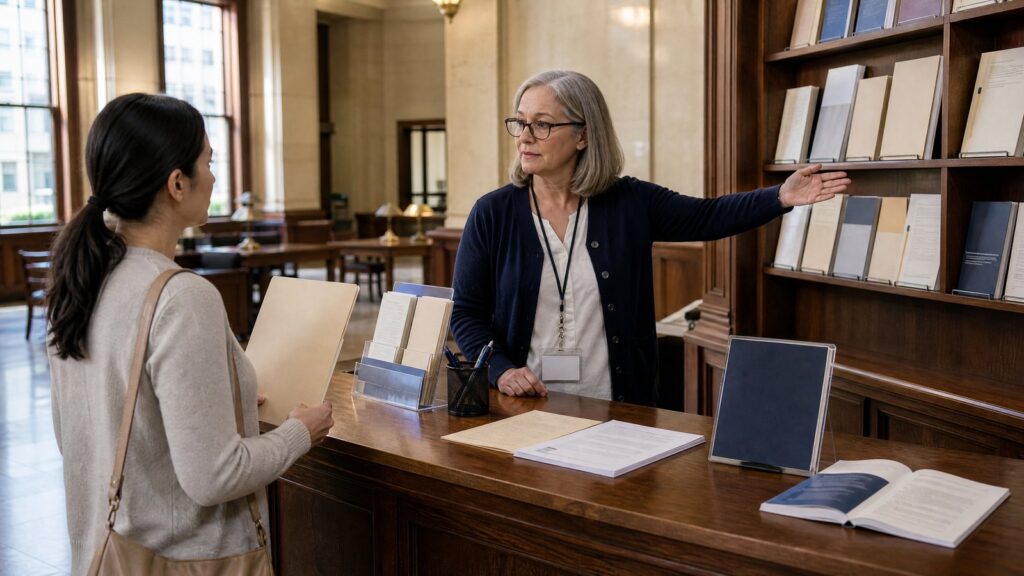
    An older woman wearing glasses and a lanyard gestures to book-filled shelves behind a wooden counter while a younger woman holds a folder
    A conversation at a wooden reference counter connects to the article’s discussion about distinguishing general information from specific legal advice.

    Sources

    Related reading: tracking local courts and government records.