Stop Legal Harassment

Court access · Free expression · Accountability

Tag: court case search

  • Corrections, updates, and public calendars: a verification protocol for Tennessee court-access reporting

    Corrections, updates, and public calendars: a verification protocol for Tennessee court-access reporting

    Accountability reporting on courts often intersects with policy debates, oversight inquiries, and statutory changes that originate in the Tennessee legislature. To prevent avoidable errors, newsrooms need a repeatable, document-first approach to Tennessee public hearing calendar verification and to handling corrections and updates when the record shifts. This guide outlines a practical, evidence-led protocol anchored in the state’s official calendars and publication of enacted laws.

    Authoritative sources in Tennessee

    For scheduling and institutional context, the Tennessee General Assembly official portal is the main entry point to legislative resources. Committee and floor calendars are posted on the Legislative Schedules and Calendars interface, where date, chamber, and committee details are listed. For enacted texts and formal outcomes, the Tennessee Secretary of State acts and resolutions page publishes official acts and resolutions after the legislative process concludes.
    Step-by-step verification workflow

    1) Locate and capture the schedule entry

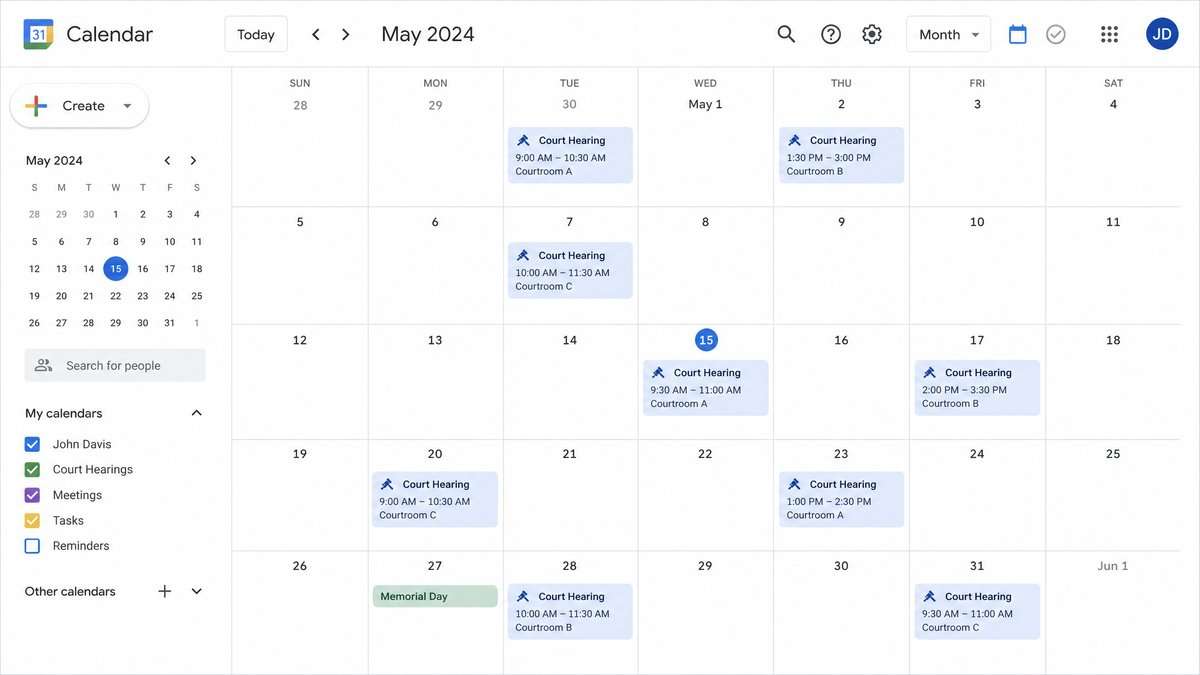
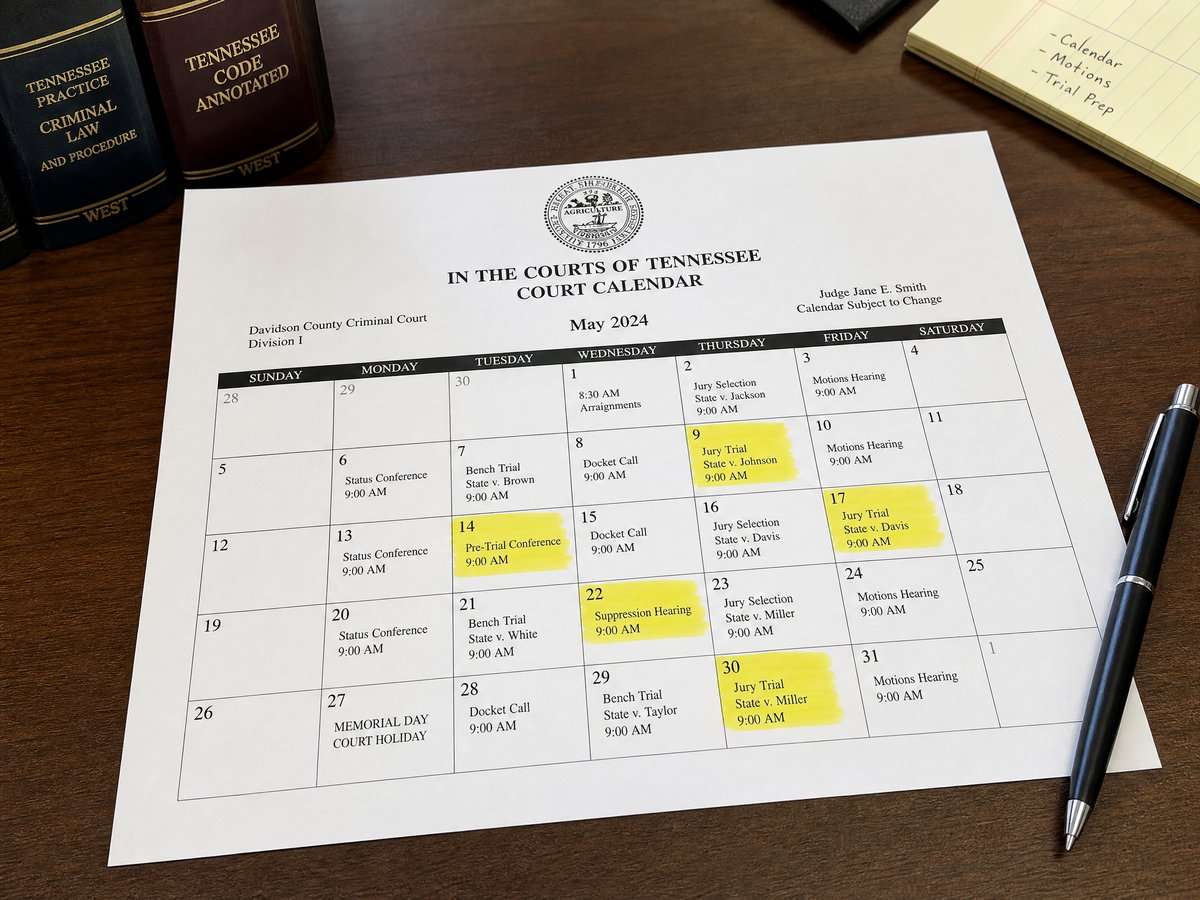
    Begin at the legislative schedules interface. Identify the relevant date, chamber, and committee. Note the time, room or location, and any agenda label shown. Record a capture: date-stamp your notes and save a screenshot or PDF of the specific schedule view for your editorial archive. This ensures your reporting is traceable to what was publicly posted at the time you checked.


    Download the video transcript (PDF).
    2) Check for status notes and updates

    Treat the schedule as dynamic. Look for notations that indicate postponements, cancellations, or recess periods. During recess, the schedule may display limited or no listings. If the page later reflects a change, update your internal notes and retain both the original and updated captures to preserve a transparent trail.

    3) Cross-reference the portal structure

    Use the General Assembly’s portal to confirm committee names, chambers, and navigation paths that align with the schedule entry you found. This helps prevent mismatching similarly named committees or outdated committee labels that can appear in third-party summaries.

    4) Distinguish proposals from enacted law

    Calendar entries reflect legislative activity, not final outcomes. When a story requires the current law’s text or confirmation that a measure became law, consult the Secretary of State’s acts and resolutions page, which is the publication venue for enacted acts and resolutions. In copy, avoid conflating a bill’s movement on a calendar with enactment; an act is what the state publishes after completion of the legislative process.

    5) Use precise, document-based language

    In published copy, attribute schedule details to the legislature’s posted calendar and enacted text to the Secretary of State’s published acts and resolutions. Avoid implying that a meeting occurred merely because it appeared on a calendar; say it was “listed” or “posted.” If you later verify that the meeting took place through appropriate coverage standards, update your wording accordingly.

    6) Maintain an internal update log

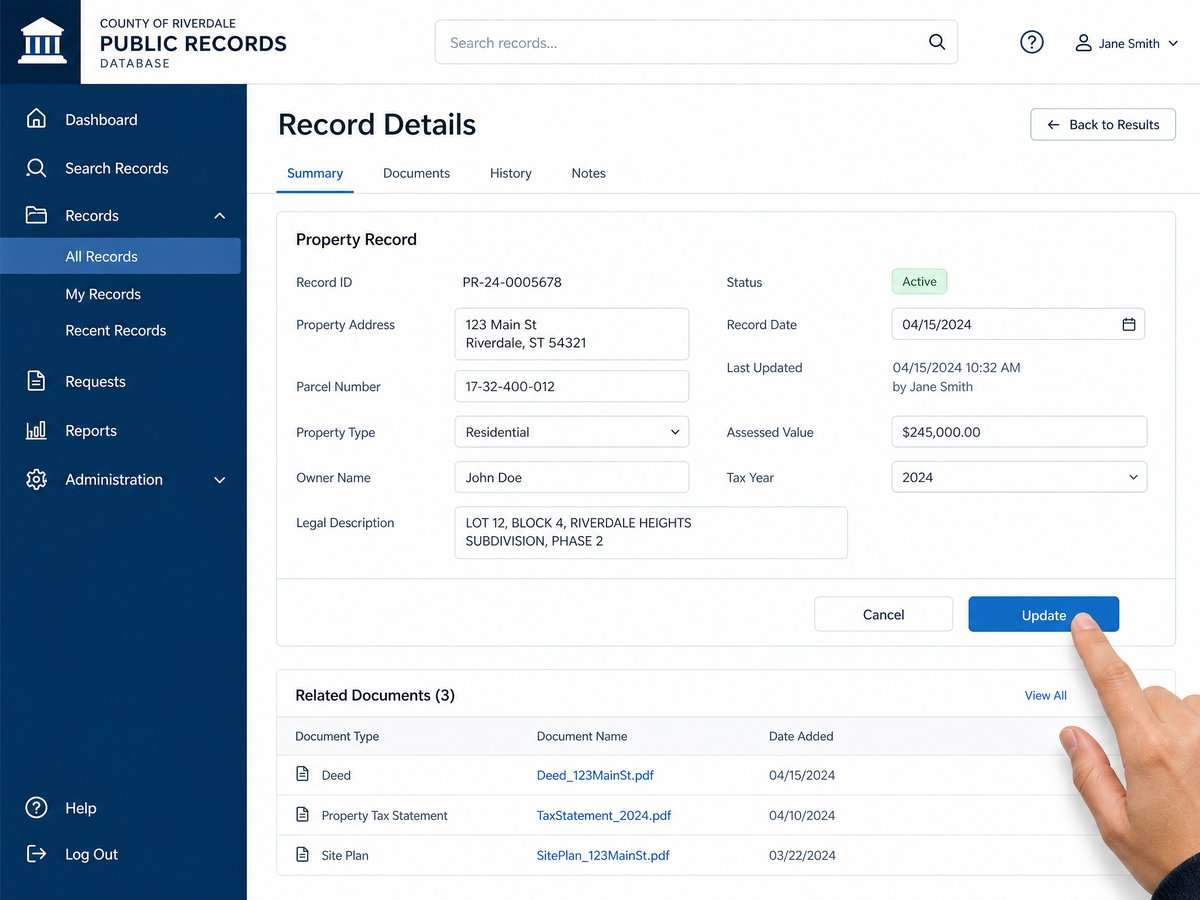
    Create a simple log that records the URL consulted, the date and time accessed, the specific calendar line items relevant to your story, and any subsequent changes you observed. Link each log entry to your captured schedule view and, when applicable, to the Secretary of State publication for enacted outcomes. This internal documentation supports transparent corrections and helps editors audit source trails quickly.

    Publishing updates and corrections

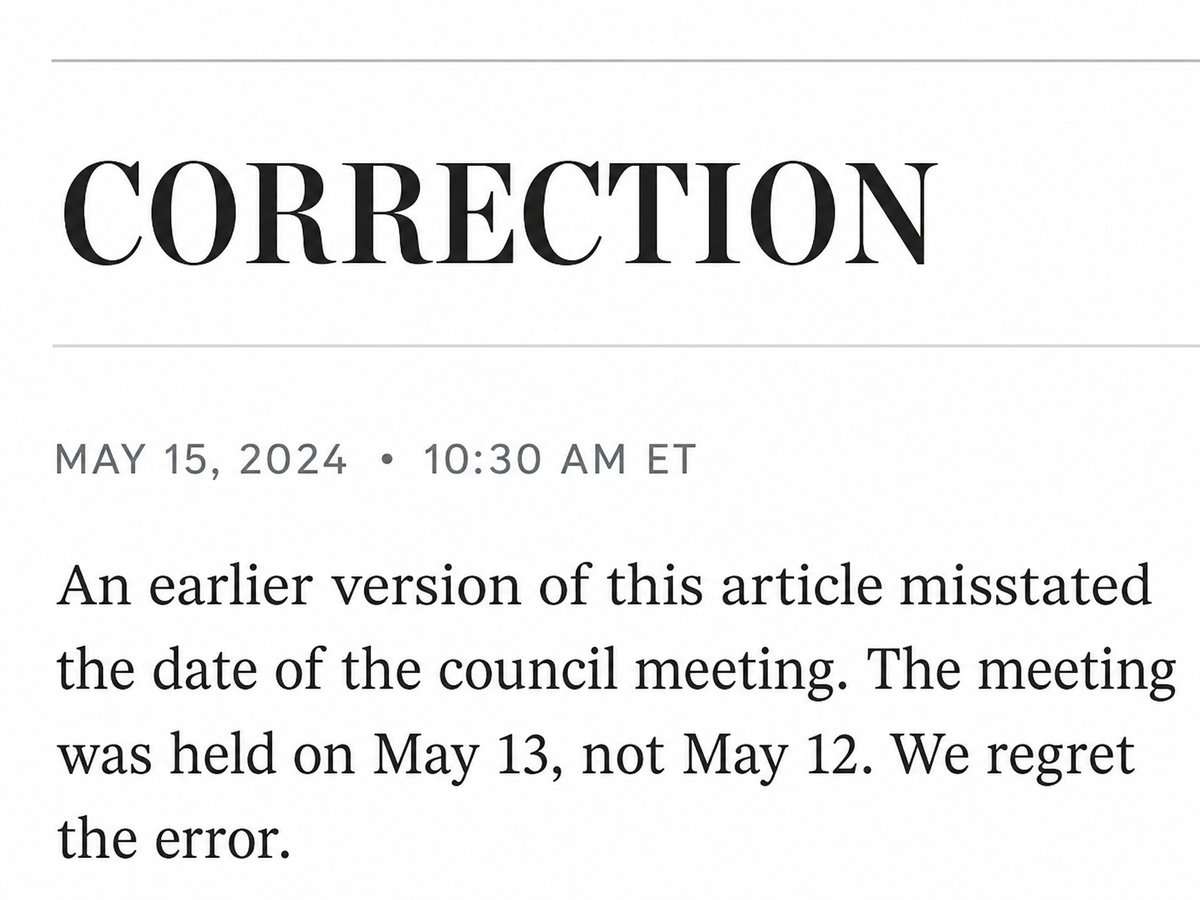
    When a schedule changes or a posting is corrected, update your article with clear, neutral language. For example: “Update: The committee hearing previously listed for [date] is no longer shown on the legislature’s public calendar as of [time/date of verification].” Retain your verification log internally so the newsroom can demonstrate what was posted and when it was checked. If a measure discussed in the story is later enacted, add a line that cites and links to the published act or resolution so readers can consult the official text.
    Common pitfalls to avoid

    • Treating a scheduled item as an accomplished event. A listing is confirmation that it was posted, not that the hearing occurred.
    • Quoting or paraphrasing unofficial summaries as law. Use the Secretary of State’s published acts and resolutions to verify enacted language after the legislative process concludes.
    • Missing a late change on the calendar. Before publication and again before distribution (e.g., newsletters or social posts), re-check the official schedules interface.
    • Overgeneralizing beyond Tennessee sources. Keep references and links Tennessee-specific by citing the official state sites described above.

    Pre-publication checklist

    • Source: Link to the exact page on the official schedules interface for any referenced hearing or meeting.
    • Timestamp: Note when you last verified the calendar entry and whether the page showed any status notes.
    • Language: Attribute scheduling details to the General Assembly’s calendar; attribute enacted law to the Secretary of State’s publications.
    • Context: Clarify whether a hearing is posted, postponed, or not currently listed, based on what the public schedule shows.
    • Follow-through: If your story mentions potential legal changes, plan a post-enactment update that links to the published act or resolution.
    • Archive: Save captures of all consulted pages on the General Assembly portal and the Secretary of State site to preserve a verifiable record.

    Why this matters for court-access reporting

    Courts operate under statutes and rules that evolve. For beat reporters, accurately reflecting when, where, and how policy discussions are scheduled ensures that readers understand the process shaping the legal environment. A disciplined Tennessee public hearing calendar verification routine, paired with careful updates and corrections, supports fair coverage and strengthens public trust.
    Sources

    This article provides general information, not legal advice. Court rules, records, and legal consequences depend on the facts, the forum, and current law; consult a qualified lawyer for advice about a specific situation.


    General-information disclaimer: This article is provided for journalism and general information only. It is not legal advice and does not create an attorney-client relationship.
  • Reading Tennessee docket entries: dates, dispositions, and what a docket cannot establish

    Reading Tennessee docket entries: dates, dispositions, and what a docket cannot establish

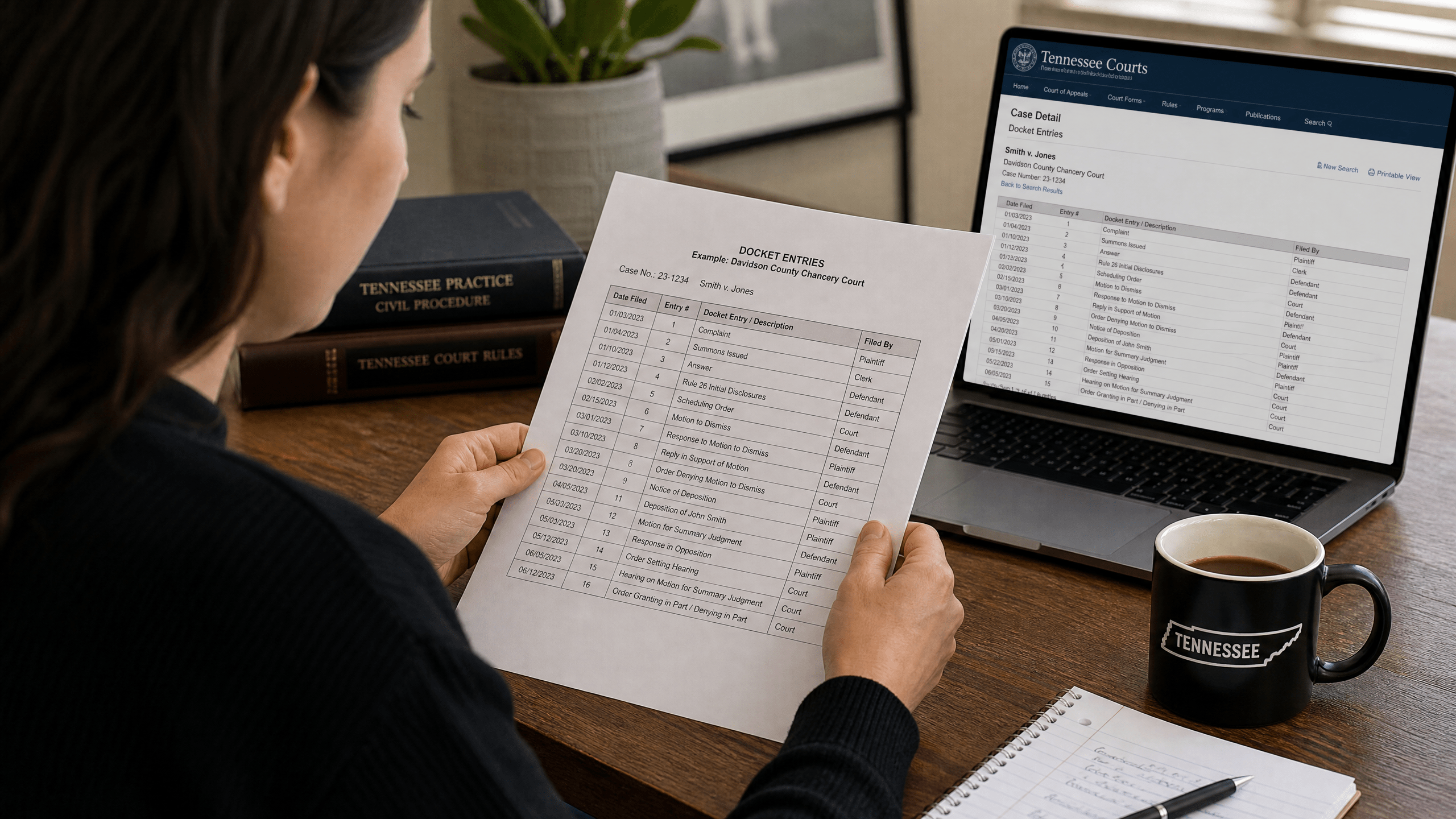
    Tennessee court docket entries are the running log of a case: who filed what, when the court took action, and how the case was resolved. They are foundational public records that organize a matter’s procedural history. But a docket is not a transcript, not an opinion, and not a substitute for reading the orders and judgments that control outcomes. This guide explains what Tennessee court docket entries generally include, how to interpret dates and dispositions, and where their limits begin. This guide explains the basics of reading Tennessee docket entries and understanding what they establish.

    What a Tennessee court docket is (and is not)

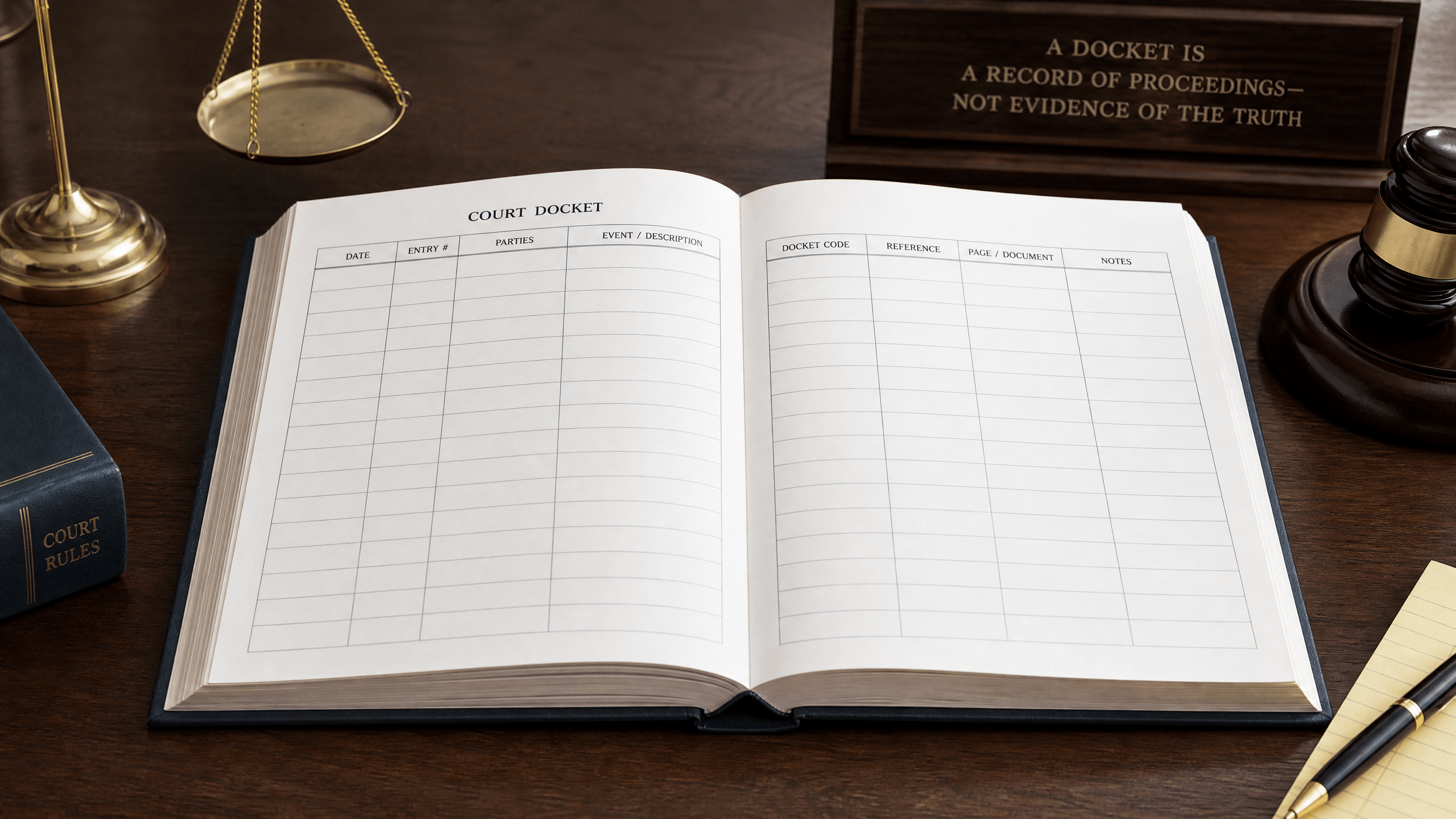
    A blank logbook or ledger, symbolizing what a court docket is and is not.

    In broad terms, a Tennessee court docket is a public record that records procedural steps in a case, the court’s judgments, and post-judgment execution status. Typical entries identify case parties and attorneys, list the dates of filings and court actions, and reflect financial outcomes such as costs or amounts due. These functions help the public and the parties follow a case’s path through the courts.

    Equally important is what a docket is not. Docket text is not evidence and is not a finding about the truth of any allegation. Many docket lines simply note that a filing occurred; they do not evaluate its accuracy. Short labels such as “dismissed” or “granted” summarize outcomes but do not capture the full terms of a judge’s order. For detailed reasoning, the controlling documents are the signed orders and, when a case is appealed, the written appellate decisions made publicly available by the court system. For a centralized overview of official appellate case materials, see the judiciary’s statewide portal at the Tennessee Courts appellate resources page Tennessee Courts appellate resources portal for opinions.

    Public access and its limits

    Access to Tennessee court records occurs within a statewide public-records framework that includes statutory exceptions. While dockets are public records, not everything in a court file (or about a litigant) will appear on a public-facing docket, and some materials may be restricted by statute or court order. The State maintains a searchable reference that catalogs exceptions to access; this tool helps explain why certain information is redacted or withheld from public view Tennessee Public Records Exception Database maintained by the state.

    Because access rules arise from statutes and court orders that can change, the exceptions database is a practical starting point for recognizing categories of information that may be confidential or restricted from public view. This legal framework explains, for example, why juvenile matters or certain sensitive personal data may be absent from public dockets.

    Core elements you are likely to see on a docket

    Short editorial visual: navigating docket columns.

    Download the video transcript (TXT).

    Although formats vary across courts, most Tennessee court dockets will include some combination of the following elements:

    • Case identifiers: a case number and case type label used to track filings and orders.
    • Parties and attorneys: names of plaintiffs/petitioners, defendants/respondents, and counsel of record.
    • Filings and court actions by date: chronological entries noting pleadings, motions, responses, notices, and court rulings.
    • Scheduled events: hearing dates, trial settings, and continuances.
    • Dispositions: shorthand notations reflecting outcomes (for example, a final judgment entered or a motion resolved).
    • Financial outcomes: costs assessed, amounts awarded, and other monetary entries associated with the judgment.
    • Post-judgment activity: entries showing enforcement steps or “execution” status after a judgment.

    Some fields or documents may be redacted or omitted if they fall within statutory confidentiality or a sealing order.

    How to read dates on a docket

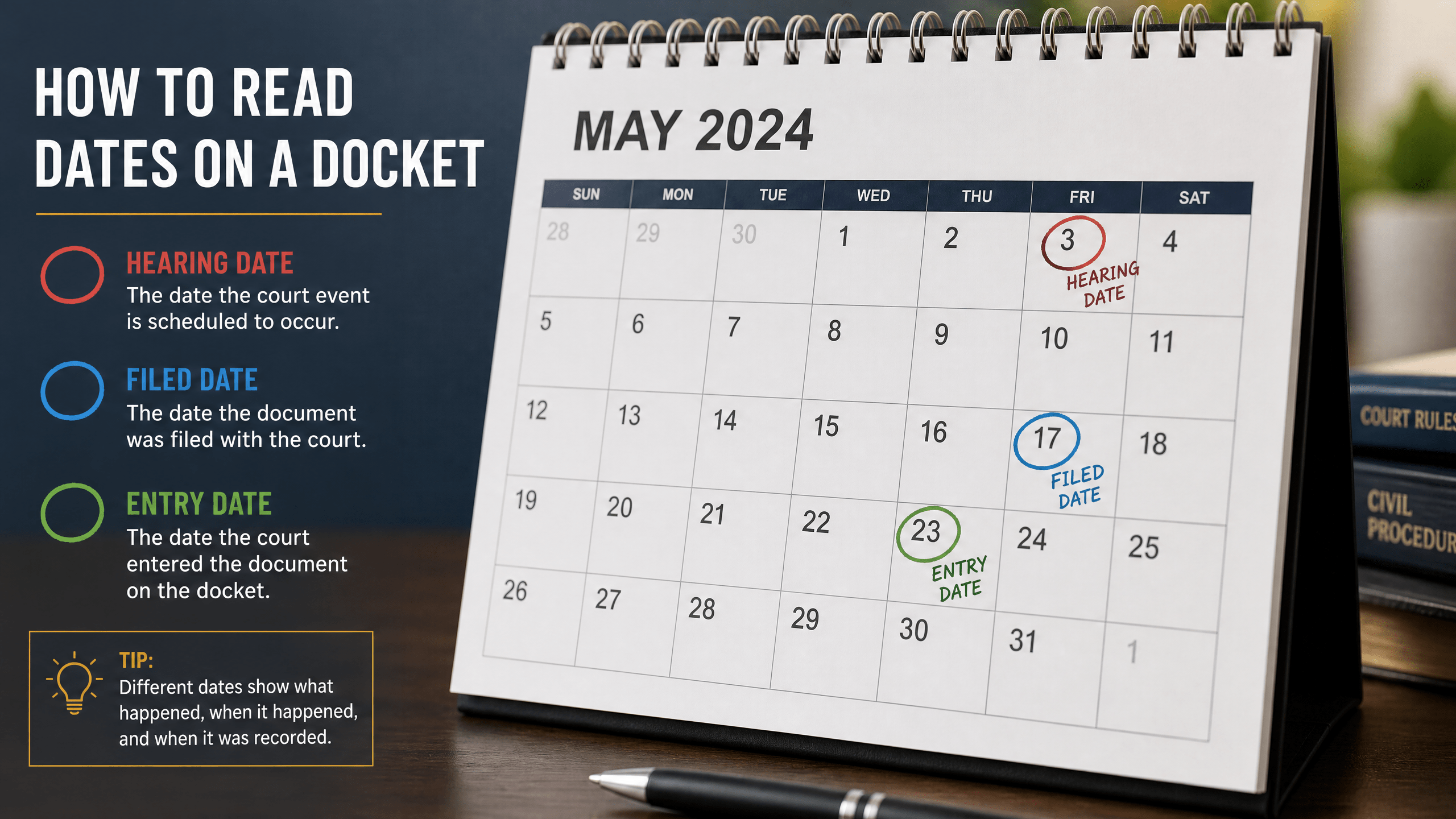
    A calendar with circled dates, illustrating how to read dates on a docket.

    Dates are often the key to understanding what happened and when. A single case can contain multiple date types that serve different functions. Common ones include:

    • Filing date: when a document was received and file-stamped by the clerk.
    • Entry date: when an order or judgment was entered on the docket, which may be later than the date the judge signed it.
    • Service date: when a party or attorney was formally served with a document or notice.
    • Scheduled date: when a hearing, conference, or trial is set to occur.
    • Disposition date: when the court resolved a motion or the entire case.

    These distinctions matter. For example, appeal deadlines and certain post-judgment time limits are frequently tied to entry dates, not the date a hearing occurred. Likewise, a docket might show that a hearing was scheduled, but a subsequent entry (or the absence of one) could indicate it was continued or resolved without a hearing. Always read dates in sequence, and remember that the docket is a living record: a later entry can change the legal landscape by superseding an earlier order.

    How to read dispositions and orders

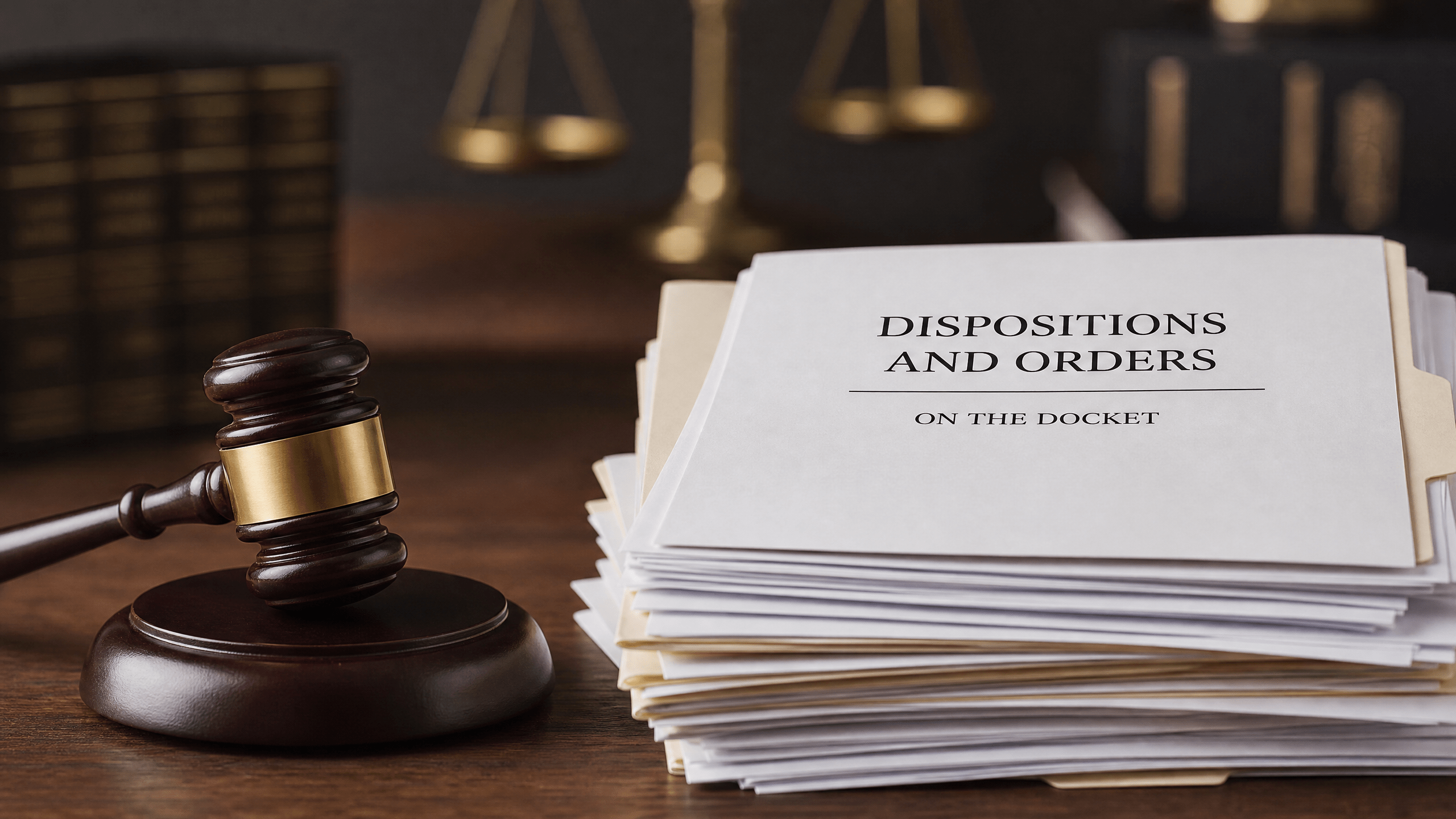
    A judge's gavel next to a stack of papers, symbolizing how to read dispositions and orders on a docket.

    Disposition entries function as short administrative labels. They tell you that the court took an action, but not necessarily why or under what exact terms. Some common labels you may encounter include “dismissed,” “granted,” “denied,” “settled,” and “judgment entered.” To know the scope of an order—who prevailed, what relief was awarded, what deadlines apply, and whether any claims remain—look for the underlying signed order or judgment referenced by the docket entry. The order contains the controlling language.

    Financial lines on the docket may show costs assessed and amounts due as part of a judgment. After judgment, entries referring to “execution” or other enforcement steps relate to collection and compliance status. Track these chronologically to see whether an initial judgment has been modified, satisfied, or remains outstanding. If a later entry notes that an earlier order was vacated or superseded, the later entry controls.

    What a Tennessee docket cannot establish

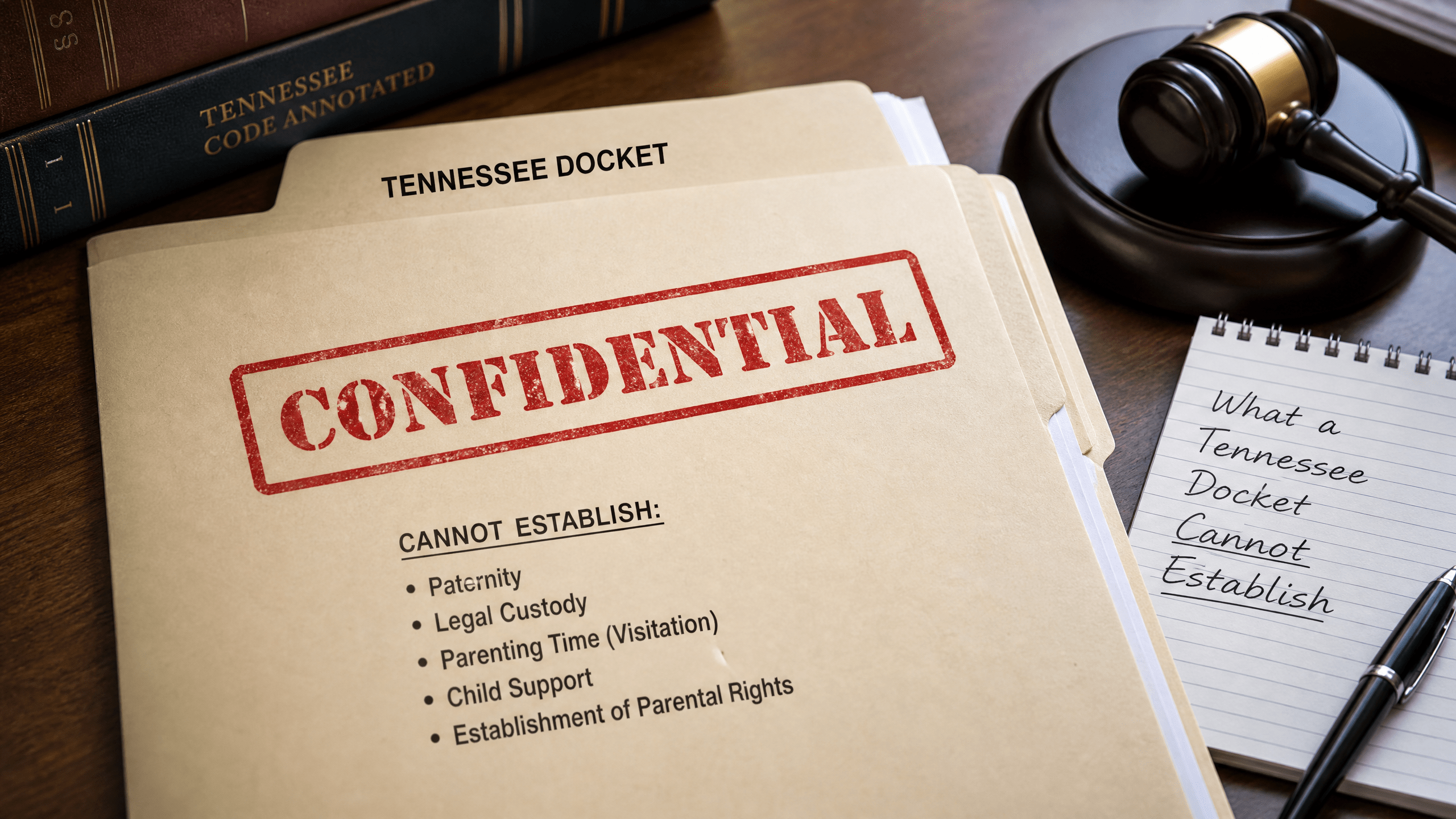
    A folder stamped 'Confidential', illustrating what a Tennessee docket cannot establish.

    Because a docket is a summary tool, there are strict limits on what you can conclude from it:

    • Truth of allegations: a docket shows that a pleading was filed; it does not prove the facts alleged.
    • Complete reasoning: brief labels for rulings rarely include the court’s analysis. Appellate opinions are where legal reasoning is published for statewide reference, accessible through the judiciary’s public portal Tennessee Courts appellate resources portal for opinions.
    • Confidential matters: categories protected by statute or court order do not appear on public dockets or may be redacted, consistent with statewide exceptions to public access documented in the state’s reference tool Tennessee Public Records Exception Database for restricted access.
    • Off-record events: conferences, settlement discussions, and clerk’s desk communications may not be reflected unless a filing or order memorializes them.
    • Real-time status: a docket can lag. Clerks update entries, but delays occur between a hearing, the signing of an order, and the entry of that order on the docket.

    Finding official appellate materials and case context

    When a case reaches the appellate courts, the most authoritative sources for what the court decided are the opinions and orders the judiciary publishes. Tennessee centralizes public appellate case resources to help the public track these materials Tennessee Courts appellate resources portal for opinions. Reading the appellate docket alongside the issued opinion or order provides both the procedural context and the court’s reasoning.

    Practical tips for reading docket entries

    • Start with identifiers: confirm you are on the correct case number and case type before drawing any conclusions.
    • Follow the chronology: read entries in order. Note the difference between the date an event occurred and the date it was entered.
    • Find the controlling document: where a disposition line references an order or judgment, read that document for the full terms.
    • Watch for superseding entries: later orders can modify or vacate earlier ones. The most recent controlling order governs.
    • Separate allegations from rulings: distinguish between a party’s filing (an allegation or argument) and a court order (a decision).
    • Note privacy indicators: redactions, initials, or omitted data often reflect statutory confidentiality or a sealing order under statewide access rules. For context about why certain data is withheld, consult the state’s reference tool Tennessee Public Records Exception Database for restricted access.
    • Recheck the record: because updates can lag, revisit the docket to confirm no later order has changed the status.

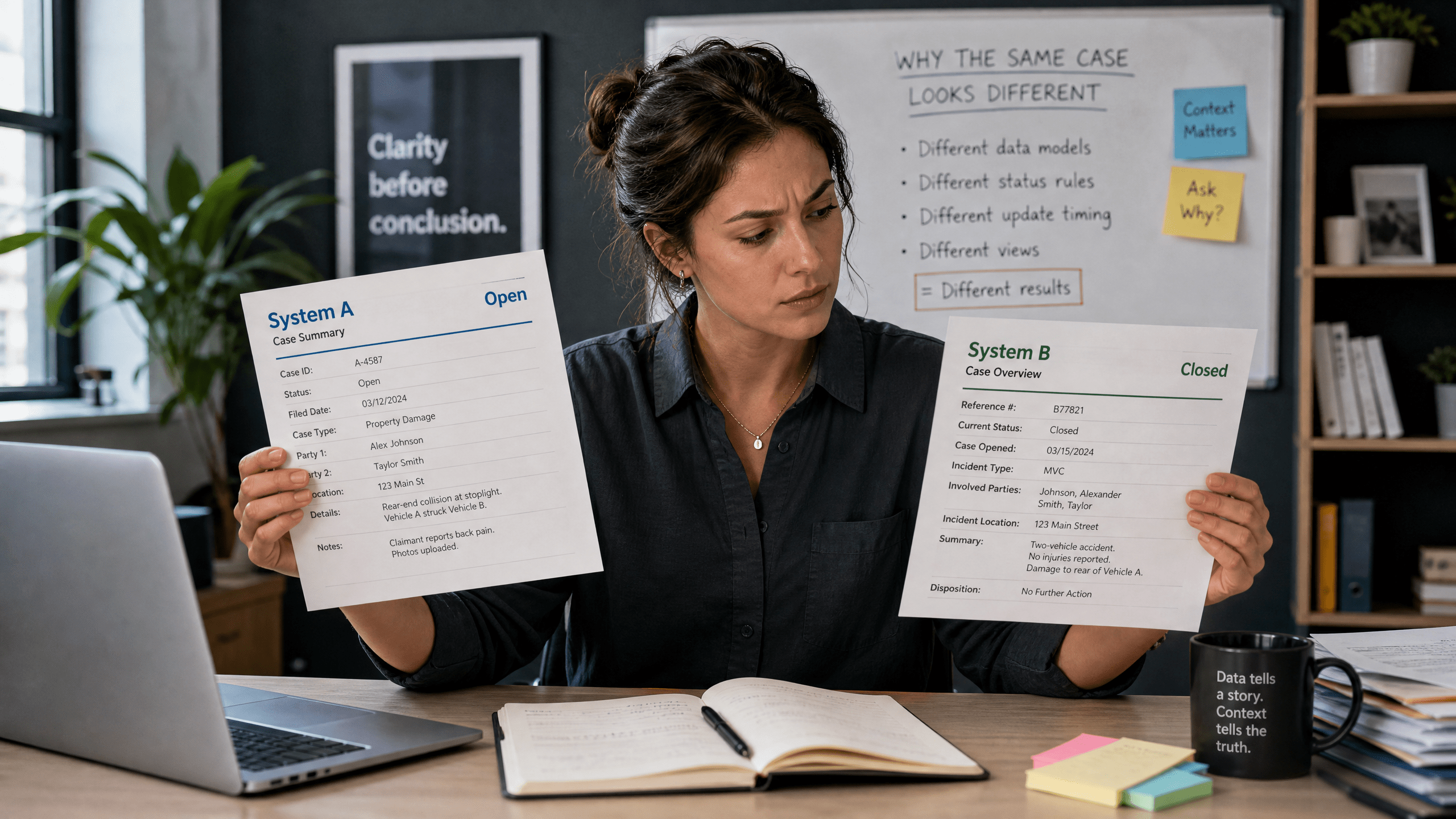
    Why the same case can look different across systems

    A person comparing two different documents, illustrating why the same case can look different across systems.

    Not every Tennessee court publishes docket information in the same format or on the same schedule. Some systems provide more detail or link directly to orders; others display minimal lines until documents are scanned and entered. Differences in software, local practice, and the presence of confidential material all affect what the public can see on a given day. The underlying principle remains the same: the docket is the case’s procedural ledger, and access to it operates within the statewide framework of public access and statutory exceptions.

    Limits of this guide

    This guide addresses what Tennessee court dockets commonly show and what they do not, based on general principles of public access. It does not list every possible exception or confidential record type, and it does not detail the specific contents of every court’s docket. Court practices and legal standards change. For official case materials on appeal, consult the judiciary’s public appellate case resources maintained by Tennessee Courts, and review the state’s reference for statutory limits on access in the Public Records Exception Database.

    Sources

    This article provides general information, not legal advice. Court rules, records, and legal consequences depend on the facts, the forum, and current law; consult a qualified lawyer for advice about a specific situation.


    General-information disclaimer: This article is provided for journalism and general information only. It is not legal advice and does not create an attorney-client relationship.
  • Five official Tennessee court access tools and the questions each tool can answer

    Five official Tennessee court access tools and the questions each tool can answer

    For Tennesseans tracking court activity, several official tools answer specific questions about appellate decisions, schedules, case status, and older records. This Accountability Briefing maps five Tennessee court access tools to the kinds of questions each can answer and offers general tips for reading what you find. Understanding how to use official Tennessee court access tools is the first step in tracking a case effectively.

    Where to start

    Short editorial visual: navigating official court portals.

    Download the video transcript (TXT).

    The Tennessee appellate courts maintain an online hub that links to opinions, oral-argument dockets, the Public Case History, and the Pending Case Report. Begin at the Tennessee Appellate Case Resources portal to see what is officially available.

    Tool 1: Appellate opinions and orders

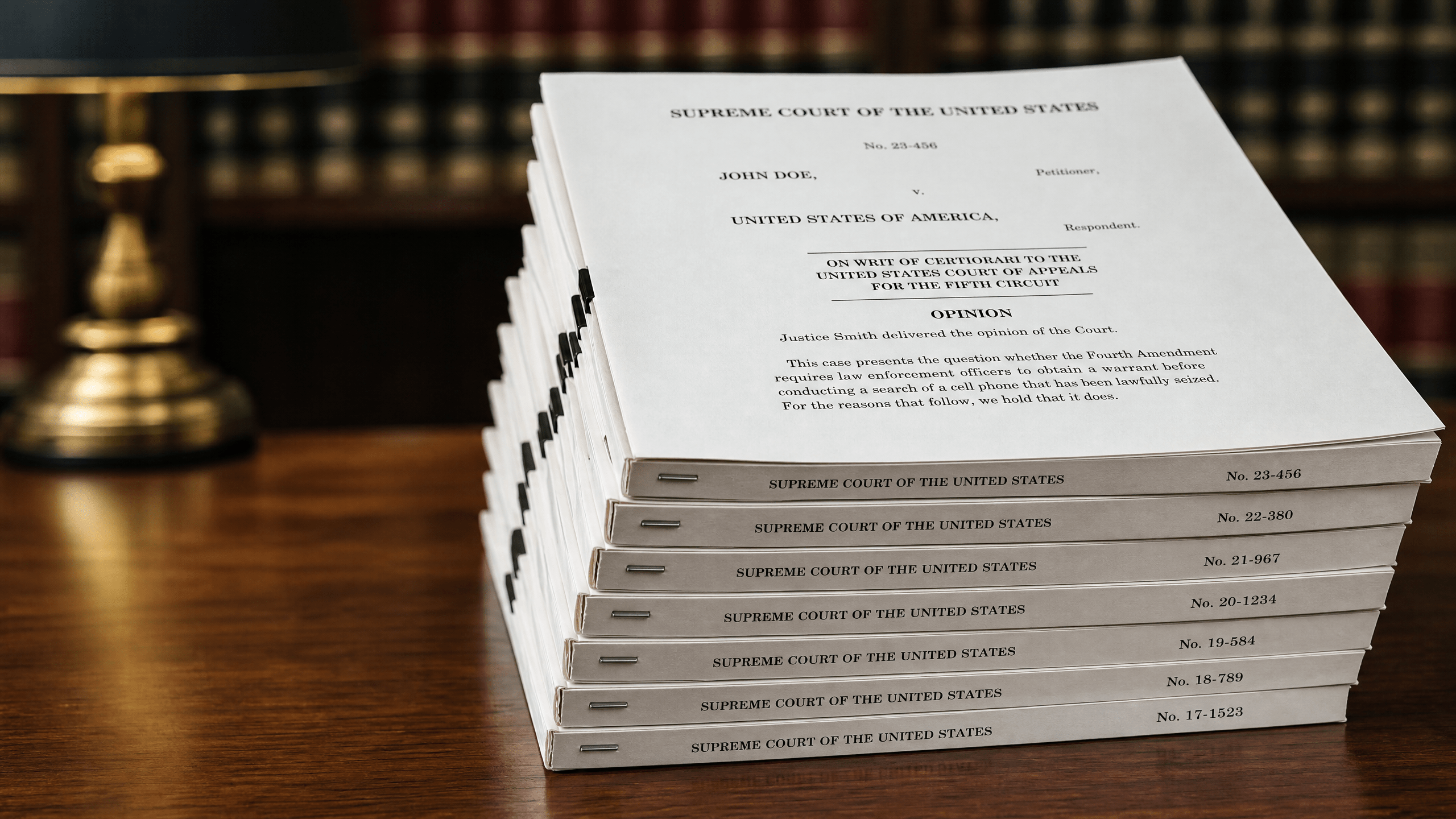
    A stack of legal opinions or rulings, symbolizing the tool for finding appellate opinions and orders.
    Opinions and orders: a neutral illustration for appellate rulings.

    Appellate opinions and certain orders are published through the courts’ official portal. These documents are the court’s written decisions.

    • Primary questions this tool can answer: What did the appellate court decide? On what date was the opinion or order released? Where can I read the official text?
    • What to know as you read: An opinion states the court’s legal reasoning and outcome. Citations and headings are part of the judicial document. Filings by parties (briefs, motions) are not opinions and reflect advocacy, not findings.

    Tool 2: Oral-argument dockets and media

    A courtroom podium with a microphone, illustrating the setting for oral arguments.
    Oral arguments: a neutral illustration for court dockets.

    Oral-argument calendars and, when available, recordings are linked from the same appellate portal. Dockets indicate when and where arguments were scheduled or held.

    • Primary questions this tool can answer: Was oral argument scheduled in a case? On what date? Is official audio or video posted for public viewing or listening?
    • What to know as you watch or listen: Oral argument is a timed session where judges question attorneys. It is not a trial, and it is not evidence. The final result is found in the court’s opinion or order.

    Check the Tennessee Appellate Case Resources portal to locate current oral-argument dockets and any posted recordings.

    Tool 3: Public Case History (appellate-level case lookup)

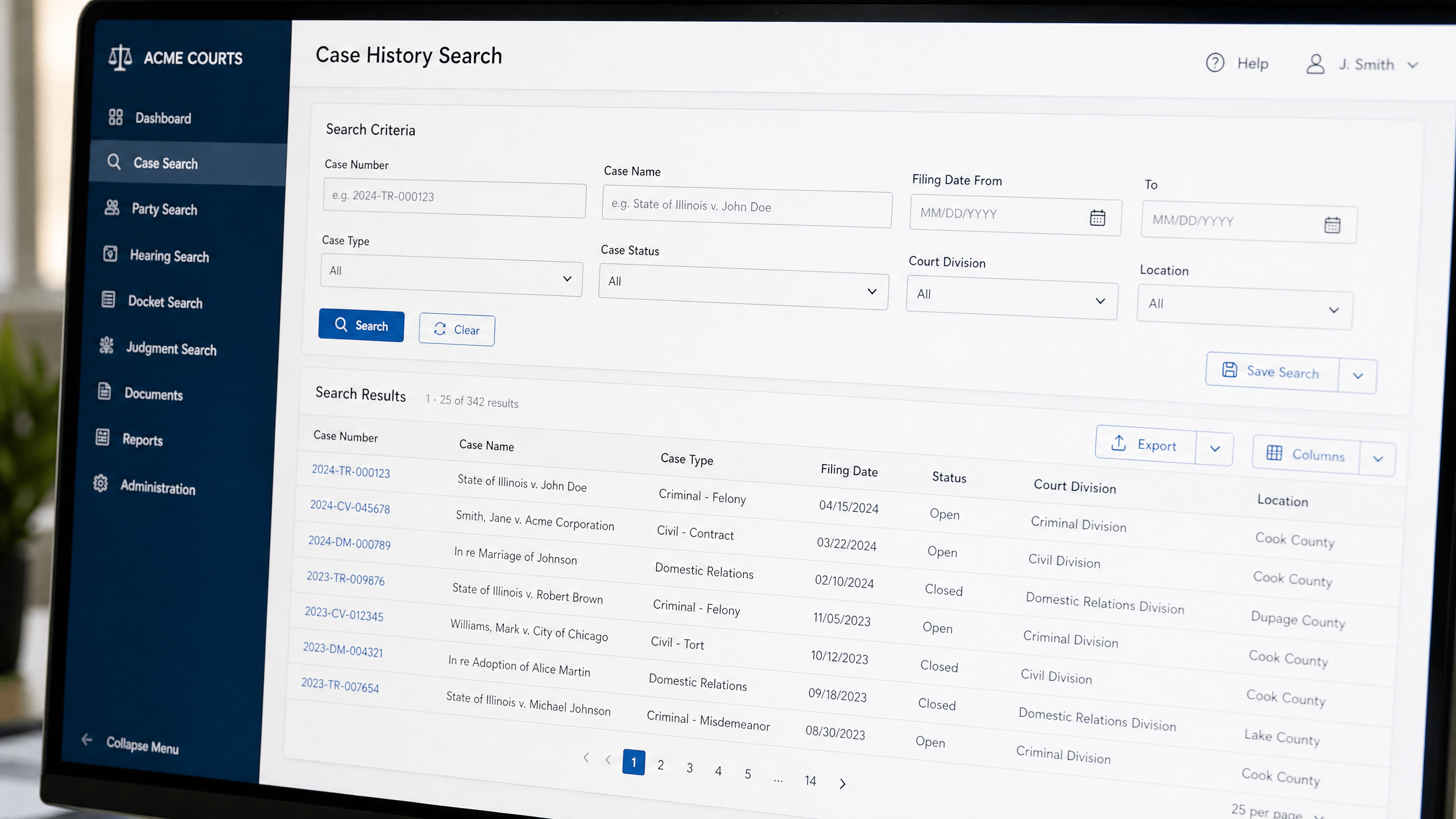
    A computer screen displaying a case history search interface, representing the Public Case History tool.
    Case history lookup: a neutral illustration for the appellate portal.

    The statewide Public Case History (PCH) service provides official, basic information about cases at the appellate level.

    • Where to find it: Use the Public Case History search tool online to look up appellate cases.
    • Primary questions this tool can answer: What is the basic status of an appellate case? What events have been recorded on the appellate docket? What case number is associated with a party or attorney?
    • What to know as you read: PCH reflects filings and events recorded by the appellate clerk’s offices. Docket entries show that something was filed or occurred but do not, by themselves, resolve disputed facts.

    Tool 4: Pending Case Report (what’s currently before the appellate courts)

    A report or document labeled 'Pending', symbolizing the Pending Case Report tool.
    Pending matters: a neutral illustration for tracking active cases.

    The appellate portal also provides a regularly updated Pending Case Report. This is a consolidated place to see matters listed as pending before Tennessee’s appellate courts.

    • Primary questions this tool can answer: Which cases are currently listed as pending? Where can I find a centralized, official snapshot of active appellate matters?
    • What to know as you read: A “pending” designation signals that the case remains active at the appellate level. For details on filings and dates, cross-reference the case in the Public Case History.

    Tool 5: Historical court records via the State Library & Archives

    An old, dusty legal archive or library, illustrating the State Library & Archives for historical court records.
    Historical records: a neutral illustration for archival research.

    Many older court materials are preserved by the Tennessee State Library & Archives (TSLA). The Library’s guidance explains how to identify and request historical court records and where those records may be housed.

    • Where to find it: See the TSLA FAQ on finding court records for research steps and contacts.
    • Primary questions this tool can answer: How do I locate older trial or appellate records? Which offices or archives keep particular time periods? What indexes or microfilm exist?
    • What to know as you research: Historical access depends on what was kept, where it was archived, and the condition of the materials. Expect variations across counties and time periods.

    Understanding limits and exceptions

    Public access is broad but not universal. Tennessee maintains an official database that catalogs statutory exceptions to the state’s public-records requirements. Before making a records request—or if something you seek is not available—consult the Public Records Exception Database to identify laws that may restrict disclosure. This database is a research aid and does not replace legal advice.

    Practical tips for reading court materials

    • Track by docket number: When possible, note the appellate docket number. It is the most reliable way to match opinions, dockets, and case-history entries.
    • Distinguish documents: Opinions and orders reflect judicial actions. Briefs, motions, and appendices reflect the parties’ positions or supporting materials.
    • Check dates and updates: Use release dates on opinions and event dates in Public Case History to understand sequence. Re-check links over time; pending matters change.
    • Mind confidentiality notices: If a resource indicates a record is unavailable or limited, consult the Exception Database to see if a statutory restriction may apply.

    Sources

    This article provides general information, not legal advice. Court rules, records, and legal consequences depend on the facts, the forum, and current law; consult a qualified lawyer for advice about a specific situation.


    General-information disclaimer: This article is provided for journalism and general information only. It is not legal advice and does not create an attorney-client relationship.
  • Who holds the record? Choosing a Tennessee court-record access route before making a request

    Who holds the record? Choosing a Tennessee court-record access route before making a request

    Before sending a request for Tennessee court records, it helps to pick the right access route. In Tennessee, public access to government-held information operates through two overlapping structures: the Tennessee Public Records Act (TPRA) for governmental records generally, and Tennessee Supreme Court rules for judicial records. Many court offices also publish policies explaining practical steps. Choosing the correct path at the outset can save time and reduce back-and-forth. For the statewide request framework and basics, consult the Tennessee Public Records Act FAQs from the Office of Open Records Counsel. Choosing a Tennessee court records access path early can help readers identify the correct public-records or court-rule route before making a request.

    Why your access route matters

    Short editorial visual: choosing an access path.

    Download the video transcript (TXT).

    Records about court business can fall into different legal baskets. Case-related judicial records (such as filings and dockets) are commonly handled under court rules, while administrative records of courts and clerks—like non-case operational materials—are handled under public-records policies grounded in the TPRA. Each route can involve different request points, procedures, and exemptions. Matching the request to the proper custodian and framework helps avoid delays caused by referrals or clarification requests.

    The two main frameworks that govern access

    Two distinct legal binders, illustrating the two main frameworks that govern access to records.
    Two frameworks: a neutral illustration for overlapping rules.

    Tennessee Public Records Act (TPRA)

    The TPRA provides the general structure for inspecting and obtaining copies of public records held by state and local governmental entities, subject to specific exemptions. The statewide FAQs explain core principles such as identifying the governmental entity that maintains the record and submitting a request that reasonably describes what you seek. For foundational guidance, see the Tennessee Public Records Act FAQs with request basics and procedures.

    Tennessee Supreme Court rules (including access resources)

    Judicial records—often including documents filed in a case, docket materials, and related court-file content—are governed by the Tennessee Supreme Court’s rules. The judiciary’s rules index collects materials about court access. If your target is a court-file document, begin at the Tennessee Supreme Court Rules index with resources about access to court records to locate the applicable rule and any listed exceptions.

    Court office policies

    Many court offices publish public-records policies that describe how to submit requests for records they maintain. For example, the Appellate Court Clerk has a policy addressing administrative records and referencing how court rules affect access to judicial records. Reviewing the relevant office’s policy can clarify where to send a request, what information to include, and how the office handles inspection and copies. See the Appellate Court Clerk public-records policy document describing administrative access.

    First question: who holds the record?

    A person holding a file folder, symbolizing the question of who holds the record.
    Finding the holder: a neutral illustration for locating records.

    Access turns on custody. A request should go to the governmental entity that maintains the record. For a court office’s administrative records, the TPRA route applies, and the office’s public-records policy will guide your submission. For court-file materials, consult the Supreme Court rules and the court’s practices for viewing or obtaining copies. The TPRA framework emphasizes identifying the correct records custodian and describing requested records clearly so a custodian can locate them efficiently.

    Map your request: a step-by-step route

    A person pointing to a map, illustrating the step-by-step route to map a records request.
    Mapping the route: a neutral illustration for request planning.
    1. Define the record. Write down the type of record, a date range, and any known identifiers (for example, a case number for a court-file item). Specificity can reduce clarification exchanges.
    2. Decide if it is a court-file record or an administrative record. Court-file materials generally follow court rules. Administrative materials of a court office are addressed under the TPRA and the office’s policy. For court-file access parameters, check the Tennessee Supreme Court Rules index for access-related guidance and exceptions.
    3. Identify the holder and procedure. If an office’s policy covers the record you want, follow that policy. For appellate offices, the Appellate Court Clerk’s posted policy provides an example of how a Tennessee court office explains its process for administrative records.
    4. Choose inspection or copies. The TPRA framework recognizes inspection of public records and, where permitted, obtaining copies, subject to exemptions. Indicate your preference in the request, and note if electronic copies are acceptable when offered.
    5. Submit and track. Send the request to the office identified by the applicable policy or rule. Keep a copy of your submission and note the date for your records. If you follow up, reference the original request and keep the communication concise.

    Common limits, exemptions, and formats

    A red stop sign, symbolizing common limits and exemptions to records access.
    Limits and exemptions: a neutral illustration for access boundaries.

    Some records are not publicly accessible, and others may be accessible only in part. Exemptions under the TPRA and limits under court rules can restrict or condition access to certain information. Administrative records may contain protected information that is redacted before release, and judicial rules may treat some case materials differently. For public-records principles and exemptions under state law, review the Tennessee Public Records Act FAQs discussing access and exemptions.

    Where to confirm procedures

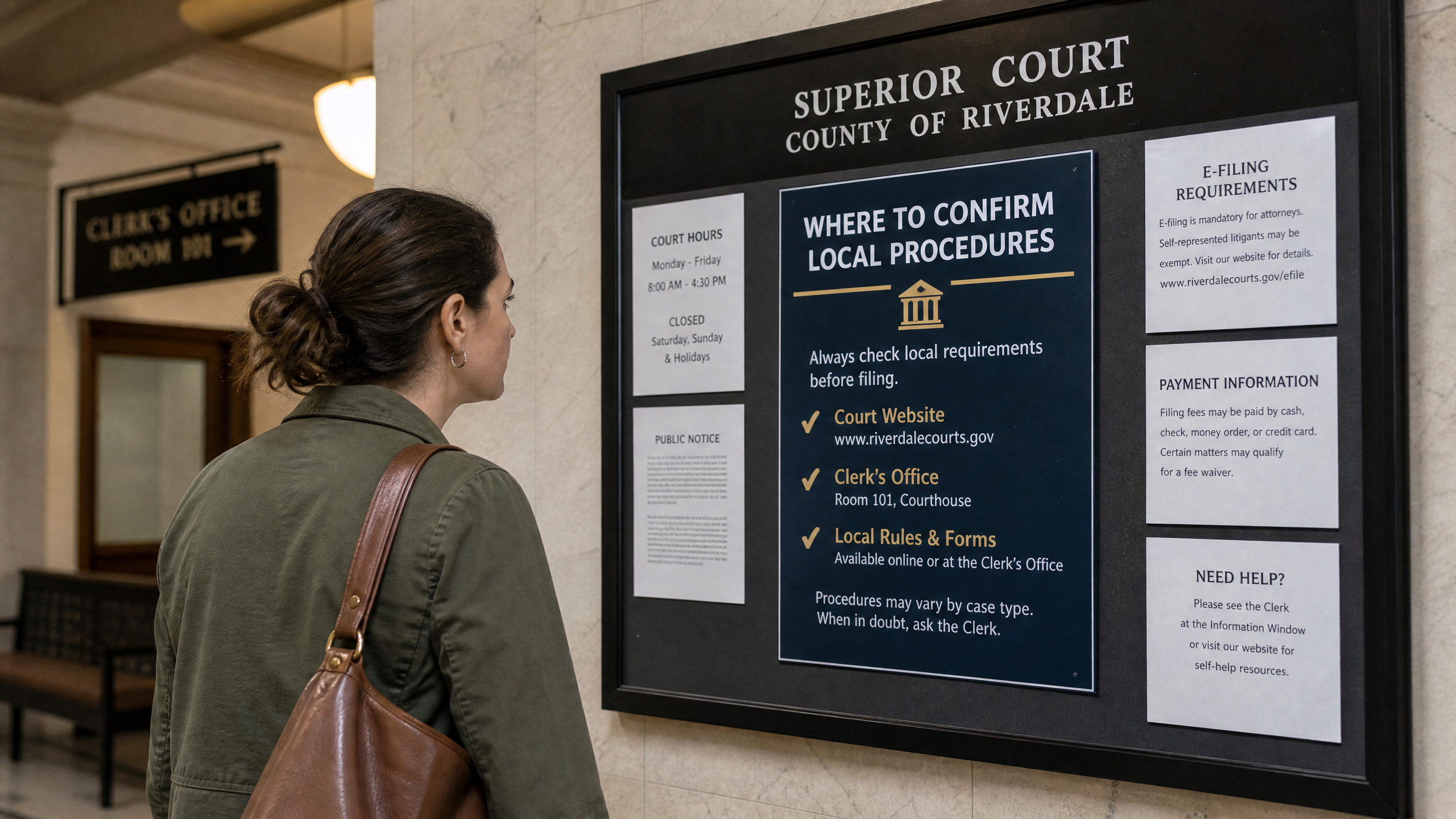
    A person reading a courthouse bulletin board, illustrating where to confirm local procedures.
    Confirming procedures: a neutral illustration for local rules.

    Before finalizing a request, check the most current, official sources. For public-records fundamentals and request mechanics for governmental entities, use the state’s TPRA FAQs. For judicial-records access, start at the Supreme Court rules index. For court-office administrative records, consult the relevant office policy published by that office.

    Bottom line

    Tennessee court records access depends first on who holds the record and whether it is a judicial case-file item or an administrative record. From there, match your route to the governing framework: court rules for judicial records, and the TPRA plus the specific office’s policy for administrative records. Clear descriptions, the correct destination, and attention to posted procedures will help your request proceed efficiently.

    Sources

    This article provides general information, not legal advice. Court rules, records, and legal consequences depend on the facts, the forum, and current law; consult a qualified lawyer for advice about a specific situation.


    General-information disclaimer: This article is provided for journalism and general information only. It is not legal advice and does not create an attorney-client relationship.
  • Where to find verified Tennessee court-access updates when no case roundup is warranted

    Where to find verified Tennessee court-access updates when no case roundup is warranted

    This neutral guide explains where to find verified Tennessee court access updates when there is no single case roundup to summarize. Some weeks, there is no single development that justifies a full case roundup. Yet access questions still matter: new opinions are posted, argument calendars change, and case histories update. When you need verified Tennessee court access updates without a narrative wrap-up, rely on statewide resources the judiciary maintains for public use.

    Start at the Tennessee Courts’ case-resources hub

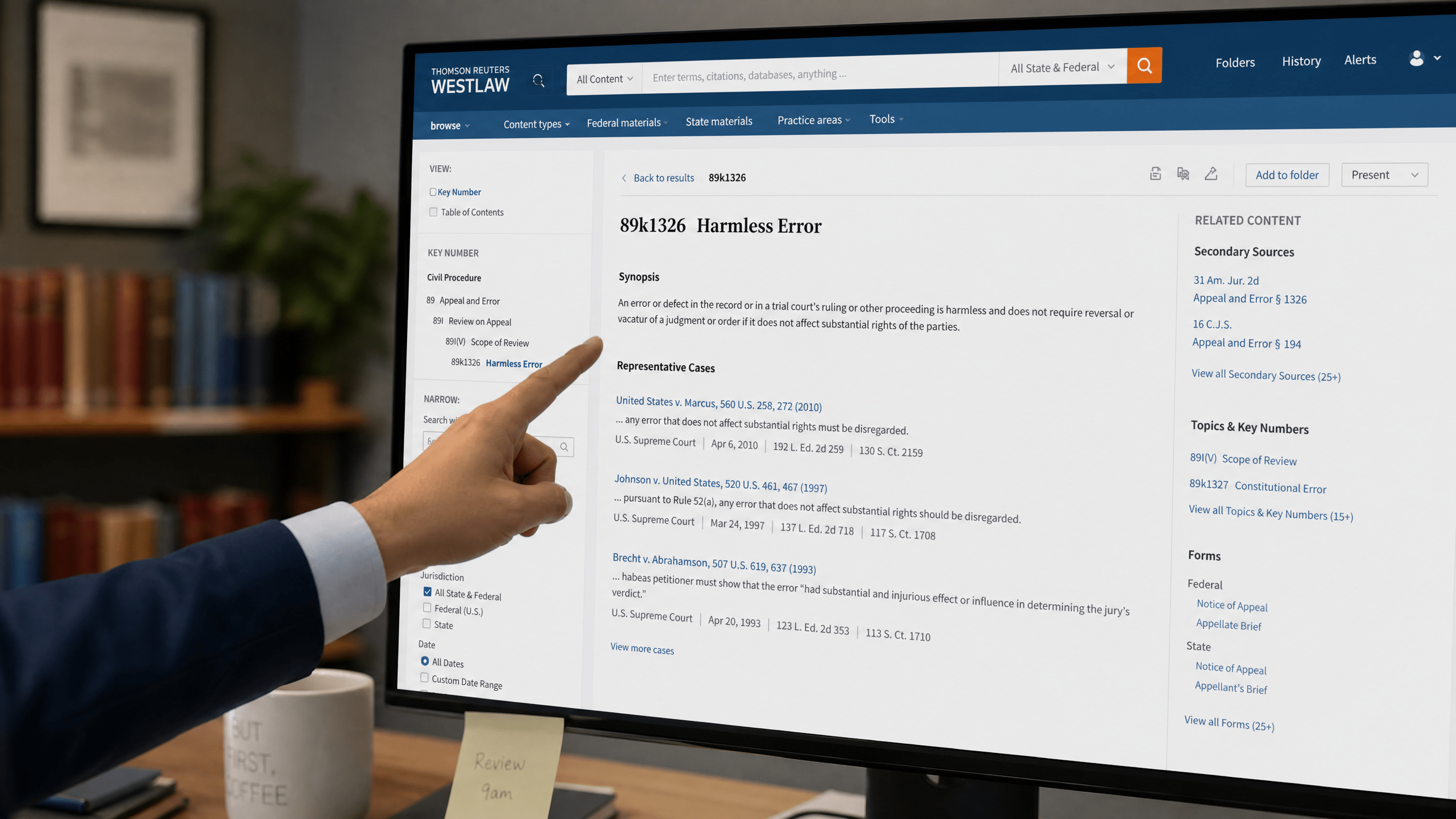
    A computer screen displaying a generic legal search portal, illustrating the appellate opinions database.
    Appellate search: a neutral illustration for finding recent opinions.

    The central landing page for official statewide tools is the Tennessee Courts case resources hub for appellate materials. From this page, you can reach searches for appellate opinions, find oral-argument calendars, review the Public Case History, and check the statewide Pending Case Report. Because the page is maintained by the judiciary, it is the most direct way to confirm status information related to appellate work, schedules, and docket activity.

    A printed argument calendar on a desk, illustrating the schedule of upcoming court sessions.
    Argument calendars: a neutral illustration for tracking upcoming sessions.

    Opinions: What posted decisions can (and cannot) tell you

    The opinions available through the courts’ system are authoritative statements of how a panel resolved the issues presented and why. They are not third-party summaries and should be read on their own terms. Opinions reflect the record and the law as of the date they are issued. Not every appeal will result in a new opinion, and some matters are resolved through orders or other dispositions that do not include a lengthy written decision. When you cite an opinion, be sure you are reading the complete document and noting dates carefully.

    Oral-argument dockets: Following the calendar

    Oral-argument dockets show when and where arguments are set to be heard. These calendars help explain stretches of time between major filings and any later decision. Calendars can change, so it is useful to recheck listings as the argument date approaches. When reviewing a calendar, note the case number, the parties, and the location; those identifiers will help you match what appears on the calendar to entries you see later in the case history.

    Public Case History: Reading docket activity responsibly

    The Public Case History consolidates core case information, such as filings, orders, and key dates. Treat docket text as a roadmap rather than a conclusion. If you are new to reading dockets, consider the following practices:

    • Distinguish filings from rulings. Briefs and motions are parties’ filings that state positions; orders and judgments are the court’s actions. Entry titles usually indicate which is which.
    • Use official dates and entry descriptions. The posted date shows when the item was recorded. The entry title signals its procedural role, which helps you understand what happened and when.
    • Verify with multiple entries. Significant developments may appear across more than one line (for example, an order followed by a notice setting argument). Read entries in sequence rather than in isolation.

    If you are unsure where to find these tools in one place, start from the state-maintained Public Case History and pending reports portal, which links to the docket history and other statewide resources.

    Pending Case Report: Understanding what is under submission

    The statewide Pending Case Report offers a snapshot of matters that remain under consideration. This is useful when stakeholders ask why a decision has not yet appeared. A pending status indicates continued judicial consideration; it does not forecast timing or outcomes. Timelines can vary based on the issues presented, the record, and the court’s workload. Checking the report alongside the docket can clarify whether the next public development is likely to be an opinion, an order, or a calendar entry.

    Short editorial visual: official legal folders and a generic search portal.

    Download the video transcript (TXT).

    Media access: Know the rules before you plan coverage

    A blank Rule 30 camera-request form, illustrating the process for media access.
    Rule 30 requests: a neutral illustration for media coverage rules.

    Questions about cameras, photography, or recording arise frequently. Before making any plan, review the judiciary’s official guidance on media coverage in Tennessee courts. The guidance explains how requests are handled and outlines the framework that applies in court settings. Understanding these materials in advance helps avoid misunderstandings about what is permitted and how to proceed when coverage is requested.

    How to monitor efficiently when news is incremental

    A reporter's notebook and pen, symbolizing the process of monitoring incremental updates.
    Monitoring updates: a neutral illustration for tracking incremental news.
    • Anchor your checks to the courts’ hub. Begin at the official Tennessee Courts case resources landing page so you are pulling information from primary sources.
    • Track by case number and parties. Consistent identifiers reduce confusion when different matters involve similar issues or names.
    • Scan for sequence and significance. In the Public Case History, read entries chronologically, noting which are filings versus court actions.
    • Calendar around oral arguments. Argument dates can explain periods of limited visible movement while a case is prepared for hearing.
    • Confirm status before reporting. Cross-check what you see in the docket against the statewide pending list to see whether a decision is still under consideration.
    • Keep notes on updates. Logging dates and entry titles helps ensure that routine monitoring produces clear, verifiable updates.

    These steps keep routine monitoring grounded in publicly posted primary sources. Even when there is no standalone story, readers and stakeholders benefit when updates draw from the same links the courts maintain.

    A generic court docket printout, illustrating the public record of case filings.
    Docket updates: a neutral illustration for tracking case history.

    Sources

    This article provides general information, not legal advice. Court rules, records, and legal consequences depend on the facts, the forum, and current law; consult a qualified lawyer for advice about a specific situation.


    General-information disclaimer: This article is provided for journalism and general information only. It is not legal advice and does not create an attorney-client relationship.