Stop Legal Harassment

Court access · Free expression · Accountability

Tag: civil court records

  • Reading Tennessee docket entries: dates, dispositions, and what a docket cannot establish

    Reading Tennessee docket entries: dates, dispositions, and what a docket cannot establish

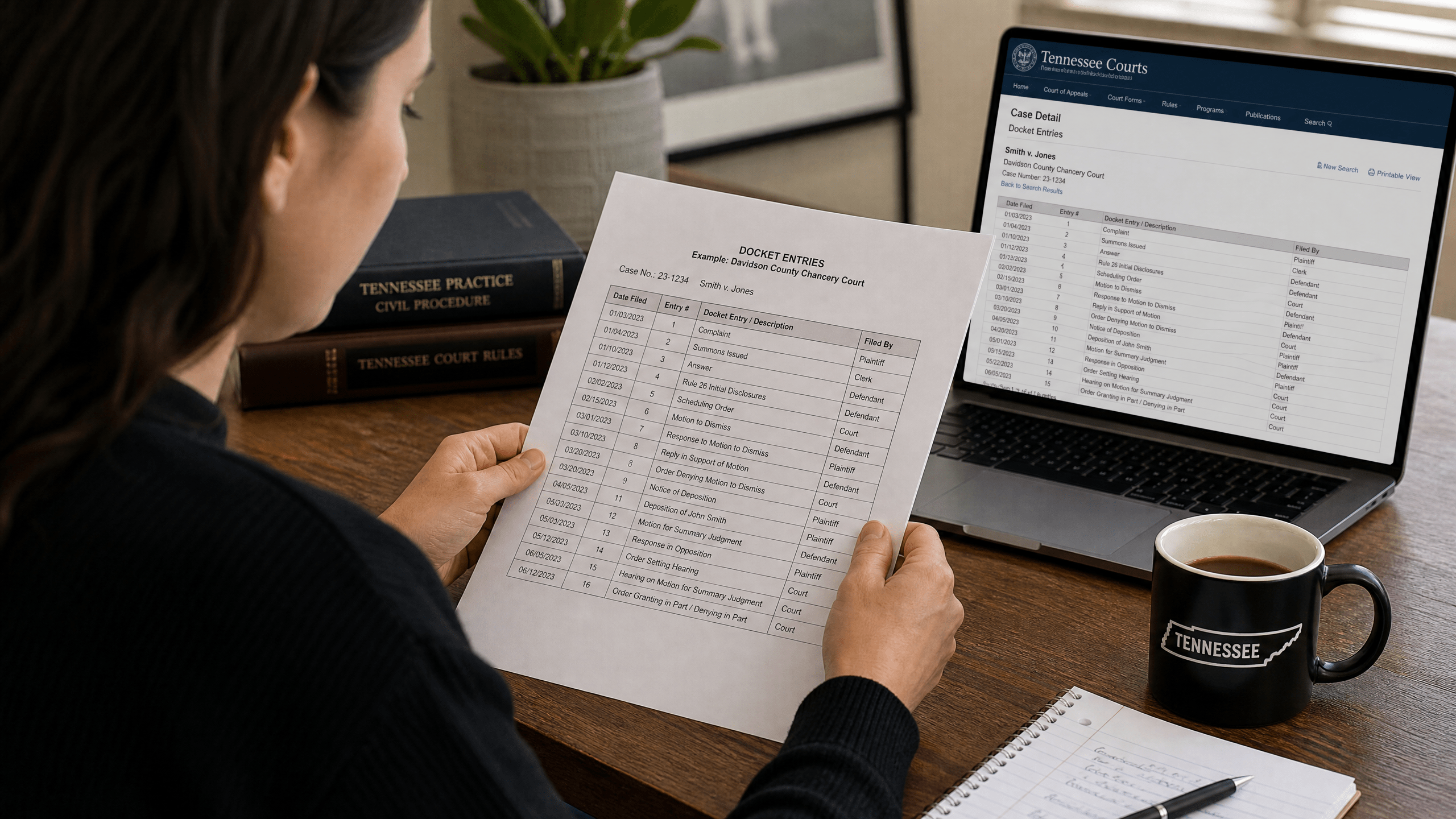
    Tennessee court docket entries are the running log of a case: who filed what, when the court took action, and how the case was resolved. They are foundational public records that organize a matter’s procedural history. But a docket is not a transcript, not an opinion, and not a substitute for reading the orders and judgments that control outcomes. This guide explains what Tennessee court docket entries generally include, how to interpret dates and dispositions, and where their limits begin. This guide explains the basics of reading Tennessee docket entries and understanding what they establish.

    What a Tennessee court docket is (and is not)
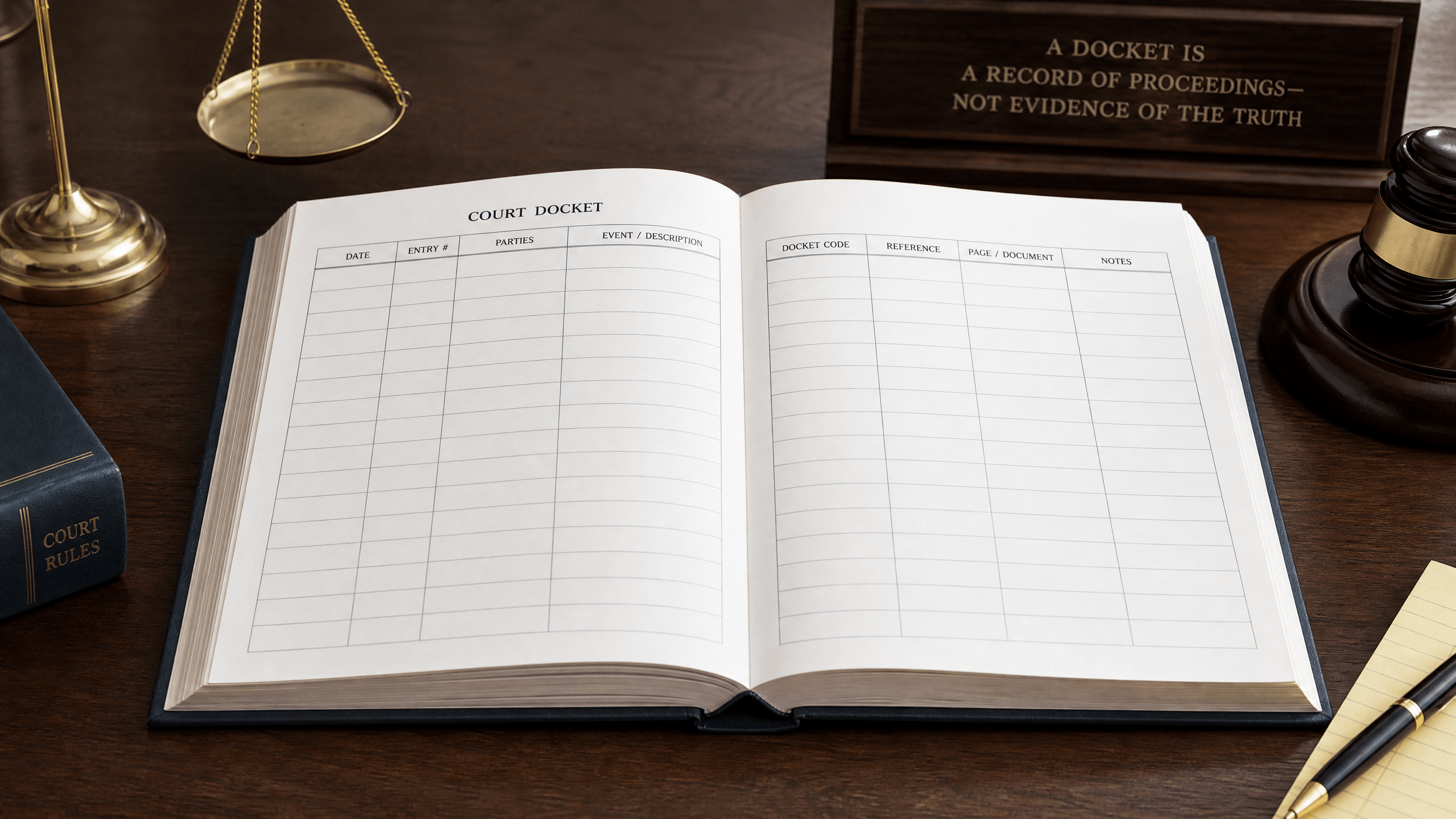
    A blank logbook or ledger, symbolizing what a court docket is and is not.

    In broad terms, a Tennessee court docket is a public record that records procedural steps in a case, the court’s judgments, and post-judgment execution status. Typical entries identify case parties and attorneys, list the dates of filings and court actions, and reflect financial outcomes such as costs or amounts due. These functions help the public and the parties follow a case’s path through the courts.

    Equally important is what a docket is not. Docket text is not evidence and is not a finding about the truth of any allegation. Many docket lines simply note that a filing occurred; they do not evaluate its accuracy. Short labels such as “dismissed” or “granted” summarize outcomes but do not capture the full terms of a judge’s order. For detailed reasoning, the controlling documents are the signed orders and, when a case is appealed, the written appellate decisions made publicly available by the court system. For a centralized overview of official appellate case materials, see the judiciary’s statewide portal at the Tennessee Courts appellate resources page Tennessee Courts appellate resources portal for opinions.

    Public access and its limits

    Access to Tennessee court records occurs within a statewide public-records framework that includes statutory exceptions. While dockets are public records, not everything in a court file (or about a litigant) will appear on a public-facing docket, and some materials may be restricted by statute or court order. The State maintains a searchable reference that catalogs exceptions to access; this tool helps explain why certain information is redacted or withheld from public view Tennessee Public Records Exception Database maintained by the state.

    Because access rules arise from statutes and court orders that can change, the exceptions database is a practical starting point for recognizing categories of information that may be confidential or restricted from public view. This legal framework explains, for example, why juvenile matters or certain sensitive personal data may be absent from public dockets.

    Core elements you are likely to see on a docket

    Short editorial visual: navigating docket columns.

    Download the video transcript (TXT).

    Although formats vary across courts, most Tennessee court dockets will include some combination of the following elements:

    • Case identifiers: a case number and case type label used to track filings and orders.
    • Parties and attorneys: names of plaintiffs/petitioners, defendants/respondents, and counsel of record.
    • Filings and court actions by date: chronological entries noting pleadings, motions, responses, notices, and court rulings.
    • Scheduled events: hearing dates, trial settings, and continuances.
    • Dispositions: shorthand notations reflecting outcomes (for example, a final judgment entered or a motion resolved).
    • Financial outcomes: costs assessed, amounts awarded, and other monetary entries associated with the judgment.
    • Post-judgment activity: entries showing enforcement steps or “execution” status after a judgment.

    Some fields or documents may be redacted or omitted if they fall within statutory confidentiality or a sealing order.

    How to read dates on a docket

    A calendar with circled dates, illustrating how to read dates on a docket.

    Dates are often the key to understanding what happened and when. A single case can contain multiple date types that serve different functions. Common ones include:

    • Filing date: when a document was received and file-stamped by the clerk.
    • Entry date: when an order or judgment was entered on the docket, which may be later than the date the judge signed it.
    • Service date: when a party or attorney was formally served with a document or notice.
    • Scheduled date: when a hearing, conference, or trial is set to occur.
    • Disposition date: when the court resolved a motion or the entire case.

    These distinctions matter. For example, appeal deadlines and certain post-judgment time limits are frequently tied to entry dates, not the date a hearing occurred. Likewise, a docket might show that a hearing was scheduled, but a subsequent entry (or the absence of one) could indicate it was continued or resolved without a hearing. Always read dates in sequence, and remember that the docket is a living record: a later entry can change the legal landscape by superseding an earlier order.

    How to read dispositions and orders

    A judge's gavel next to a stack of papers, symbolizing how to read dispositions and orders on a docket.

    Disposition entries function as short administrative labels. They tell you that the court took an action, but not necessarily why or under what exact terms. Some common labels you may encounter include “dismissed,” “granted,” “denied,” “settled,” and “judgment entered.” To know the scope of an order—who prevailed, what relief was awarded, what deadlines apply, and whether any claims remain—look for the underlying signed order or judgment referenced by the docket entry. The order contains the controlling language.

    Financial lines on the docket may show costs assessed and amounts due as part of a judgment. After judgment, entries referring to “execution” or other enforcement steps relate to collection and compliance status. Track these chronologically to see whether an initial judgment has been modified, satisfied, or remains outstanding. If a later entry notes that an earlier order was vacated or superseded, the later entry controls.

    What a Tennessee docket cannot establish
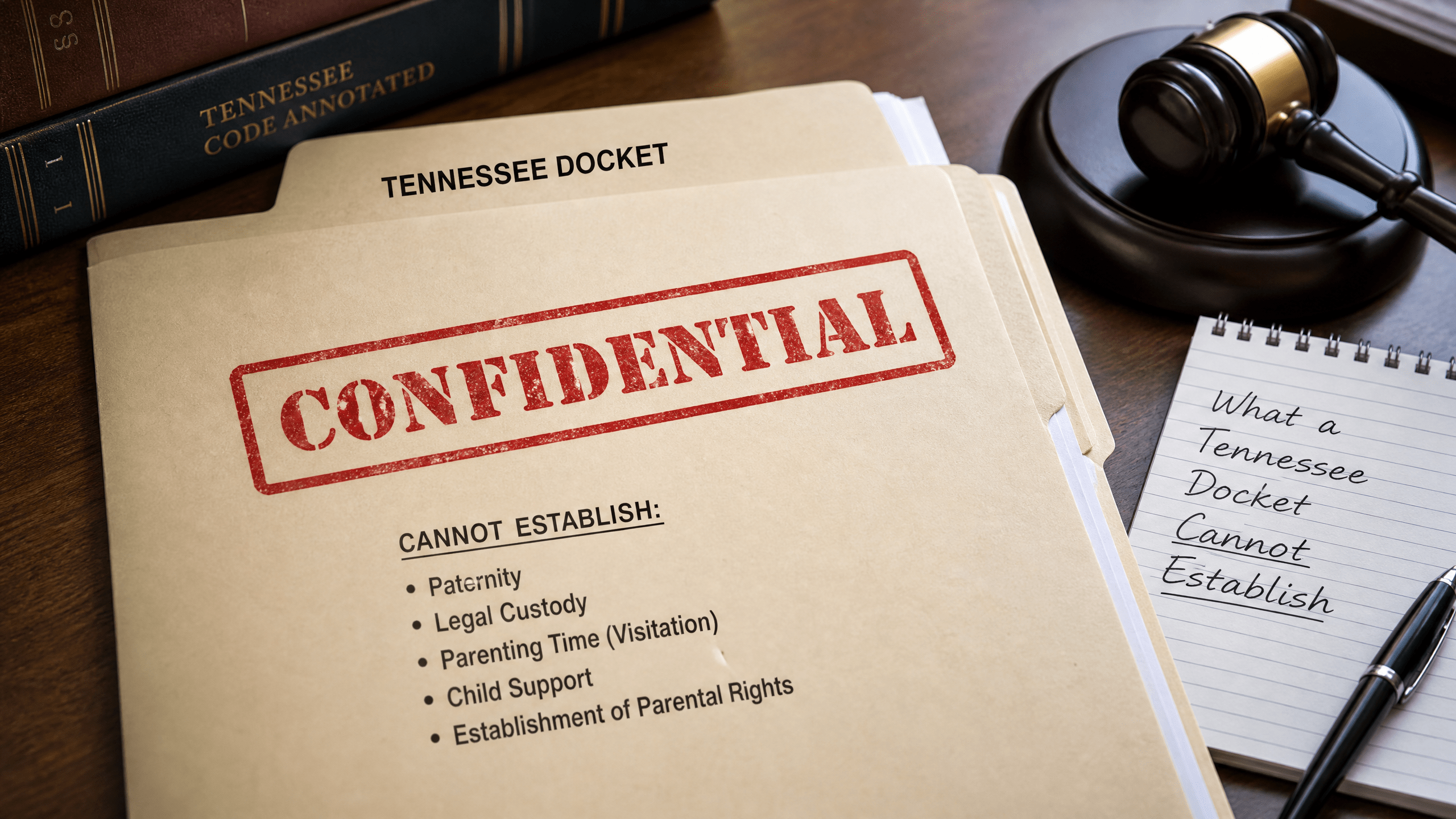
    A folder stamped 'Confidential', illustrating what a Tennessee docket cannot establish.

    Because a docket is a summary tool, there are strict limits on what you can conclude from it:

    • Truth of allegations: a docket shows that a pleading was filed; it does not prove the facts alleged.
    • Complete reasoning: brief labels for rulings rarely include the court’s analysis. Appellate opinions are where legal reasoning is published for statewide reference, accessible through the judiciary’s public portal Tennessee Courts appellate resources portal for opinions.
    • Confidential matters: categories protected by statute or court order do not appear on public dockets or may be redacted, consistent with statewide exceptions to public access documented in the state’s reference tool Tennessee Public Records Exception Database for restricted access.
    • Off-record events: conferences, settlement discussions, and clerk’s desk communications may not be reflected unless a filing or order memorializes them.
    • Real-time status: a docket can lag. Clerks update entries, but delays occur between a hearing, the signing of an order, and the entry of that order on the docket.

    Finding official appellate materials and case context

    When a case reaches the appellate courts, the most authoritative sources for what the court decided are the opinions and orders the judiciary publishes. Tennessee centralizes public appellate case resources to help the public track these materials Tennessee Courts appellate resources portal for opinions. Reading the appellate docket alongside the issued opinion or order provides both the procedural context and the court’s reasoning.

    Practical tips for reading docket entries

    • Start with identifiers: confirm you are on the correct case number and case type before drawing any conclusions.
    • Follow the chronology: read entries in order. Note the difference between the date an event occurred and the date it was entered.
    • Find the controlling document: where a disposition line references an order or judgment, read that document for the full terms.
    • Watch for superseding entries: later orders can modify or vacate earlier ones. The most recent controlling order governs.
    • Separate allegations from rulings: distinguish between a party’s filing (an allegation or argument) and a court order (a decision).
    • Note privacy indicators: redactions, initials, or omitted data often reflect statutory confidentiality or a sealing order under statewide access rules. For context about why certain data is withheld, consult the state’s reference tool Tennessee Public Records Exception Database for restricted access.
    • Recheck the record: because updates can lag, revisit the docket to confirm no later order has changed the status.

    Why the same case can look different across systems

    A person comparing two different documents, illustrating why the same case can look different across systems.

    Not every Tennessee court publishes docket information in the same format or on the same schedule. Some systems provide more detail or link directly to orders; others display minimal lines until documents are scanned and entered. Differences in software, local practice, and the presence of confidential material all affect what the public can see on a given day. The underlying principle remains the same: the docket is the case’s procedural ledger, and access to it operates within the statewide framework of public access and statutory exceptions.

    Limits of this guide

    This guide addresses what Tennessee court dockets commonly show and what they do not, based on general principles of public access. It does not list every possible exception or confidential record type, and it does not detail the specific contents of every court’s docket. Court practices and legal standards change. For official case materials on appeal, consult the judiciary’s public appellate case resources maintained by Tennessee Courts, and review the state’s reference for statutory limits on access in the Public Records Exception Database.

    Sources

    This article provides general information, not legal advice. Court rules, records, and legal consequences depend on the facts, the forum, and current law; consult a qualified lawyer for advice about a specific situation.


    General-information disclaimer: This article is provided for journalism and general information only. It is not legal advice and does not create an attorney-client relationship.


  • Who holds the record? Choosing a Tennessee court-record access route before making a request

    Who holds the record? Choosing a Tennessee court-record access route before making a request

    Before sending a request for Tennessee court records, it helps to pick the right access route. In Tennessee, public access to government-held information operates through two overlapping structures: the Tennessee Public Records Act (TPRA) for governmental records generally, and Tennessee Supreme Court rules for judicial records. Many court offices also publish policies explaining practical steps. Choosing the correct path at the outset can save time and reduce back-and-forth. For the statewide request framework and basics, consult the Tennessee Public Records Act FAQs from the Office of Open Records Counsel. Choosing a Tennessee court records access path early can help readers identify the correct public-records or court-rule route before making a request.

    Why your access route matters

    Short editorial visual: choosing an access path.

    Download the video transcript (TXT).

    Records about court business can fall into different legal baskets. Case-related judicial records (such as filings and dockets) are commonly handled under court rules, while administrative records of courts and clerks—like non-case operational materials—are handled under public-records policies grounded in the TPRA. Each route can involve different request points, procedures, and exemptions. Matching the request to the proper custodian and framework helps avoid delays caused by referrals or clarification requests.

    The two main frameworks that govern access

    Two distinct legal binders, illustrating the two main frameworks that govern access to records.
    Two frameworks: a neutral illustration for overlapping rules.

    Tennessee Public Records Act (TPRA)

    The TPRA provides the general structure for inspecting and obtaining copies of public records held by state and local governmental entities, subject to specific exemptions. The statewide FAQs explain core principles such as identifying the governmental entity that maintains the record and submitting a request that reasonably describes what you seek. For foundational guidance, see the Tennessee Public Records Act FAQs with request basics and procedures.

    Tennessee Supreme Court rules (including access resources)

    Judicial records—often including documents filed in a case, docket materials, and related court-file content—are governed by the Tennessee Supreme Court’s rules. The judiciary’s rules index collects materials about court access. If your target is a court-file document, begin at the Tennessee Supreme Court Rules index with resources about access to court records to locate the applicable rule and any listed exceptions.

    Court office policies

    Many court offices publish public-records policies that describe how to submit requests for records they maintain. For example, the Appellate Court Clerk has a policy addressing administrative records and referencing how court rules affect access to judicial records. Reviewing the relevant office’s policy can clarify where to send a request, what information to include, and how the office handles inspection and copies. See the Appellate Court Clerk public-records policy document describing administrative access.

    First question: who holds the record?

    A person holding a file folder, symbolizing the question of who holds the record.
    Finding the holder: a neutral illustration for locating records.

    Access turns on custody. A request should go to the governmental entity that maintains the record. For a court office’s administrative records, the TPRA route applies, and the office’s public-records policy will guide your submission. For court-file materials, consult the Supreme Court rules and the court’s practices for viewing or obtaining copies. The TPRA framework emphasizes identifying the correct records custodian and describing requested records clearly so a custodian can locate them efficiently.

    Map your request: a step-by-step route

    A person pointing to a map, illustrating the step-by-step route to map a records request.
    Mapping the route: a neutral illustration for request planning.
    1. Define the record. Write down the type of record, a date range, and any known identifiers (for example, a case number for a court-file item). Specificity can reduce clarification exchanges.
    2. Decide if it is a court-file record or an administrative record. Court-file materials generally follow court rules. Administrative materials of a court office are addressed under the TPRA and the office’s policy. For court-file access parameters, check the Tennessee Supreme Court Rules index for access-related guidance and exceptions.
    3. Identify the holder and procedure. If an office’s policy covers the record you want, follow that policy. For appellate offices, the Appellate Court Clerk’s posted policy provides an example of how a Tennessee court office explains its process for administrative records.
    4. Choose inspection or copies. The TPRA framework recognizes inspection of public records and, where permitted, obtaining copies, subject to exemptions. Indicate your preference in the request, and note if electronic copies are acceptable when offered.
    5. Submit and track. Send the request to the office identified by the applicable policy or rule. Keep a copy of your submission and note the date for your records. If you follow up, reference the original request and keep the communication concise.

    Common limits, exemptions, and formats

    A red stop sign, symbolizing common limits and exemptions to records access.
    Limits and exemptions: a neutral illustration for access boundaries.

    Some records are not publicly accessible, and others may be accessible only in part. Exemptions under the TPRA and limits under court rules can restrict or condition access to certain information. Administrative records may contain protected information that is redacted before release, and judicial rules may treat some case materials differently. For public-records principles and exemptions under state law, review the Tennessee Public Records Act FAQs discussing access and exemptions.

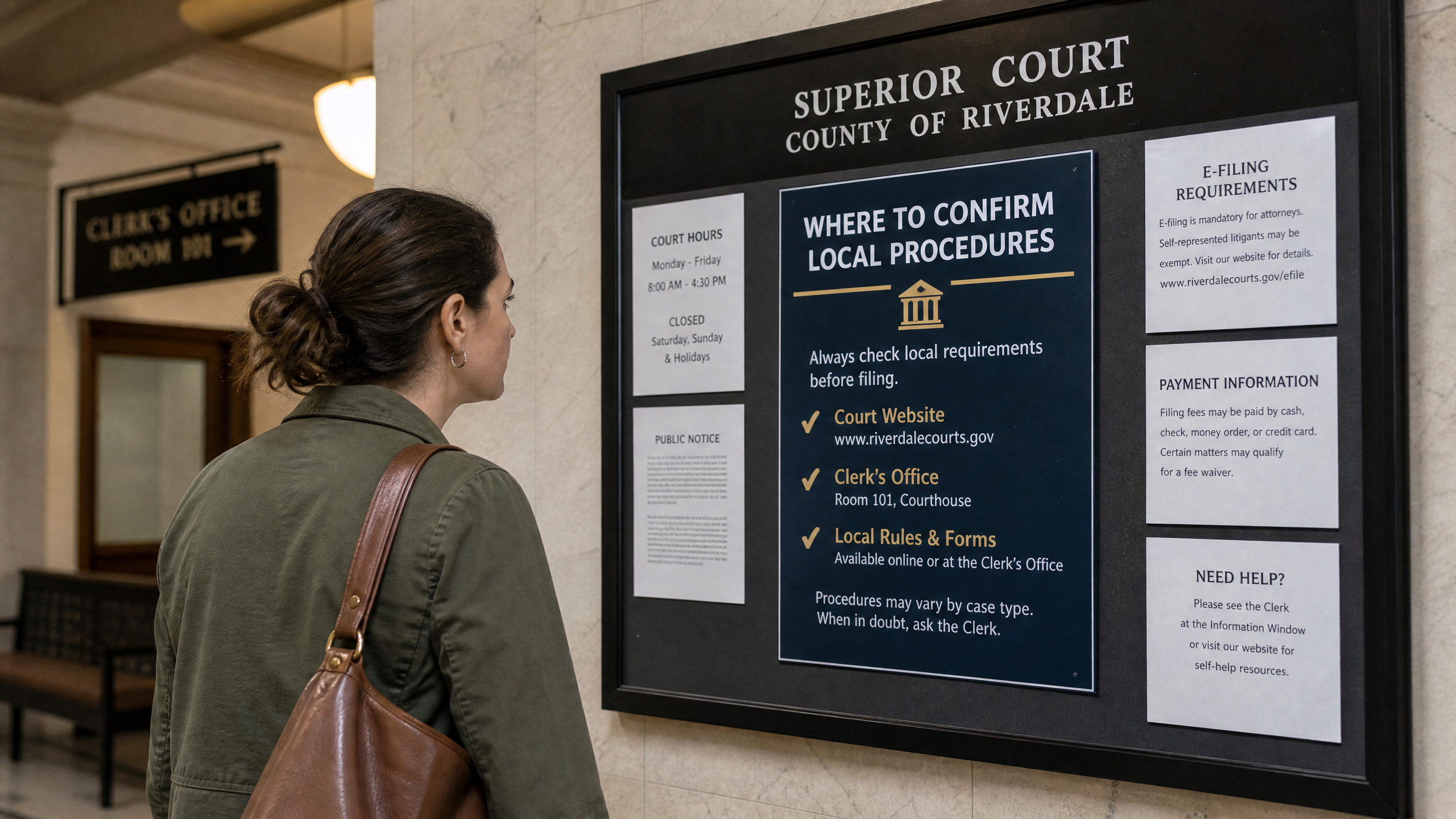
    Where to confirm procedures

    A person reading a courthouse bulletin board, illustrating where to confirm local procedures.
    Confirming procedures: a neutral illustration for local rules.

    Before finalizing a request, check the most current, official sources. For public-records fundamentals and request mechanics for governmental entities, use the state’s TPRA FAQs. For judicial-records access, start at the Supreme Court rules index. For court-office administrative records, consult the relevant office policy published by that office.

    Bottom line

    Tennessee court records access depends first on who holds the record and whether it is a judicial case-file item or an administrative record. From there, match your route to the governing framework: court rules for judicial records, and the TPRA plus the specific office’s policy for administrative records. Clear descriptions, the correct destination, and attention to posted procedures will help your request proceed efficiently.

    Sources

    This article provides general information, not legal advice. Court rules, records, and legal consequences depend on the facts, the forum, and current law; consult a qualified lawyer for advice about a specific situation.


    General-information disclaimer: This article is provided for journalism and general information only. It is not legal advice and does not create an attorney-client relationship.

  • Navigating the Tennessee Civil Docket: A Guide to the Public Case History System

    Navigating the Tennessee Civil Docket: A Guide to the Public Case History System

    Understanding the legal landscape can be a complex endeavor, particularly when attempting to track civil cases within a specific jurisdiction. For those seeking information on appellate court proceedings in Tennessee, the Tennessee Administrative Office of the Courts provides a valuable resource: the Public Case History system. This online database offers a streamlined approach to accessing case information, designed to enhance transparency and provide public access to judicial records.

    Illustration of Tennessee civil docket case records with a public case history folder and magnifying glass.
    An editorial illustration of public case-history research for Tennessee civil docket users.

    What is the Public Case History System?

    A quick overview of the Tennessee Public Case History system, including its coverage dates and search methods.

    The Public Case History system is an online portal managed by the Tennessee Administrative Office of the Courts. It serves as a comprehensive repository for cases heard in the state’s highest appellate courts: the Supreme Court, the Court of Appeals, and the Court of Criminal Appeals. The system is powered by C-Track, the case management system utilized by the Appellate Court Clerk’s Office, ensuring a consistent and organized presentation of judicial data [1].

    Scope and Coverage

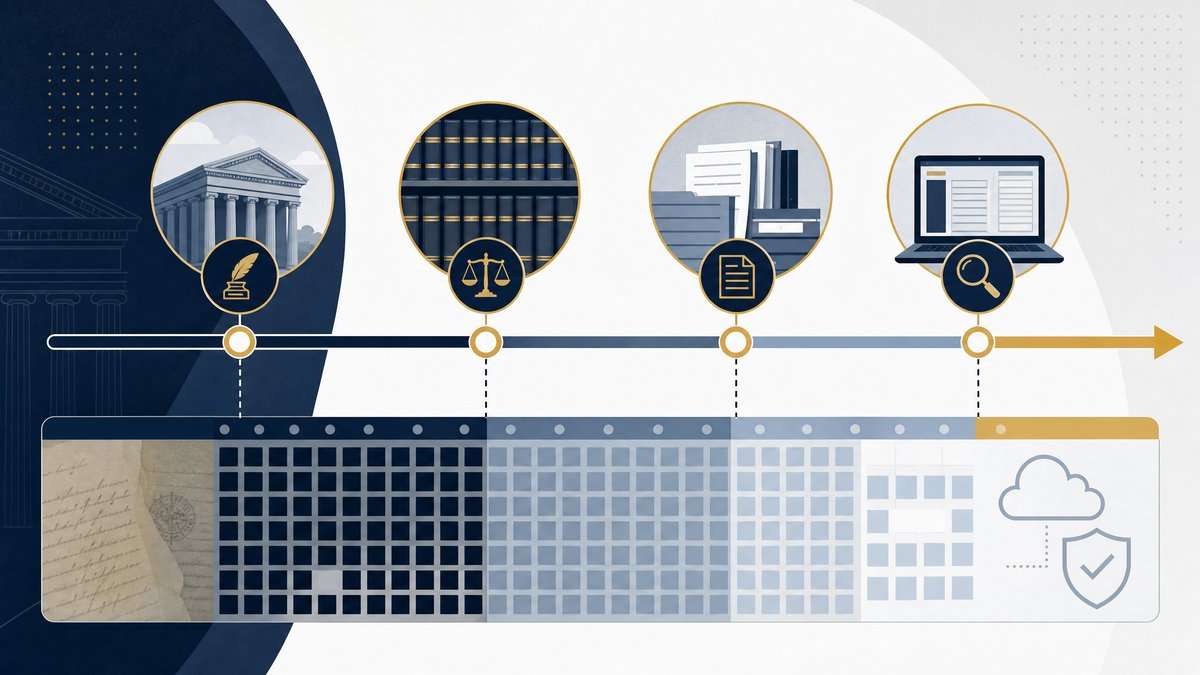
    This system is not exhaustive of all historical cases but focuses on a significant period of appellate activity. It includes appeals where the record was filed after September 1, 2006. Furthermore, it provides direct access to motions, orders, judgments, and opinions filed in the appellate courts after August 26, 2013. While older orders might be accessible if they have been migrated from legacy systems to C-Track, the primary focus is on more recent filings. The data within the Public Case History is updated regularly, reflecting information current as of the end of the prior business day [1]. For the most up-to-the-minute details, direct contact with the Appellate Court Clerk’s Office is recommended.

    Illustration of a timeline representing the Tennessee Public Case History system’s appellate case and document coverage dates.
    The Public Case History system covers appeals and documents from defined periods; confirm the applicable date range before relying on a search.

    How to Search the Database

    The Public Case History system offers several intuitive methods for searching its database, catering to various user needs. Users can retrieve case information using one of four primary criteria:

    • Case Number of the Appeal: This is a precise method for locating a specific case. Users can enter the sequence number found within the appeal’s case number. For example, to find a case like M2012-05656-COA-R3-CV, one would enter “5656,” and the system would return all relevant cases containing that sequence [1].
    • Case Style: For those who know the general name or style of a case, this option allows for a broader search. Entering a name or a portion of the case style, such as “Doe” for “State of Tennessee vs. John Doe,” will yield all cases where “Doe” appears in the case style [1].
    • First or Last Name of a Party: This search method is useful when the name of an individual involved in an appeal is known. The system will return all cases where the entered name is listed as a party [1].
    • Organization Name: Similar to searching by party name, this option allows users to find cases where a specific organization is a party to an appeal [1].
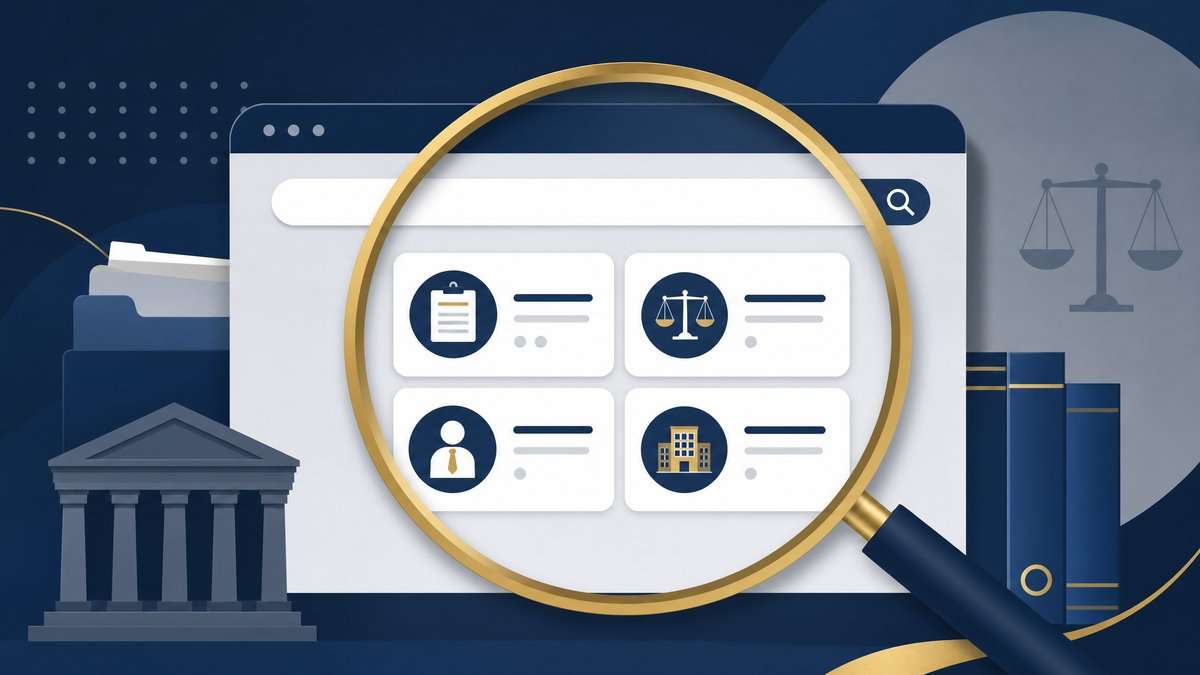
    Illustration of a Tennessee court records search interface with a magnifying glass, courthouse, and legal case categories.
    Use the database’s available identifiers and search fields to locate a specific Tennessee civil case efficiently.

    Accessing Case Documents

    One of the most significant features of the Public Case History system is its ability to provide direct access to filed documents. Users can retrieve motions, orders, judgments, and opinions in PDF format. These documents are linked directly to the specific event within the case history, making it easy to navigate and review relevant filings. This direct access streamlines the research process, eliminating the need to request physical copies or navigate complex archives for recent documents [1].

    Importance for Public Access and Transparency

    The Tennessee Public Case History system plays a crucial role in promoting transparency within the state’s judicial system. By making appellate court records readily available to the public, it empowers citizens, legal professionals, and journalists to monitor judicial proceedings and understand the outcomes of significant cases. This accessibility fosters public trust and ensures accountability within the courts. The system’s user-friendly interface and comprehensive search capabilities make it an invaluable tool for anyone interested in the workings of the Tennessee appellate courts.

    Illustration of a courthouse, balanced scales, and connected case files representing public access to Tennessee civil records.
    Public court records support transparent reporting, but users should understand the database’s scope and limits.

    Limitations and Considerations

    While the Public Case History system is a powerful tool, it is important to be aware of its limitations. As noted, it does not contain records for appeals filed before September 1, 2006, and direct access to documents is primarily for those filed after August 26, 2013. Additionally, the data is updated at the end of the prior business day, meaning that the most current information might require direct contact with the Appellate Court Clerk’s Office. Users should also remember that the information provided is for informational purposes only and does not constitute legal advice. For specific legal guidance, consulting with a qualified legal professional is always recommended.

    Conclusion

    The Tennessee Administrative Office of the Courts’ Public Case History system stands as a testament to the ongoing efforts to enhance public access to judicial information. By offering a robust and accessible platform for tracking appellate cases, it provides an essential resource for understanding the legal processes within the state. Its comprehensive search functions and direct document access make it an indispensable tool for anyone navigating the complexities of the Tennessee civil docket.


    Editorial Note

    This article is intended for informational purposes only and does not constitute legal advice. The information provided is based on publicly available data from the Tennessee Administrative Office of the Courts and should not be used as a substitute for professional legal counsel. Readers should consult with a qualified attorney for advice regarding specific legal issues.

    References

    1. Tennessee Administrative Office of the Courts. (n.d.). Public Case History. Retrieved from https://www.tncourts.gov/courts/supreme-court/public-case-history

    Related reading: Tennessee TPPA and abuse-of-process protections.